Vergleich
Windows 10 vs Windows 11 — Vollständiger Vergleich & Upgrade-Leitfaden
Windows 10 vs Windows 11 — Funktionen, Hardwareanforderungen, Leistung, Support-Zeitplan. Kostenloser Upgrade-Pfad und wann Sie besser bei Windows 10 bleiben.

Windows 10 hat am 14. Oktober 2025 das Ende des Mainstream-Supports erreicht. Sicherheitsupdates werden über Extended Security Updates (ESU) weiterhin bereitgestellt, jedoch nur für zahlende Kunden. Windows 11 ist der unterstützte Weg nach vorn — sofern Ihre Hardware die Anforderungen erfüllt.
Nachfolgend finden Sie einen präzisen Vergleich von Funktionen, Hardwareanforderungen und dem Upgrade-Pfad.
Im direkten Vergleich
| Merkmal | Windows 10 Pro | Windows 11 Pro |
|---|---|---|
| Mainstream-Support | Beendet am 14. Okt. 2025 (ESU verfügbar) | Bis Okt. 2031+ |
| Mindest-RAM | 1 GB (32-Bit) / 2 GB (64-Bit) | 4 GB |
| Mindestspeicher | 16 / 32 GB | 64 GB |
| TPM 2.0 erforderlich | Nein | Ja |
| Secure Boot erforderlich | Nein | Ja |
| CPU-Generation | Die meisten x86-64-CPUs | Intel 8. Gen. / AMD Zen 2 oder neuer |
| Startmenü | Live-Kacheln, linksbündig | Zentriert, App-Anheften + Empfehlungen |
| Snap Layouts | Einfaches Andocken | Snap Layouts + Snap Groups |
| Android-Apps | — | Windows-Subsystem für Android (eingestellt 2025) |
| DirectStorage / Auto HDR | Eingeschränkt | Ja |
| Kostenloser Upgrade aus echter Lizenz | — | Ja (10 Pro → 11 Pro) |
Unsere Empfehlung
Wählen Sie Windows 11 Pro, wenn Ihre Hardware die Anforderungen erfüllt — Sie erhalten einen längeren Support-Zeitraum, eine moderne Benutzeroberfläche, bessere Gaming-Funktionen und kostenlose laufende Upgrades.
Wählen Sie Windows 10 Pro nur, wenn Ihre Hardware TPM 2.0 / Secure Boot nicht unterstützt oder Ihr Software-Anbieter ausdrücklich Windows 10 voraussetzt (Medizin, Industrie, ältere CAD-Software).
Vor der Lizenzwahl
1. Prüfen Sie Edition, Windows- oder macOS-Kompatibilität und Gerätezahl. Ein Windows-Schlüssel installiert kein Office für Mac.
2. Unterscheiden Sie private, gewerbliche und Servernutzung. Virtuelle Maschinen, geteilte Geräte und Fernzugriff können zusätzliche Lizenzen erfordern.
3. Bewahren Sie Rechnung und Bedingungen auf. Prüfen Sie Übertragbarkeit und Supportende: Dauerlizenzen bedeuten keine dauerhaften Sicherheitsupdates.
Aktivierung erlaubt nicht automatisch jede Nutzung. Die Microsoft-Lizenzbedingungen haben Vorrang.
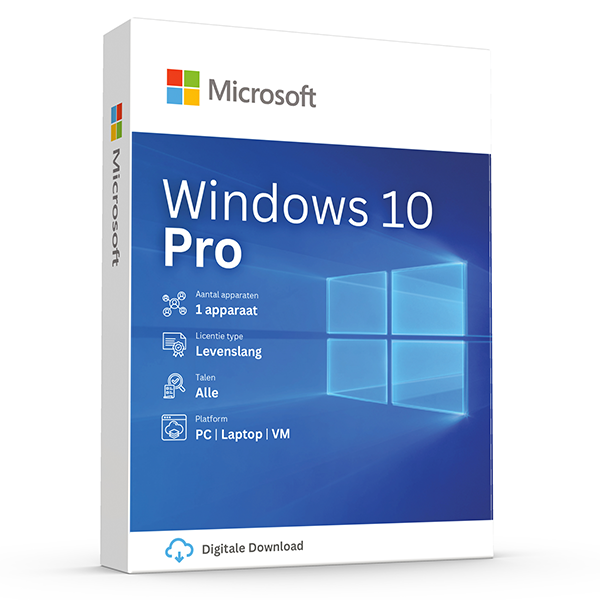
Windows 10 Pro
Retail · 1 PC · Lifetime
Mature, stable platform for legacy hardware.
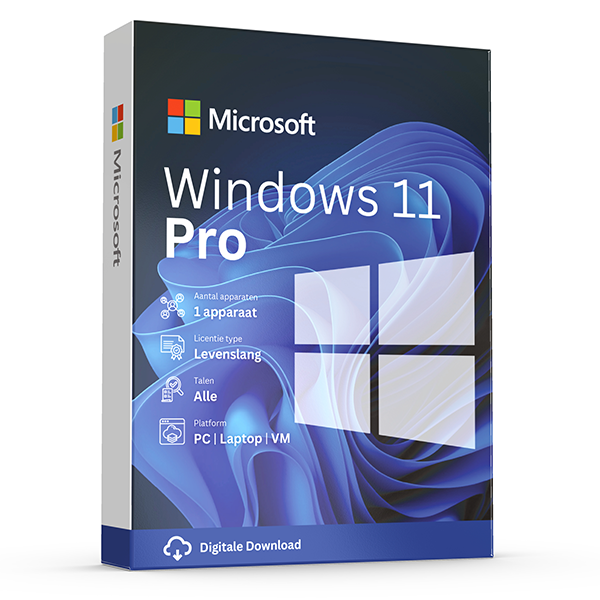
Windows 11 Pro
Retail · 1 PC · Lifetime
Professional edition with BitLocker, Hyper-V and Remote Desktop.
Häufige Fragen
Mein PC wird von Windows 11 nicht unterstützt — was nun?
Bleiben Sie bei Windows 10 (erwägen Sie ESU für Sicherheits-Patches), rüsten Sie die Hardware auf oder verwenden Sie Microsofts offizielles Media-Erstellungstool — jedoch werden von Microsoft keine Funktionsupdates auf nicht unterstützte Hardware geliefert.
Ist das Upgrade von Windows 10 auf Windows 11 wirklich kostenlos?
Ja. Wenn Ihre Windows-10-Lizenz echt ist, bleibt Ihre Aktivierung beim direkten Upgrade über Windows Update erhalten. Ein neuer Produktschlüssel ist nicht erforderlich.
Weitere Vergleiche
- Office 2024 vs Microsoft 365
Honest side-by-side: Office 2024 perpetual vs Microsoft 365 subscription. Price, features, cloud storage, updates, devices and who each suits.
- Office 2021 vs Office 2024
Every difference between Office 2021 and Office 2024 — new Excel functions, PowerPoint Cameo, Outlook overhaul, performance and pricing.
- Windows Server Standard vs Datacenter
Server 2022 Standard vs Datacenter — pricing, virtualization rights, Storage Spaces Direct, Shielded VMs and the 12-VM break-even rule.
- Office 2024 Home & Business vs Pro Plus
Office 2024 Home & Business vs Pro Plus: app lineup, commercial use rights, per-seat pricing and who each edition is built for.
- Microsoft 365 Personal vs Family
Microsoft 365 Personal vs Family: users, OneDrive storage, Copilot eligibility and the cost-per-person math that almost always favors Family.
- Windows 11 Home vs Pro
Windows 11 Home vs Pro: BitLocker, Hyper-V, Remote Desktop host, domain join and Group Policy. When the upgrade pays for itself.
- Visio 2024 vs Visio Plan 2
Visio Professional 2024 vs Visio Plan 2: data linking, Azure stencils, web editor, co-authoring and pricing over 3 years.
- Project 2024 vs Project Plan 3
Project Professional 2024 vs Project Plan 3: Gantt views, resource leveling, Project for the Web, Roadmap, Power BI integration and pricing.
- Office 2024 vs LibreOffice
Office 2024 vs LibreOffice in 2026: file compatibility, Excel features, performance, support and the real cost of going free.
- SQL Server 2022 Standard vs Enterprise
SQL Server 2022 Standard vs Enterprise: the 24-core and 128 GB ceilings, Always On, in-memory OLTP, and what each edition really costs per core.
- Office 2024 for Mac vs Windows
Office 2024 for Mac vs Windows: which apps ship, Outlook parity, Access & Publisher availability, and what's still better on Windows.
- Norton 360 Standard vs Deluxe
Norton 360 Standard vs Deluxe: devices covered, VPN, parental controls, cloud backup and how the price-per-device math works.
- Microsoft 365 Business Standard vs Premium
Microsoft 365 Business Standard vs Premium: Intune, Defender for Business, Entra ID P1, conditional access and the security upgrade case.
- Windows Server 2022 vs 2025
Windows Server 2022 vs 2025: hotpatching, SMB over QUIC, Active Directory updates, Hyper-V improvements, support timeline and licensing.
- Office LTSC 2024 vs Office Pro Plus 2024
Office LTSC 2024 vs Office Pro Plus 2024: licensing channel, feature set, KMS activation, Software Assurance and who each is built for.