Vergleich
Windows 11 Home vs Pro
Windows 11 Home vs Pro: BitLocker, Hyper-V, Remote Desktop-Host, Domänenbeitritt und Gruppenrichtlinien. Wann sich das Upgrade bezahlt macht.
Beide Editionen teilen dasselbe Kern-Betriebssystem, dasselbe Startmenü, dieselben Updates und dieselbe Hardwareunterstützung. Pro fügt Business- und Power-User-Funktionen hinzu — BitLocker, Remote Desktop-Host, Hyper-V, Gruppenrichtlinien und Domänenbeitritt.
Auf dieser Website kostet Pro nur wenige Euro mehr als Home, was die Upgrade-Entscheidung sehr einfach macht, wenn Sie eine der Pro-Funktionen nutzen.
Im direkten Vergleich
| Merkmal | Windows 11 Home | Windows 11 Pro |
|---|---|---|
| Kern-BS & Updates | Identisch | Identisch |
| Maximal unterstützter RAM | 128 GB | 2 TB |
| BitLocker-Laufwerksverschlüsselung | — | ✓ |
| Hyper-V (Virtualisierung) | — | ✓ |
| Remote Desktop-Host (eingehend) | — | ✓ |
| Windows Sandbox | — | ✓ |
| Gruppenrichtlinien-Editor | — | ✓ |
| Domäne / Azure AD-Beitritt | — | ✓ |
| Microsoft-Konto bei Einrichtung erforderlich | Ja | Optional (lokales Konto möglich) |
| Unser Preis | €8,90 | €11,90 |
Unsere Empfehlung
Wählen Sie Pro für jeden Arbeits-PC, jeden PC mit sensiblen Daten (BitLocker), jedes Heimlabor (Hyper-V) oder wenn Sie ein lokales Konto ohne Microsoft-Anmeldung wünschen.
Wählen Sie Home für einen zweiten Heim-PC, auf dem niemand Verschlüsselung oder eingehende Remote-Desktop-Verbindungen benötigt.
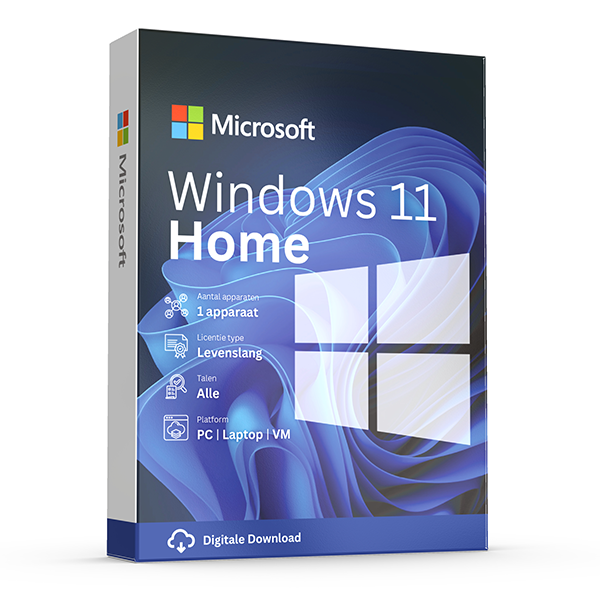
Windows 11 Home
Retail · 1 PC · Lifetime
For everyday personal computing.
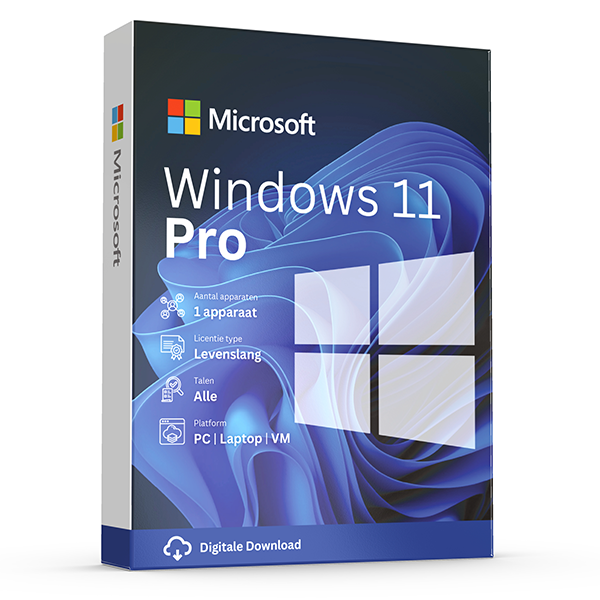
Windows 11 Pro
Retail · 1 PC · Lifetime
Professional edition with BitLocker, Hyper-V and Remote Desktop.
Häufige Fragen
Kann ich später von Home auf Pro upgraden?
Ja. Kaufen Sie einen Pro-Schlüssel und geben Sie ihn über Einstellungen → Aktivierung → Produktschlüssel ändern ein. Das Betriebssystem wird direkt aktualisiert, ohne Neuinstallation.
Erhält Pro Funktionen früher als Home?
Nein. Beide Editionen folgen demselben Wartungskanal und erhalten Funktionsupdates zum gleichen Zeitpunkt.
Weitere Vergleiche
- Office 2024 vs Microsoft 365
Honest side-by-side: Office 2024 perpetual vs Microsoft 365 subscription. Price, features, cloud storage, updates, devices and who each suits.
- Windows 10 vs Windows 11
Windows 10 vs Windows 11 — features, hardware requirements, performance, support timeline. Free upgrade path and when to stay on 10.
- Office 2021 vs Office 2024
Every difference between Office 2021 and Office 2024 — new Excel functions, PowerPoint Cameo, Outlook overhaul, performance and pricing.
- Windows Server Standard vs Datacenter
Server 2022 Standard vs Datacenter — pricing, virtualization rights, Storage Spaces Direct, Shielded VMs and the 12-VM break-even rule.
- Office 2024 Home & Business vs Pro Plus
Office 2024 Home & Business vs Pro Plus: app lineup, commercial use rights, per-seat pricing and who each edition is built for.
- Microsoft 365 Personal vs Family
Microsoft 365 Personal vs Family: users, OneDrive storage, Copilot eligibility and the cost-per-person math that almost always favors Family.
- Visio 2024 vs Visio Plan 2
Visio Professional 2024 vs Visio Plan 2: data linking, Azure stencils, web editor, co-authoring and pricing over 3 years.
- Project 2024 vs Project Plan 3
Project Professional 2024 vs Project Plan 3: Gantt views, resource leveling, Project for the Web, Roadmap, Power BI integration and pricing.
- Office 2024 vs LibreOffice
Office 2024 vs LibreOffice in 2026: file compatibility, Excel features, performance, support and the real cost of going free.
- SQL Server 2022 Standard vs Enterprise
SQL Server 2022 Standard vs Enterprise: the 24-core and 128 GB ceilings, Always On, in-memory OLTP, and what each edition really costs per core.
- Office 2024 for Mac vs Windows
Office 2024 for Mac vs Windows: which apps ship, Outlook parity, Access & Publisher availability, and what's still better on Windows.
- Norton 360 Standard vs Deluxe
Norton 360 Standard vs Deluxe: devices covered, VPN, parental controls, cloud backup and how the price-per-device math works.
- Microsoft 365 Business Standard vs Premium
Microsoft 365 Business Standard vs Premium: Intune, Defender for Business, Entra ID P1, conditional access and the security upgrade case.
- Windows Server 2022 vs 2025
Windows Server 2022 vs 2025: hotpatching, SMB over QUIC, Active Directory updates, Hyper-V improvements, support timeline and licensing.
- Office LTSC 2024 vs Office Pro Plus 2024
Office LTSC 2024 vs Office Pro Plus 2024: licensing channel, feature set, KMS activation, Software Assurance and who each is built for.