Office Home & Business 2021 — Mac
Perpetual · 1 Mac
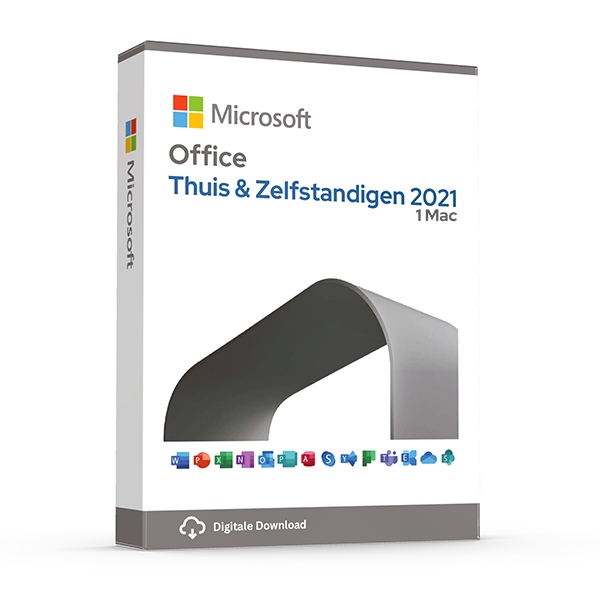
Word, Excel, PowerPoint and Outlook for macOS.
About this license
Perpetual Office license for macOS users running an Intel or Apple silicon Mac. The four essential apps, owned forever.
What's included
- Word — documents, letters, CVs and reports
- Excel — spreadsheets, budgets and pivot tables
- PowerPoint — slide decks and presentations
- Outlook — email, calendar and contacts
System requirements
- macOS 12 Monterey or later (latest three versions supported)
- Apple silicon or Intel processor
- 4 GB RAM
- 10 GB available disk space
- Internet connection for activation
Frequently asked questions
Is this a genuine, legal license?
Yes. Every key we sell is a genuine Microsoft license, verified and registered against Microsoft's activation servers.
How fast will I receive my key?
Digital keys are delivered to your inbox within 30 minutes of payment, 7 days a week. A step-by-step install guide is included.
Is the license lifetime?
Perpetual licenses are valid for life on the device they're activated on. Subscriptions (Microsoft 365, Norton) renew yearly.
Do you offer support?
Yes — our team is reachable by email and live chat for installation help and activation issues until your software is up and running.
One-time payment · No subscription unless noted
View cart- Digital key emailed within 30 minutes
- Lifetime activation guarantee
- Step-by-step install guide included
Overview
Genuine perpetual Office — own it once, use it forever.
Owning a perpetual Microsoft Office license remains one of the smartest long-term productivity investments you can make. Unlike rolling subscriptions that bill you every year, a perpetual key activates the full desktop suite once and stays valid for the lifetime of the device. That single one-time cost is typically recovered within the first six to nine months of use compared to a Microsoft 365 plan, and the apps continue to function — fully offline — long after.
This Office release ships with the complete professional toolset: Word for documents and academic writing, Excel for spreadsheets and financial modelling, PowerPoint for client-ready presentations, Outlook for unified email and calendaring, OneNote for cross-device note capture, plus Access and Publisher on Windows for relational databases and print-ready layouts. Every app installs locally and works without an internet connection once activated.
The license you receive is a genuine Microsoft product key, registered against Microsoft's activation servers and delivered with a direct download link to the official ISO. No grey-market resellers, no rebranded ESD bundles — just the same installer Microsoft serves to its enterprise customers, paired with a clean activation that passes Genuine Microsoft Software validation.
Why customers choose this license
One-time payment
Pay once at checkout. No yearly renewals, no recurring credit-card charges, no price hikes.
Full desktop apps
Word, Excel, PowerPoint, Outlook, OneNote, plus Access and Publisher on Windows — the complete suite, installed locally.
Genuine Microsoft key
Registered against Microsoft's activation servers. Passes Genuine Software validation. Eligible for all official security updates.
Works offline
Once activated, every app runs without an internet connection. Edit on flights, in cafés, on a train — anywhere.
30-minute delivery
Your license key and direct Microsoft download link land in your inbox within half an hour, seven days a week.
Lifetime support
Our team helps with installation, activation, and reactivation after a hardware change — by email or live chat, free for the life of the license.
Price comparison
What you'd pay elsewhere for an equivalent license, in EUR.
Feature highlights
Modern Word
Real-time co-authoring, improved citation tools, accessibility checker, dictation in 30+ languages, and dark mode for long writing sessions.
Excel power
Dynamic arrays, LET and LAMBDA functions, XLOOKUP, Power Query, native Python integration in the latest release, and PivotTable-from-data-model.
PowerPoint polish
Designer-suggested layouts, Morph and Zoom transitions, presenter coach, live captions, and recording with camera feed for asynchronous presentations.
Outlook everywhere
Unified inbox across multiple accounts, Focused inbox triage, calendar overlay, shared mailboxes, and rules engine for automatic sorting.
Office Pro Plus vs Microsoft 365
| Feature | Office Pro Plus (this product) | Microsoft 365 (subscription) |
|---|---|---|
| Payment | One-time | Annual or monthly |
| Word, Excel, PowerPoint, Outlook | ||
| Access & Publisher (Windows) | ||
| Works offline | ||
| OneDrive cloud storage | 5 GB free tier | 1 TB included |
| Future major version upgrades | ||
| Premium security & AI features | ||
| Number of devices | 1 (per license) | Up to 5 simultaneous |
| Typical 3-year cost | €35 once | €300+ |
How activation works
From checkout to a fully activated install in under 30 minutes.
1. Receive your key
Within 30 minutes of payment, your product key and download link arrive by email — even outside business hours.
2. Download the installer
Click the official Microsoft (or Norton) download link in the email. The ISO or installer comes straight from the vendor — never from a third-party mirror.
3. Install the software
Run the installer and follow the on-screen prompts. The full install takes 5–15 minutes depending on your internet speed and disk performance.
4. Activate your license
Paste the product key into the activation dialog when prompted. Activation completes in under a minute and stays valid for the lifetime of the device.
5. Verify and update
Open the app, check the licence status in the account/about dialog, then let it pull the latest cumulative updates from Microsoft. You're done.
Version history
Major releases in this product line, newest first.
Office 2024Latest
October 2024Latest perpetual release. Refreshed UI, improved performance, modern Excel functions, accessibility upgrades, dark mode polish across all apps.
Office 2021
October 2021Dynamic arrays in Excel, XLOOKUP, Sketched line shapes, Visual refresh, OneNote desktop app reintroduced, line focus in Word.
Office 2019
September 2018Inking everywhere, Morph and Zoom in PowerPoint, new chart types in Excel, focus mode in Word, focused inbox in Outlook.
Office 2016
September 2015Real-time co-authoring, Tell Me search, Power Query in Excel, multi-factor auth, modern attachment handling in Outlook.
100% genuine — or your money back
Every Office license is sourced through authorised channels, validated against Microsoft's activation servers before dispatch, and tied to your own Microsoft account when applicable. We do not sell volume MAK keys, KMS server hacks, or any form of activation bypass.
More questions, answered
Does the price stay this low forever?
Promotional pricing varies. The amount you pay at checkout is the only amount you'll ever be charged for this license — perpetual products have no recurring cost. Subscription products (Microsoft 365, Norton) renew at the prevailing rate after one year unless you cancel.
Can I install on a Mac and a PC?
Perpetual Office Pro Plus licenses are Windows-only. For Mac support, choose an Office Home & Business edition or a Microsoft 365 subscription — both include macOS installs. Windows licenses naturally only run on Windows; for Mac, you'd virtualize Windows with Parallels or similar.
What happens if my computer breaks?
Retail licenses are transferable. Sign in to your Microsoft account, deactivate the license on the old device, then activate on the new device using the same key. Our support team helps with the transfer free of charge.
Do you offer invoices for businesses?
Yes — every order is invoiced automatically with VAT details. If you need a custom company name, VAT number, or PO reference on the invoice, reply to the order confirmation and we'll re-issue within one business day.
Related licenses
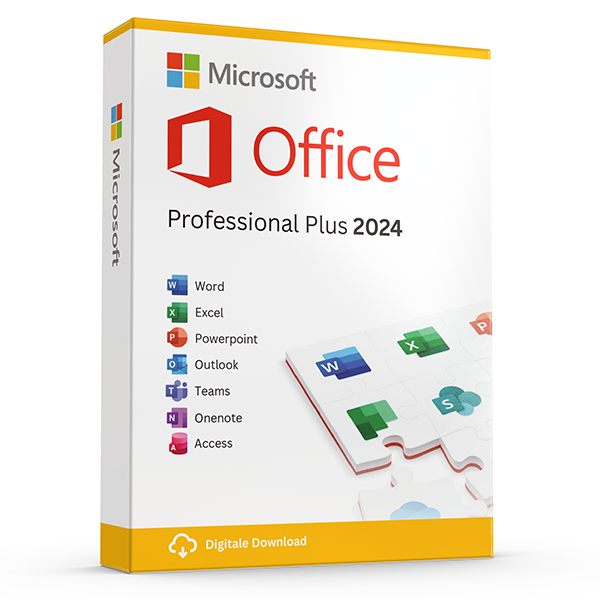
Office Professional Plus 2024 — 1 PC
Perpetual · 1 PC · Windows
The latest perpetual Office suite for one Windows PC.
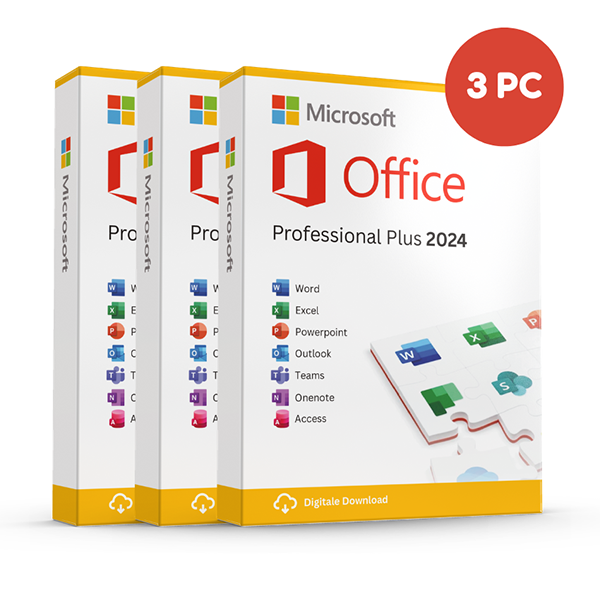
Office Professional Plus 2024 — 3 PCs
Perpetual · 3 PCs · Windows
Install on up to three Windows PCs. Lifetime license.
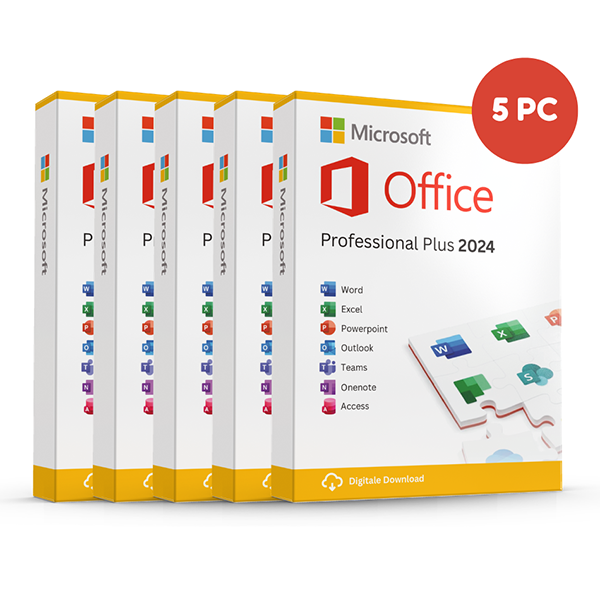
Office Professional Plus 2024 — 5 PCs
Perpetual · 5 PCs · Windows
Five-device pack — best value per PC.