Compare
Microsoft product comparisons
Pick the right edition with confidence. Each comparison ships a feature table, a clear verdict, and an FAQ — written by ex-SAM consultants, not marketing copywriters.
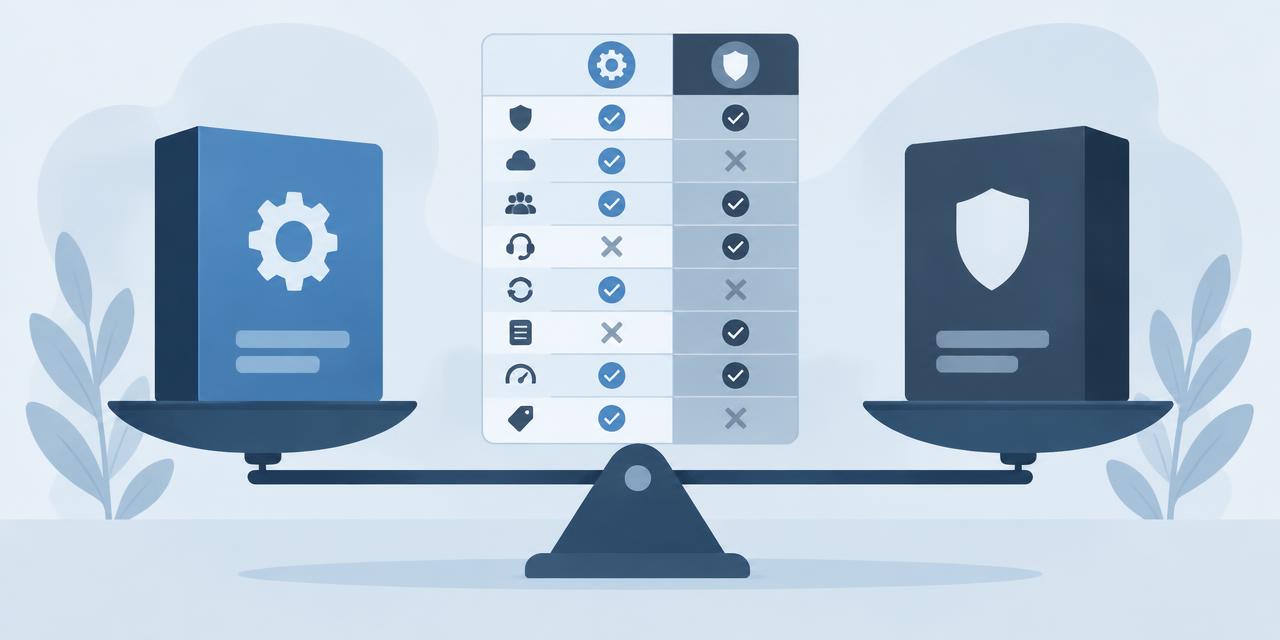
How to choose, in 30 seconds
- One-time vs subscription: perpetual Office (2021/2024) wins on total cost of ownership after ~18 months for a single-PC user. Microsoft 365 wins when you need OneDrive, multiple devices, or always-latest features.
- Home vs Business: Microsoft 365 Family covers 6 people, 5 devices each, but cannot be used for commercial activity. Microsoft 365 Business Standard adds Teams, Exchange and SharePoint and is licensed for commercial use.
- Windows Home vs Pro: Pro adds BitLocker, Remote Desktop host, Hyper-V, Group Policy and domain join. If you tick any one of those, you need Pro.
- Server Standard vs Datacenter: count your VMs per host. Under ~10, Standard is cheaper; above ~12, Datacenter is.
New: build your own comparison
Pick any 2–4 licenses and compare them side-by-side in our interactive matrix — the URL stores your selection so you can share it.
Open the comparison matrix →All comparisons
Office 2024 vs Microsoft 365 — Which Should You Buy in 2026?
Honest side-by-side: Office 2024 perpetual vs Microsoft 365 subscription. Price, features, cloud storage, updates, devices and who each suits.
Office 2024 Pro Plus vs Microsoft 365 Family →Windows 10 vs Windows 11 — Full Comparison & Upgrade Guide
Windows 10 vs Windows 11 — features, hardware requirements, performance, support timeline. Free upgrade path and when to stay on 10.
Windows 10 Pro vs Windows 11 Pro →Office 2021 vs Office 2024 — What's New & Should You Upgrade?
Every difference between Office 2021 and Office 2024 — new Excel functions, PowerPoint Cameo, Outlook overhaul, performance and pricing.
Office 2021 Pro Plus vs Office 2024 Pro Plus →Windows Server Standard vs Datacenter — Which Edition Is Right?
Server 2022 Standard vs Datacenter — pricing, virtualization rights, Storage Spaces Direct, Shielded VMs and the 12-VM break-even rule.
Server 2022 Standard vs Server 2022 Datacenter →Office 2024 Home & Business vs Pro Plus — Which Edition Wins?
Office 2024 Home & Business vs Pro Plus: app lineup, commercial use rights, per-seat pricing and who each edition is built for.
Office 2024 Home & Business vs Office 2024 Pro Plus →Microsoft 365 Personal vs Family — Which Plan Saves Money?
Microsoft 365 Personal vs Family: users, OneDrive storage, Copilot eligibility and the cost-per-person math that almost always favors Family.
Microsoft 365 Personal vs Microsoft 365 Family →Windows 11 Home vs Pro — Worth the Upgrade?
Windows 11 Home vs Pro: BitLocker, Hyper-V, Remote Desktop host, domain join and Group Policy. When the upgrade pays for itself.
Windows 11 Home vs Windows 11 Pro →Visio 2024 vs Visio Plan 2 — Perpetual or Cloud Subscription?
Visio Professional 2024 vs Visio Plan 2: data linking, Azure stencils, web editor, co-authoring and pricing over 3 years.
Visio Professional 2024 vs Visio Plan 2 →Project 2024 vs Project Plan 3 — Desktop vs Cloud PM
Project Professional 2024 vs Project Plan 3: Gantt views, resource leveling, Project for the Web, Roadmap, Power BI integration and pricing.
Project Professional 2024 vs Project Plan 3 →Office 2024 vs LibreOffice — Free vs Paid for Real Work
Office 2024 vs LibreOffice in 2026: file compatibility, Excel features, performance, support and the real cost of going free.
Office 2024 Pro Plus vs LibreOffice 24.8 →SQL Server Standard vs Enterprise — Features & Cost
SQL Server 2022 Standard vs Enterprise: the 24-core and 128 GB ceilings, Always On, in-memory OLTP, and what each edition really costs per core.
SQL Server 2022 Standard vs SQL Server 2022 Enterprise →Office 2024 for Mac vs Windows — Are the Apps Really the Same?
Office 2024 for Mac vs Windows: which apps ship, Outlook parity, Access & Publisher availability, and what's still better on Windows.
Office 2024 — Mac vs Office 2024 — Windows →Norton 360 Standard vs Deluxe — Which Plan Is Worth It?
Norton 360 Standard vs Deluxe: devices covered, VPN, parental controls, cloud backup and how the price-per-device math works.
Norton 360 Standard vs Norton 360 Deluxe →Microsoft 365 Business Standard vs Premium — Security Tier Comparison
Microsoft 365 Business Standard vs Premium: Intune, Defender for Business, Entra ID P1, conditional access and the security upgrade case.
Microsoft 365 Business Standard vs Microsoft 365 Business Premium →Windows Server 2022 vs 2025 — Upgrade Now or Wait?
Windows Server 2022 vs 2025: hotpatching, SMB over QUIC, Active Directory updates, Hyper-V improvements, support timeline and licensing.
Windows Server 2022 vs Windows Server 2025 →Office LTSC 2024 vs Office Pro Plus 2024 — Volume vs Retail
Office LTSC 2024 vs Office Pro Plus 2024: licensing channel, feature set, KMS activation, Software Assurance and who each is built for.
Office LTSC 2024 vs Office Pro Plus 2024 →
Still unsure?
Read the in-depth buying guides or email sales@licensevault.net with your use-case (number of devices, business or home, cloud storage needs) and we'll reply with a one-paragraph recommendation — usually within an hour, free of charge, no sales pitch.
Frequently asked
- Office 2024 or Microsoft 365 — which should I buy?
- If you use Office on one or two PCs and don't need cloud storage, Office 2024 is the better deal — pay once, use forever. If you need 1 TB of OneDrive per user, monthly feature updates, or coverage for 5+ devices, Microsoft 365 wins.
- Windows 10 or Windows 11?
- Windows 11 if your hardware supports it (TPM 2.0, supported CPU). Mainstream support for Windows 10 ends 14 October 2025, so for any new purchase Windows 11 is the right answer.
- Server Standard or Datacenter?
- Standard if you run 1–2 virtual instances per host. Datacenter is only worth it from roughly 12 VMs per host upwards (the math: Datacenter costs ~7× Standard but allows unlimited Windows Server VMs).
- Office 2021 or Office 2024?
- Office 2024 if you want the newest features and the longest support window (mainstream until 2029). Office 2021 if you want the lowest possible perpetual price and don't need the new Outlook, accessibility ribbon or modernised Excel features.
How to read a licensing comparison without getting sold to
Most comparison pages online are affiliate funnels: they declare a winner in the first paragraph and then justify it. A licensing decision does not work that way. Office 2024 and Microsoft 365 are both correct answers depending on how many devices you own and whether you value cloud storage; Windows Server Standard beats Datacenter until roughly the twelfth virtual machine on a host, then loses badly.
Every comparison here is structured the same way: a feature table with no omissions, the total cost over a realistic ownership period, the specific scenario where each side wins, and an explicit statement of when the cheaper option is genuinely the wrong one. Where the difference is marginal we say so rather than manufacturing a verdict.
- 4-year
- ownership window used in every cost comparison
- Both
- sides get a 'choose this if' scenario
- 0
- affiliate links or sponsored placements
- Matrix
- cross-product view for side-by-side filtering
The four decisions most buyers face
These are the comparisons people actually search for. The short verdict is here; each comparison page works through the numbers behind it.
| Decision | Choose the first if | Choose the second if |
|---|---|---|
| Office 2024 vs Microsoft 365 | You use 1–2 PCs, want to pay once and keep the software indefinitely | You need 1 TB OneDrive per person, 5+ devices, or continuous feature updates |
| Windows 10 vs Windows 11 | Your hardware fails the TPM 2.0 / CPU requirement and cannot be replaced yet | You are buying anything new — Windows 10 mainstream support ended October 2025 |
| Office 2021 vs Office 2024 | Lowest perpetual price matters more than features | You want the new Outlook, updated Excel functions and support until 2029 |
| Server Standard vs Datacenter | You run 1–2 Windows VMs per host | You run roughly 12+ VMs per host, or need Storage Spaces Direct and software-defined networking |
| Perpetual vs subscription generally | The software must keep running with no ongoing spend | You need the newest version continuously and per-user mobility across devices |
Before you commit to either side
- Count devices per person, not devices in total — that single number decides most Office comparisons.
- Project cost over four years, the realistic life of a perpetual Office licence, rather than comparing month one.
- Check the support end date of the perpetual version you are considering; a cheap 2019 licence with two years left is not cheap.
- For servers, count physical cores per host and add CALs before comparing anything.
- Verify the feature you are paying extra for is actually one you use — cloud storage is the single most over-bought line item.
- Confirm the licence channel is transferable if you expect to change hardware within the ownership window.
Comparison FAQ
- Office 2024 or Microsoft 365 — which should I buy?
- If you use Office on one or two PCs and do not need cloud storage, Office 2024 is the better deal: pay once, use indefinitely. If you need 1 TB of OneDrive per user, monthly feature updates, or coverage for five or more devices, Microsoft 365 wins on both price and capability.
- Windows 10 or Windows 11?
- Windows 11 if your hardware supports it, meaning TPM 2.0 and a supported CPU. Mainstream support for Windows 10 ended on 14 October 2025, so for any new purchase Windows 11 is the correct answer.
- Server Standard or Datacenter?
- Standard if you run one or two virtual instances per host. Datacenter only pays off from roughly twelve VMs per host upwards: it costs around seven times Standard but allows unlimited Windows Server virtual machines on the licensed cores.
- Office 2021 or Office 2024?
- Office 2024 for the newest features and the longest support window, mainstream until 2029. Office 2021 if you want the lowest perpetual price and do not need the new Outlook, the accessibility ribbon or the modernised Excel functions.
- Is a subscription always more expensive over time?
- No. For a single user on one device a perpetual licence is cheaper after roughly two to three years. For a household or a team where one subscription covers several people and devices, the subscription is usually cheaper from day one.
- Do you get paid to recommend one side?
- No. There are no affiliate links or sponsored placements in any comparison. We sell licences for products on both sides of most of these comparisons, so the incentive is to get the recommendation right rather than to steer you.