Comparison
Windows 10 vs Windows 11
Windows 10 vs Windows 11 — features, hardware requirements, performance, support timeline. Free upgrade path and when to stay on 10.

Windows 10 reached end of mainstream support on October 14, 2025. Security updates continue under Extended Security Updates (ESU) but only for paying customers. Windows 11 is the supported path forward — if your hardware qualifies.
Here's a precise comparison of features, hardware requirements, and the upgrade path.
How do Windows 10 Pro and Windows 11 Pro compare side by side?
| Feature | Windows 10 Pro | Windows 11 Pro |
|---|---|---|
| Mainstream support | Ended Oct 14, 2025 (ESU available) | Through Oct 2031+ |
| Minimum RAM | 1 GB (32-bit) / 2 GB (64-bit) | 4 GB |
| Minimum storage | 16 / 32 GB | 64 GB |
| TPM 2.0 required | No | Yes |
| Secure Boot required | No | Yes |
| CPU generation | Most x86-64 CPUs | 8th-gen Intel / Zen 2 AMD or newer |
| Start menu | Live tiles, left-aligned | Centered, app pinning + recommended |
| Snap Layouts | Basic snap | Snap Layouts + Snap Groups |
| Android apps | — | Subsystem for Android (discontinued 2025) |
| DirectStorage / Auto HDR | Limited | Yes |
| Free upgrade from genuine license | — | Yes (10 Pro → 11 Pro) |
Which one should you buy?
Buy Windows 11 Pro if your hardware meets the requirements — you get longer support, modern UI, better gaming features, and free continued upgrades.
Buy Windows 10 Pro only when your hardware can't meet TPM 2.0 / Secure Boot or your software vendor explicitly requires Windows 10 (medical, industrial, legacy CAD).
Before choosing a licence
1. Check the exact edition, Windows or macOS compatibility and number of devices covered. A Windows-only key does not install Office for Mac.
2. Distinguish personal, commercial and server use. Virtual machines, shared devices and remote access can require additional licences.
3. Keep the invoice and licence terms. Check transfer rights and support dates: a perpetual licence does not mean perpetual security updates.
Successful activation alone does not prove permission for every use. The applicable Microsoft licence terms take precedence.
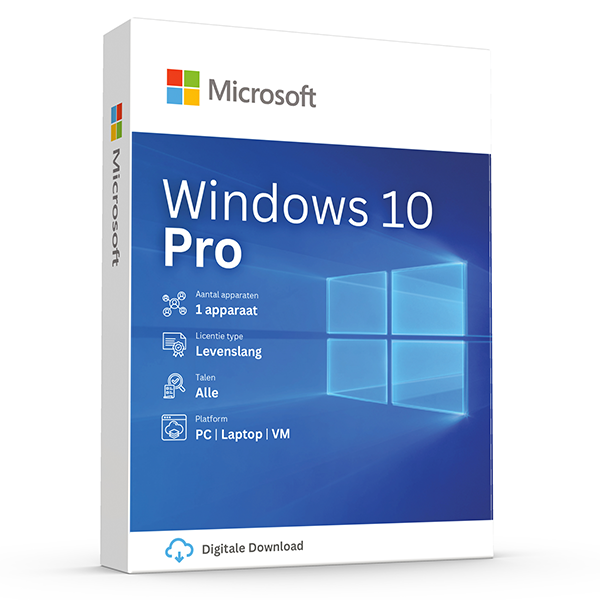
Windows 10 Pro
Retail · 1 PC · Lifetime
Mature, stable platform for legacy hardware.
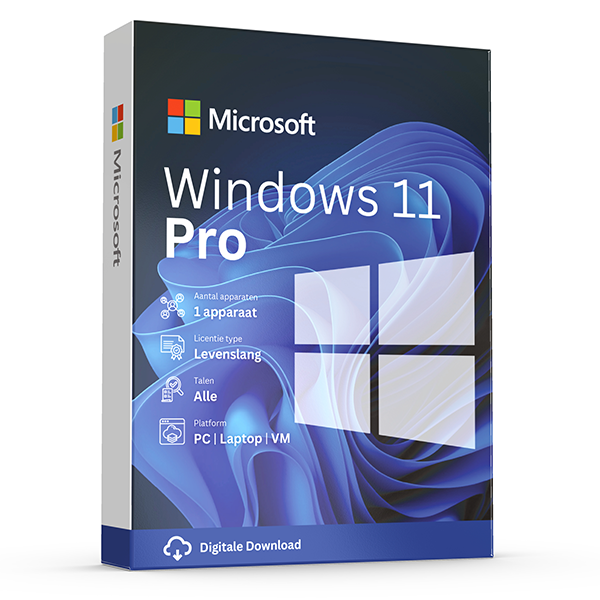
Windows 11 Pro
Retail · 1 PC · Lifetime
Professional edition with BitLocker, Hyper-V and Remote Desktop.
Frequently asked questions
My PC isn't supported by Windows 11 — what now?
Stay on Windows 10 (consider ESU for security patches), upgrade hardware, or use Microsoft's official media tool — but Microsoft will not ship feature updates to unsupported hardware.
Is the Win 10 → Win 11 upgrade really free?
Yes. If your Windows 10 license is genuine, the in-place upgrade via Windows Update keeps your activation. No new key needed.
Other comparisons
- Office 2024 vs Microsoft 365
Honest side-by-side: Office 2024 perpetual vs Microsoft 365 subscription. Price, features, cloud storage, updates, devices and who each suits.
- Office 2021 vs Office 2024
Every difference between Office 2021 and Office 2024 — new Excel functions, PowerPoint Cameo, Outlook overhaul, performance and pricing.
- Windows Server Standard vs Datacenter
Server 2022 Standard vs Datacenter — pricing, virtualization rights, Storage Spaces Direct, Shielded VMs and the 12-VM break-even rule.
- Office 2024 Home & Business vs Pro Plus
Office 2024 Home & Business vs Pro Plus: app lineup, commercial use rights, per-seat pricing and who each edition is built for.
- Microsoft 365 Personal vs Family
Microsoft 365 Personal vs Family: users, OneDrive storage, Copilot eligibility and the cost-per-person math that almost always favors Family.
- Windows 11 Home vs Pro
Windows 11 Home vs Pro: BitLocker, Hyper-V, Remote Desktop host, domain join and Group Policy. When the upgrade pays for itself.
- Visio 2024 vs Visio Plan 2
Visio Professional 2024 vs Visio Plan 2: data linking, Azure stencils, web editor, co-authoring and pricing over 3 years.
- Project 2024 vs Project Plan 3
Project Professional 2024 vs Project Plan 3: Gantt views, resource leveling, Project for the Web, Roadmap, Power BI integration and pricing.
- Office 2024 vs LibreOffice
Office 2024 vs LibreOffice in 2026: file compatibility, Excel features, performance, support and the real cost of going free.
- SQL Server 2022 Standard vs Enterprise
SQL Server 2022 Standard vs Enterprise: the 24-core and 128 GB ceilings, Always On, in-memory OLTP, and what each edition really costs per core.
- Office 2024 for Mac vs Windows
Office 2024 for Mac vs Windows: which apps ship, Outlook parity, Access & Publisher availability, and what's still better on Windows.
- Norton 360 Standard vs Deluxe
Norton 360 Standard vs Deluxe: devices covered, VPN, parental controls, cloud backup and how the price-per-device math works.
- Microsoft 365 Business Standard vs Premium
Microsoft 365 Business Standard vs Premium: Intune, Defender for Business, Entra ID P1, conditional access and the security upgrade case.
- Windows Server 2022 vs 2025
Windows Server 2022 vs 2025: hotpatching, SMB over QUIC, Active Directory updates, Hyper-V improvements, support timeline and licensing.
- Office LTSC 2024 vs Office Pro Plus 2024
Office LTSC 2024 vs Office Pro Plus 2024: licensing channel, feature set, KMS activation, Software Assurance and who each is built for.