Comparison
Office 2024 vs Microsoft 365
Honest side-by-side: Office 2024 perpetual vs Microsoft 365 subscription. Price, features, cloud storage, updates, devices and who each suits.
Microsoft sells Office two ways: a one-time perpetual purchase (Office 2024) or a yearly subscription (Microsoft 365). The apps look almost identical at first glance, but the licensing, cloud features, and long-term cost are very different.
Below is the full feature-by-feature comparison, followed by a recommendation by use case. Both products on this page are in stock with digital delivery in under 30 minutes.
How do Office 2024 Pro Plus and Microsoft 365 Family compare side by side?
| Feature | Office 2024 Pro Plus | Microsoft 365 Family |
|---|---|---|
| Payment model | One-time purchase | Annual subscription |
| License term | Lifetime — own it forever | 12 months, renewable |
| Apps included | Word, Excel, PowerPoint, Outlook, OneNote, Access, Publisher | Word, Excel, PowerPoint, Outlook, OneNote |
| OneDrive cloud storage | 5 GB free (consumer) | 1 TB per user (up to 6 TB total) |
| Users / devices | 1 PC per license | Up to 6 users × 5 devices each |
| Feature updates | Security only — feature set frozen | Continuous new features |
| AI / Copilot | Not included | Available as add-on |
| Skype minutes / Teams premium | — | 60 min/mo Skype calling, Teams premium features |
| Mac support | Separate Mac edition required | Included |
| Mobile apps editing | View only on small devices | Full editing on phone & tablet |
| Long-term cost (5 years, family of 4) | ~€35 × 4 = €140 (one-time) | ~€109 × 5 = €545 |
Which one should you buy?
Buy Office 2024 perpetual if you mostly work offline, don't need 1 TB cloud storage, and want to pay once and forget it. The economics are unbeatable for power users on a single PC.
Buy Microsoft 365 if you have a family of 3+ people, need OneDrive cloud sync, work across multiple devices and platforms (Mac, iPad, phone), or want continuous feature updates and the option to add Copilot.
Pro tip: many freelancers buy Office 2024 Pro Plus for the workhorse desktop, then add a single Microsoft 365 Personal subscription purely for the 1 TB OneDrive.
Before choosing a licence
1. Check the exact edition, Windows or macOS compatibility and number of devices covered. A Windows-only key does not install Office for Mac.
2. Distinguish personal, commercial and server use. Virtual machines, shared devices and remote access can require additional licences.
3. Keep the invoice and licence terms. Check transfer rights and support dates: a perpetual licence does not mean perpetual security updates.
Successful activation alone does not prove permission for every use. The applicable Microsoft licence terms take precedence.
One-time purchase vs annual renewal
1 years
3 years
5 years
Illustrative totals in EUR using current catalogue prices and unchanged renewals. Apps, device rights and cloud services differ. Future upgrades, price changes and costs after support ends are excluded.
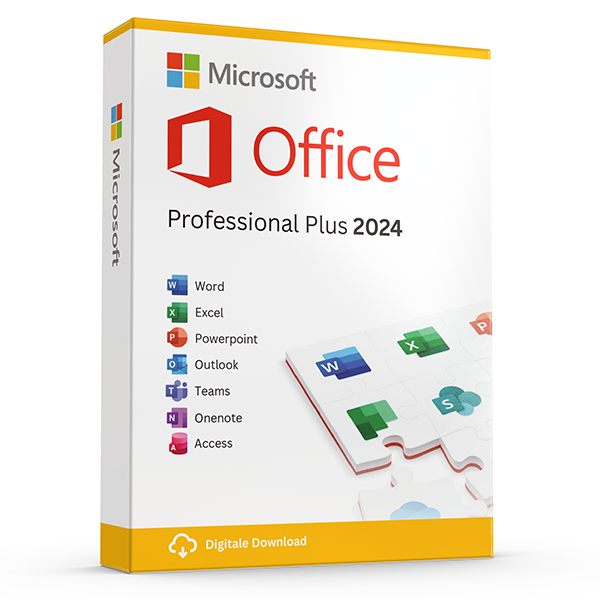
Office Professional Plus 2024 — 1 PC
Perpetual · 1 PC · Windows
The latest perpetual Office suite for one Windows PC.
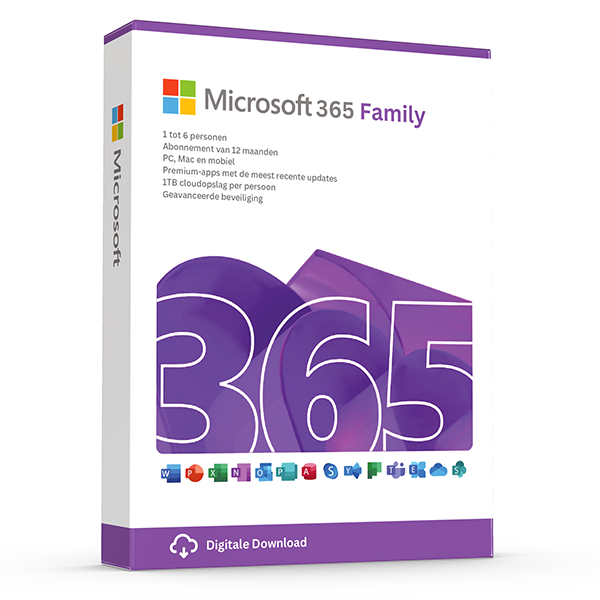
Microsoft 365 Family — 6 users · 30 devices
6 users · 1 year · 30 devices
Premium Office for up to 6 people with 1 TB OneDrive each.
Frequently asked questions
Will Office 2024 stop working when the next version ships?
No. Perpetual licenses are valid for life on the device. Microsoft will keep shipping security updates throughout the standard 5-year mainstream + 5-year extended support window.
Can I switch from M365 to perpetual later?
Yes. Your files stay yours (OneDrive download or local copy), and Office 2024 opens every M365 file format.
Other comparisons
- Windows 10 vs Windows 11
Windows 10 vs Windows 11 — features, hardware requirements, performance, support timeline. Free upgrade path and when to stay on 10.
- Office 2021 vs Office 2024
Every difference between Office 2021 and Office 2024 — new Excel functions, PowerPoint Cameo, Outlook overhaul, performance and pricing.
- Windows Server Standard vs Datacenter
Server 2022 Standard vs Datacenter — pricing, virtualization rights, Storage Spaces Direct, Shielded VMs and the 12-VM break-even rule.
- Office 2024 Home & Business vs Pro Plus
Office 2024 Home & Business vs Pro Plus: app lineup, commercial use rights, per-seat pricing and who each edition is built for.
- Microsoft 365 Personal vs Family
Microsoft 365 Personal vs Family: users, OneDrive storage, Copilot eligibility and the cost-per-person math that almost always favors Family.
- Windows 11 Home vs Pro
Windows 11 Home vs Pro: BitLocker, Hyper-V, Remote Desktop host, domain join and Group Policy. When the upgrade pays for itself.
- Visio 2024 vs Visio Plan 2
Visio Professional 2024 vs Visio Plan 2: data linking, Azure stencils, web editor, co-authoring and pricing over 3 years.
- Project 2024 vs Project Plan 3
Project Professional 2024 vs Project Plan 3: Gantt views, resource leveling, Project for the Web, Roadmap, Power BI integration and pricing.
- Office 2024 vs LibreOffice
Office 2024 vs LibreOffice in 2026: file compatibility, Excel features, performance, support and the real cost of going free.
- SQL Server 2022 Standard vs Enterprise
SQL Server 2022 Standard vs Enterprise: the 24-core and 128 GB ceilings, Always On, in-memory OLTP, and what each edition really costs per core.
- Office 2024 for Mac vs Windows
Office 2024 for Mac vs Windows: which apps ship, Outlook parity, Access & Publisher availability, and what's still better on Windows.
- Norton 360 Standard vs Deluxe
Norton 360 Standard vs Deluxe: devices covered, VPN, parental controls, cloud backup and how the price-per-device math works.
- Microsoft 365 Business Standard vs Premium
Microsoft 365 Business Standard vs Premium: Intune, Defender for Business, Entra ID P1, conditional access and the security upgrade case.
- Windows Server 2022 vs 2025
Windows Server 2022 vs 2025: hotpatching, SMB over QUIC, Active Directory updates, Hyper-V improvements, support timeline and licensing.
- Office LTSC 2024 vs Office Pro Plus 2024
Office LTSC 2024 vs Office Pro Plus 2024: licensing channel, feature set, KMS activation, Software Assurance and who each is built for.