Project Professional 2024
Perpetual · 1 PC · Windows
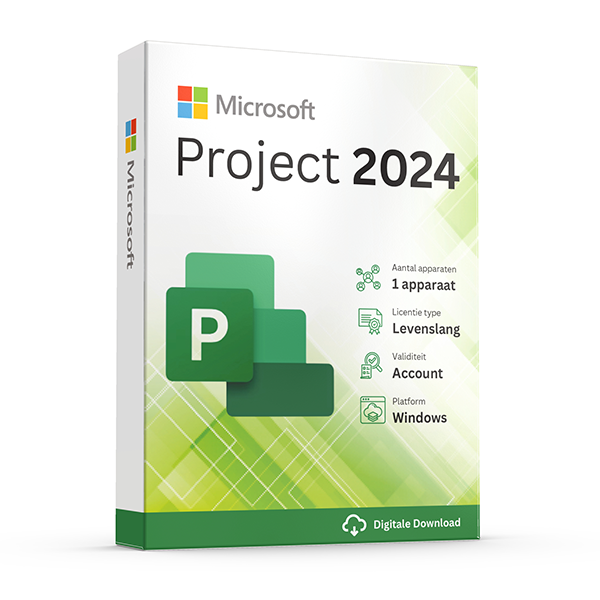
Microsoft's professional project management app.
About this license
Plan projects, track tasks and manage resources with the latest Microsoft Project Professional 2024. Perpetual license for one PC.
Project Professional 2024 gives project managers Gantt charts, resource allocation, baselines and timeline reporting in a single desktop app.
Co-author projects in real time, sync with Project Online / Project Server, and produce executive-ready Power BI reports straight from your project data.
System requirements
- Windows 10 or Windows 11 (64-bit recommended)
- 1.6 GHz dual-core processor or faster
- 4 GB RAM (2 GB for 32-bit)
- 4 GB available disk space
- Internet connection for activation
Frequently asked questions
Is this a genuine, legal license?
Yes. Every key we sell is a genuine Microsoft license, verified and registered against Microsoft's activation servers.
How fast will I receive my key?
Digital keys are delivered to your inbox within 30 minutes of payment, 7 days a week. A step-by-step install guide is included.
Is the license lifetime?
Perpetual licenses are valid for life on the device they're activated on. Subscriptions (Microsoft 365, Norton) renew yearly.
Do you offer support?
Yes — our team is reachable by email and live chat for installation help and activation issues until your software is up and running.
One-time payment · No subscription unless noted
View cart- Digital key emailed within 30 minutes
- Lifetime activation guarantee
- Step-by-step install guide included
Overview
Plan, schedule, and report on complex projects like a pro.
Microsoft Project is the desktop application of choice for professional project managers across construction, IT, consulting, manufacturing, and engineering. It turns sprawling work breakdowns into clear Gantt charts, balances team capacity through resource leveling, tracks every task against baselines, and produces reports that executives actually read.
Project Professional includes everything in the Standard edition plus the heavyweight features serious PMs rely on: master projects that roll up multiple sub-projects, the Team Planner for drag-and-drop resource scheduling, what-if analysis, baseline comparisons, and synchronization with Project Server or Project Online for organisations running enterprise portfolio management.
The perpetual license you're buying here is the same SKU Microsoft sells to enterprise clients — typically at a list price several times higher. By cutting out the channel and selling the digital key directly, we deliver the identical software for a fraction of the cost, with a one-time payment that grants you a lifetime license tied to your account.
Why customers choose this license
Gantt charts done right
Drag tasks, link dependencies, and watch the schedule recalculate automatically across every downstream activity.
Resource management
Assign people to tasks, watch for over-allocations, and level workloads with one click.
Baselines and tracking
Snapshot your plan, then compare actuals against baseline to spot slippage before it becomes a crisis.
Reports your boss reads
Built-in dashboards, custom report templates, and one-click export to PDF, PowerPoint, or Power BI.
Master projects
Roll up multiple sub-projects into a single view for portfolio-level oversight.
Real-time collaboration
Co-author the project file with teammates so everyone's looking at the same schedule, same minute.
Price comparison
What you'd pay elsewhere for an equivalent license, in EUR.
Feature highlights
Built-in reports
Burndown, resource overview, cost overview, work overview — every standard PM report is there out of the box, fully editable.
Custom fields
Add custom text, number, date, and formula fields to tasks and resources for the exact data model your organisation uses.
Power BI integration
Connect Project plans directly to Power BI and slice the data with your existing corporate dashboards.
Timeline view
Build executive-ready timeline graphics in seconds — copy/paste straight into PowerPoint for board reviews.
Project Standard vs Project Professional
| Feature | Standard | Professional (this product) |
|---|---|---|
| Gantt charts | ||
| Resource leveling | ||
| Team Planner view | ||
| Master projects | ||
| Inactive tasks (what-if) | ||
| SharePoint sync | ||
| Project Server sync | ||
| Co-authoring |
How activation works
From checkout to a fully activated install in under 30 minutes.
1. Receive your key
Within 30 minutes of payment, your product key and download link arrive by email — even outside business hours.
2. Download the installer
Click the official Microsoft (or Norton) download link in the email. The ISO or installer comes straight from the vendor — never from a third-party mirror.
3. Install the software
Run the installer and follow the on-screen prompts. The full install takes 5–15 minutes depending on your internet speed and disk performance.
4. Activate your license
Paste the product key into the activation dialog when prompted. Activation completes in under a minute and stays valid for the lifetime of the device.
5. Verify and update
Open the app, check the licence status in the account/about dialog, then let it pull the latest cumulative updates from Microsoft. You're done.
Version history
Major releases in this product line, newest first.
Project 2024Latest
October 2024New scheduling engine improvements, refreshed Gantt visuals, deeper Microsoft Planner connectivity, accessibility upgrades.
Project 2021
October 2021Modernized look, improved Team Planner, sprint planning view, Project for the web alignment.
Project 2019
September 2018Linked tasks visualization, task summary names, timeline bar labels, multiple timelines.
100% genuine — or your money back
Every Project license is a genuine Microsoft retail key from the same channel that supplies enterprise customers. Activates online, ties to your Microsoft account, and remains valid for the lifetime of the device.
More questions, answered
Does the price stay this low forever?
Promotional pricing varies. The amount you pay at checkout is the only amount you'll ever be charged for this license — perpetual products have no recurring cost. Subscription products (Microsoft 365, Norton) renew at the prevailing rate after one year unless you cancel.
Can I install on a Mac and a PC?
Perpetual Office Pro Plus licenses are Windows-only. For Mac support, choose an Office Home & Business edition or a Microsoft 365 subscription — both include macOS installs. Windows licenses naturally only run on Windows; for Mac, you'd virtualize Windows with Parallels or similar.
What happens if my computer breaks?
Retail licenses are transferable. Sign in to your Microsoft account, deactivate the license on the old device, then activate on the new device using the same key. Our support team helps with the transfer free of charge.
Do you offer invoices for businesses?
Yes — every order is invoiced automatically with VAT details. If you need a custom company name, VAT number, or PO reference on the invoice, reply to the order confirmation and we'll re-issue within one business day.
Related licenses
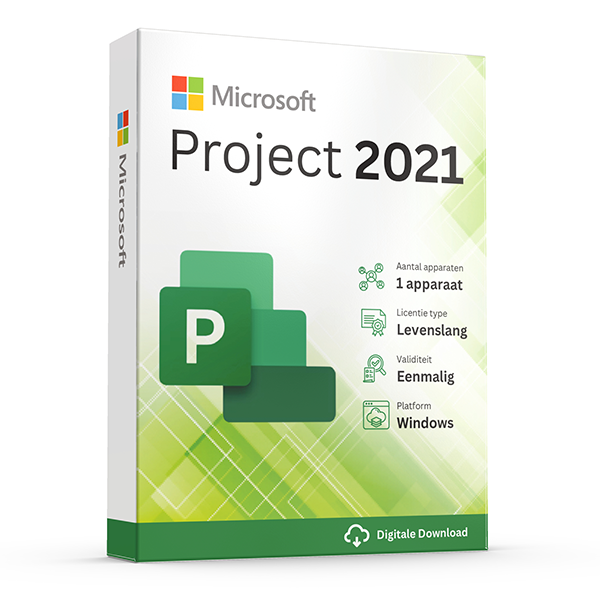
Project Professional 2021
Perpetual · 1 PC · Windows
Mature release of Microsoft Project for professionals.
Project Standard 2024
Perpetual · 1 PC · Windows
Core Project planning features for solo project managers.
Project Standard 2021
Perpetual · 1 PC · Windows
Mature Project Standard release at a fraction of MSRP.