Buy Microsoft licenses in United Arab Emirates
Genuine Microsoft Windows, Office, 365, Server and developer licenses delivered digitally to United Arab Emirates — local payment methods, local-tax handling and 14-day refund window.

Accepted payment methods
- Visa
- Mastercard
- American Express
- PayPal
- Apple Pay
- Google Pay
- Careem Pay
Tax & invoicing
UAE VAT 5% included on orders to AE billing addresses (FTA e-service rules).
Prices are billed in EUR. Approximate AED conversion shown for context only — your bank applies the final rate.
Delivery
Your license key arrives by email within 5–30 minutes of payment confirmation, with a link to the official Microsoft installer and a step-by-step PDF.
Support hours
Email support 24/7 — replies within 60 minutes between 09:00–22:00 GST.
Refund window: 14-day no-questions refund on unused, undelivered or unactivated keys — see refund policy for the full conditions.
Most popular in United Arab Emirates
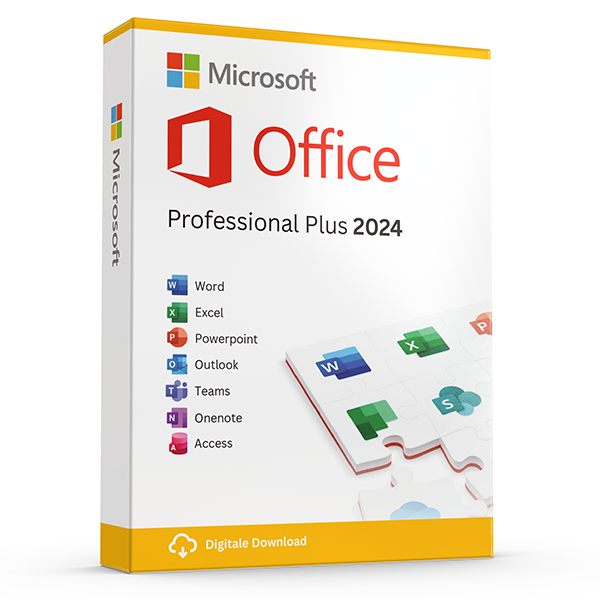
Office Professional Plus 2024 — 1 PC
Perpetual · 1 PC · Windows
The latest perpetual Office suite for one Windows PC.
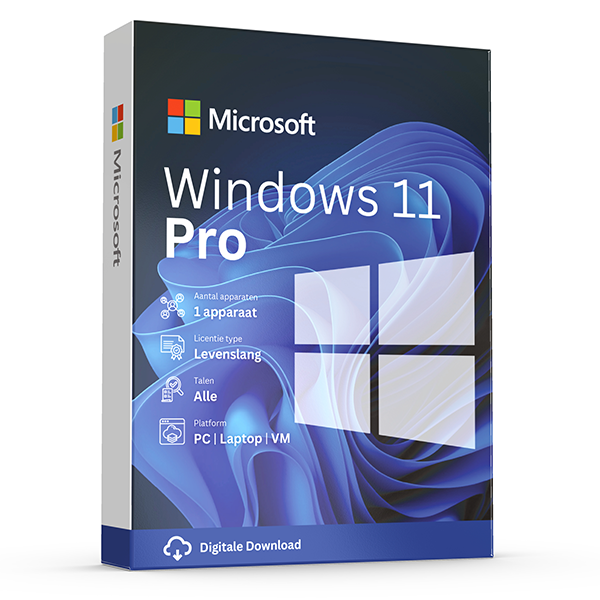
Windows 11 Pro
Retail · 1 PC · Lifetime
Professional edition with BitLocker, Hyper-V and Remote Desktop.
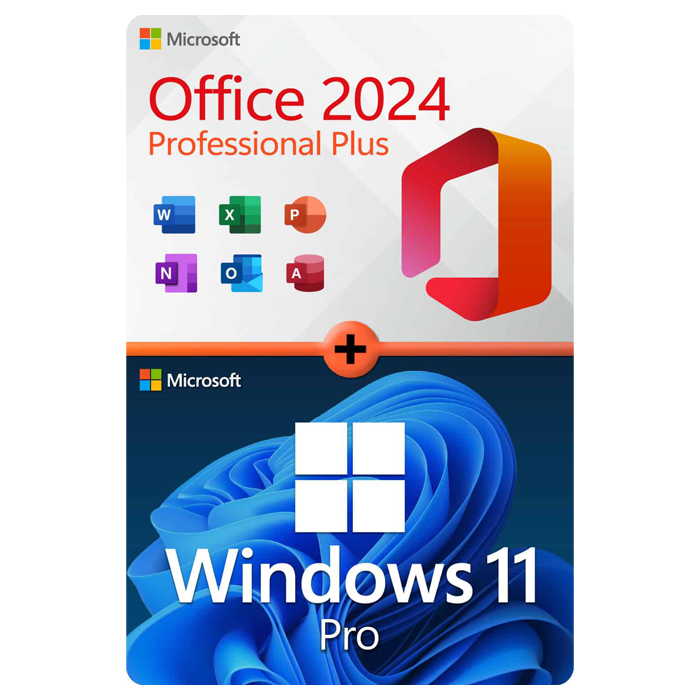
Office Professional Plus 2024 + Windows 11 Pro
1 PC · Lifetime
The complete productivity combo — Office 2024 and Windows 11 Pro in one package.
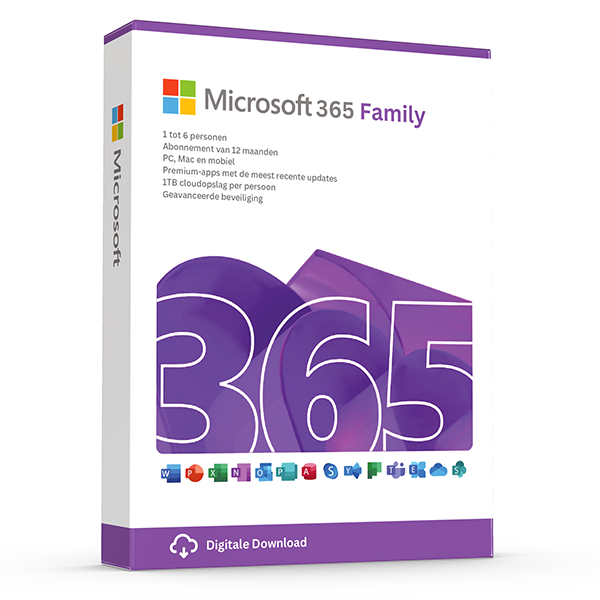
Microsoft 365 Family — 6 users · 30 devices
6 users · 1 year · 30 devices
Premium Office for up to 6 people with 1 TB OneDrive each.
≈ د.إ138.55 AED — $35 prices are billed in eur. approximate aed conversion shown for context only — your bank applies the final rate.
Trusted by buyers in United Arab Emirates
دبي · أبوظبي · الشارقة · العين · عجمان · رأس الخيمة
Check your order status before retrying a failed page
An unavailable page does not establish whether a checkout attempt succeeded or failed. If the error appeared after you submitted payment, avoid immediately placing the same order again. First check for an order confirmation, review your account’s order history if available, and inspect your payment provider’s transaction record. A pending card authorization is not necessarily a completed charge, so use these records together rather than treating any single notification as conclusive.
Once you have checked the transaction status, return to the site through its main address rather than repeatedly submitting an old checkout form. If the outcome remains unclear, contact the retailer through a verified contact route and provide the approximate purchase time, product name, and any order reference. Never send your Microsoft account password, full card details, or an unredacted product key. Keep receipts and relevant screenshots until the situation is resolved.
- Check spam and junk folders for an order confirmation.
- Distinguish pending payment authorizations from posted charges.
- Record the error message without exposing payment information.
- Retry checkout only after checking whether an order already exists.
- Use verified contact details rather than links in unsolicited messages.
Separate product activation from the right to use the software
A Microsoft product key is an activation credential, not a complete description of your licensing rights. Microsoft’s Windows licence terms state that successful activation does not confirm that software is genuine or properly licensed. Before buying, establish the exact product, edition, licence channel, permitted number of devices or users, and any eligibility conditions. An invoice helps document the transaction, but it does not override restrictions in the applicable Microsoft terms.
Transfer rights depend on the licence type and the terms supplied with the software. For Windows, preinstalled licences are generally transferred to another user only with the licensed device. Stand-alone retail licences generally allow transfer to another device you own, provided the software is removed from the previous device and other conditions are met. Volume licensing operates under separate agreements. Consult the applicable terms at microsoft.com/useterms rather than assuming every key carries retail rights.
- Ask whether the licence is retail, preinstalled/OEM, or volume licensing.
- Confirm device limits separately from the number of keys supplied.
- Check commercial-use rights if the software is for work.
- Treat activation success and licensing compliance as separate questions.
- Retain the product description, invoice, and applicable licence terms.
Match a Windows licence to your edition, hardware, and upgrade path
Before purchasing Windows, open Settings, then System, then About to identify the installed edition and device specifications. Check the Activation page as well: Windows 11 places it under System, while Windows 10 places it under Update & Security. A Home licence does not license Pro, and an activation key cannot make unsupported hardware meet Windows 11 requirements. Use Microsoft’s published requirements and PC Health Check to assess compatibility before choosing an upgrade.
If the device already has a valid digital licence, reinstalling the same Windows edition on that device may not require buying another key. Activation normally occurs online after installation, although a major hardware change can require troubleshooting or a new licence, depending on the existing rights. Linking a digital licence to a Microsoft account can assist reactivation after hardware changes, but it does not create transfer rights that the original licence did not provide.
- Verify Home versus Pro before purchasing or reinstalling.
- Back up files and save any BitLocker recovery key before major changes.
- Use installation media obtained directly from Microsoft.
- Do not assume a Windows Pro licence grants Enterprise rights.
- Windows 10 standard support ended on October 14, 2025; check current security-support options.
Choose Office by licence model, included apps, and deployment needs
Start with the applications and usage rights you need, not simply the Office name. One-time-purchase Office products provide rights to a particular release under their licence terms; they do not include an automatic entitlement to the next major version. Microsoft 365 is subscription-based, and included desktop apps, cloud services, and device allowances depend on the plan. Some plans do not include desktop Office applications, so compare the precise product names before buying.
Check the supported operating system and included applications for the exact Office edition, because Windows and Mac offerings are not interchangeable in every respect. Before installation, review existing Office software: some combinations of editions, installation technologies, or 32-bit and 64-bit components cannot coexist. Use the Microsoft account intended to hold the purchase when redemption requires one. Redeeming a consumer purchase through someone else’s account can leave installation and purchase management under their control.
- Verify that required applications are included in the named edition.
- Check commercial-use rights rather than inferring them from the app list.
- Compare the plan’s user allocation with its device and sign-in limits.
- Confirm compatibility before keeping an older Office version installed.
- Do not confuse a perpetual licence with indefinite product support.
Licence categories to distinguish before purchasing Microsoft software
| Category | What to verify | Important limitation |
|---|---|---|
| Windows stand-alone retail | Edition, licensed device count, and applicable transfer terms | Transfer generally requires removing the software from the previous device. |
| Windows preinstalled/OEM | The device covered by the licence and the supplied terms | Transfer to another user generally requires transferring the licensed device. |
| One-time-purchase Office | Release, platform, included apps, device allowance, and use rights | Future major releases are not automatically included. |
| Microsoft 365 subscription | Exact plan, assigned users, desktop apps, and device allowances | Not every plan includes desktop apps; continued subscription benefits require an active subscription. |
| Microsoft volume licensing | Agreement entitlement, qualifying licences, and deployment rules | An activation key alone does not establish entitlement under a volume agreement. |
Frequently asked questions
Are these licenses valid in United Arab Emirates?
Yes. All keys are genuine Microsoft licenses, activate against Microsoft's worldwide servers, and carry no geographic restrictions.
Do I pay local tax?
UAE VAT 5% included on orders to AE billing addresses (FTA e-service rules).
How fast is delivery?
5–30 minutes by email after payment confirmation, 24/7. Most orders arrive in under 10 minutes.
What happens if a key fails to activate?
We replace it free of charge or refund in full. Every key is covered by our lifetime activation guarantee.