Buy Microsoft licenses in Austria
Genuine Microsoft Windows, Office, 365, Server and developer licenses delivered digitally to Austria — local payment methods, local-tax handling and 14-day refund window.

Accepted payment methods
- Visa
- Mastercard
- PayPal
- EPS
- Klarna
- SEPA-Lastschrift
- Apple Pay
- Google Pay
Tax & invoicing
Austrian MwSt 20% included. Reverse-charge available for verified EU businesses.
Delivery
Your license key arrives by email within 5–30 minutes of payment confirmation, with a link to the official Microsoft installer and a step-by-step PDF.
Support hours
Email support 24/7 — replies within 60 minutes between 08:00–21:00 CET.
Refund window: 14-day no-questions refund on unused, undelivered or unactivated keys — see refund policy for the full conditions.
Most popular in Austria
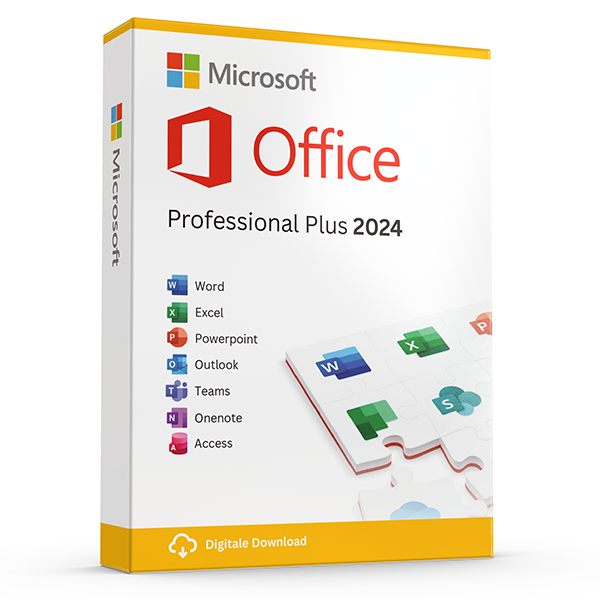
Office Professional Plus 2024 — 1 PC
Perpetual · 1 PC · Windows
The latest perpetual Office suite for one Windows PC.
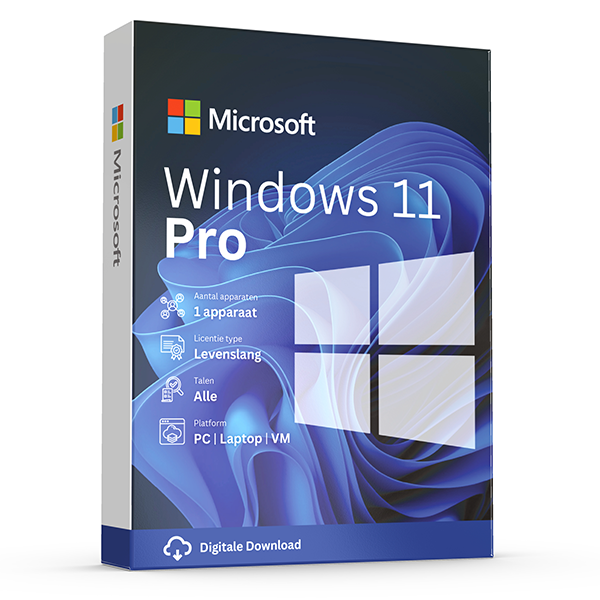
Windows 11 Pro
Retail · 1 PC · Lifetime
Professional edition with BitLocker, Hyper-V and Remote Desktop.
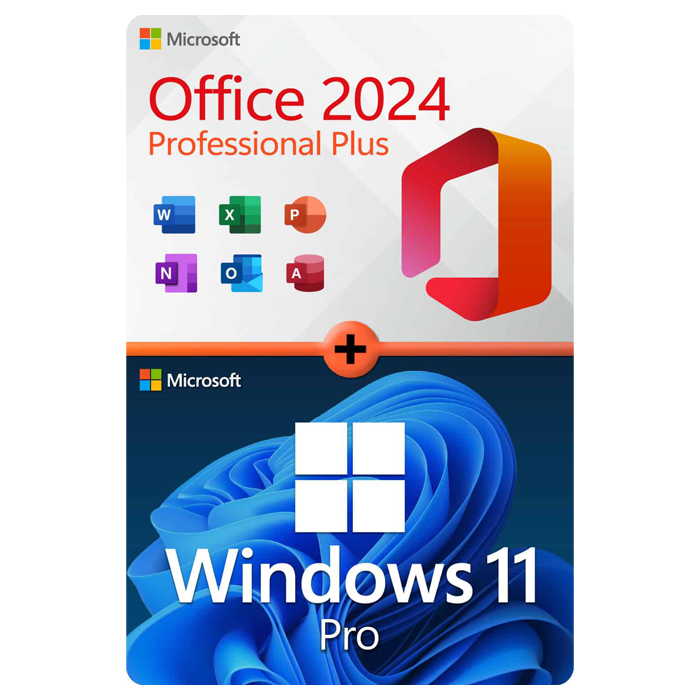
Office Professional Plus 2024 + Windows 11 Pro
1 PC · Lifetime
The complete productivity combo — Office 2024 and Windows 11 Pro in one package.
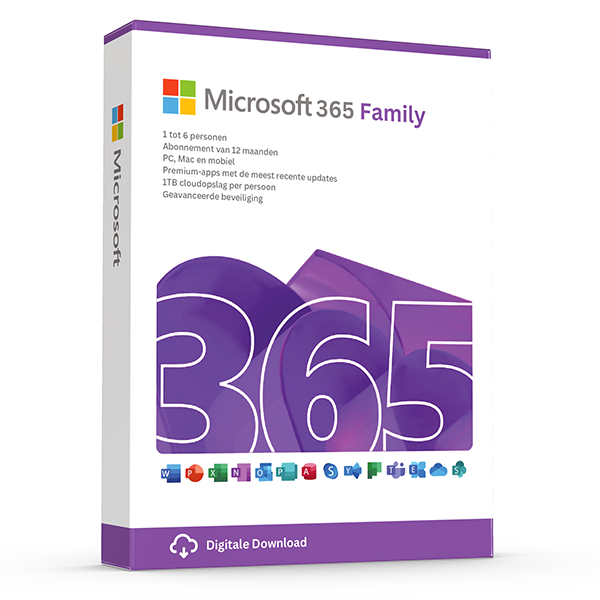
Microsoft 365 Family — 6 users · 30 devices
6 users · 1 year · 30 devices
Premium Office for up to 6 people with 1 TB OneDrive each.
Trusted by buyers in Austria
Wien · Graz · Linz · Salzburg · Innsbruck · Klagenfurt
Check the licence channel, not just whether a key activates
A product key is an activation mechanism, not a complete record of your right to use software. Before buying, establish the exact Microsoft product, edition and licence channel. Office LTSC Professional Plus 2024 is a volume-licensing product, unlike retail Office Home & Business 2024. A listing described simply as “Professional Plus” should therefore prompt questions about the underlying entitlement, the applicable agreement and the documentation supplied. Successful activation alone does not resolve those questions.
Transfer rights also depend on how the software was acquired. Under Microsoft's retail Windows terms, stand-alone software can generally move to another device, provided it is removed from the previous device; preinstalled Windows generally transfers only with the licensed device. EU rules can permit resale of certain perpetual software licences under specific conditions, but that does not make every separately sold key lawful. For second-hand licences, request evidence of the original entitlement and the transfer history.
- Ask whether the licence is retail, OEM/preinstalled or volume licensed.
- Match the invoice description to the exact product and edition.
- For volume products, ask which agreement establishes your entitlement.
- For used licences, request evidence that the previous holder stopped using them.
- Consult Microsoft's applicable licence terms, not activation status alone.
Prepare a Windows 11 Pro installation without losing data
Start in Settings > System > About to identify your current Windows edition, then check Settings > System > Activation for its activation status. Run Microsoft's PC Health Check before planning a Windows 11 installation: a Pro key does not bypass hardware requirements such as a supported processor, TPM 2.0 and Secure Boot capability. Back up important files and save any existing BitLocker recovery key somewhere accessible independently of the computer before changing the operating system.
If the computer already runs an activated copy of Windows 11 Home, the supported edition-upgrade route is Settings > System > Activation > Change product key, using a valid Pro key. For a clean installation, create installation media with Microsoft's official tools and select the edition covered by your licence. Reinstalling the same edition on a previously activated device can often reactivate through its digital licence, so check whether another purchase is actually necessary first.
- Record the installed edition before entering a replacement key.
- Treat a clean installation as potentially destructive; back up first.
- A Home licence does not activate Windows 11 Pro.
- A motherboard replacement can trigger reactivation and transfer questions.
- Use the Activation troubleshooter for eligible hardware-change scenarios.
Choose Office by users, devices and installation compatibility
The main choice is not simply the newest year in the product name. A perpetual Office licence covers a particular release under its applicable terms; it does not include entitlement to future major versions or indefinite security updates. Microsoft 365 Family instead provides subscription benefits for up to six people, each using a separate Microsoft account. Each person can be signed in to Microsoft 365 apps on five devices simultaneously and receives an individual OneDrive storage allowance.
Before replacing an existing Office installation, list the applications you actually need and check operating-system compatibility. Office LTSC Professional Plus 2024 is a Windows product and includes Access, but it does not include Publisher. Mixing Office releases or installation technologies can cause setup conflicts, so follow Microsoft's deployment guidance rather than assuming every version can coexist. Back up Outlook data stored locally, note any add-ins, and confirm compatibility with older databases or specialist templates before removing the previous suite.
- Choose a Mac-compatible Office product for a Mac, not a Windows-only edition.
- Do not treat six subscription users as one shared Microsoft account.
- Check Visio and Project compatibility separately; they are not included Office apps.
- Keep Office, Visio and Project bitness consistent where installed together.
- Confirm whether essential add-ins require 32-bit rather than 64-bit Office.
- Distinguish perpetual usage rights from the product's support lifecycle.
Keep Austrian purchase records and understand digital-content rights
For an Austrian business purchase, retain an invoice that identifies the supplier, customer, product and applicable VAT treatment, alongside the licence documentation. A VAT identification number does not automatically make every purchase eligible for reverse charge: the supplier's location, the customer's status and the nature of the transaction matter. Domestic Austrian supplies and qualifying cross-border business supplies can be treated differently. Confirm the invoice requirements with your accountant before ordering, especially when claiming input VAT.
For Austrian consumers buying online, a statutory withdrawal right generally applies, but digital content has an important exception. The right can end when supply begins if the required express consent, acknowledgement of losing that right and contractual confirmation have been obtained. This is not the same as saying every emailed or activated key is automatically non-refundable. A retailer's voluntary return policy is also separate from statutory remedies for digital content that is faulty or does not conform to the contract.
- Enter the correct legal business name, address and VAT ID before checkout.
- Keep the order confirmation, invoice, licence terms and activation correspondence.
- Read any consent to immediate digital supply before accepting it.
- Business purchases generally do not carry consumer withdrawal rights.
- Document activation errors without publicly exposing the full product key.
- Separate a change-of-mind return from a claim about defective digital content.
Microsoft licence types: what to verify before choosing
| Product or licence type | Usage model | Device or user scope | Important check |
|---|---|---|---|
| Windows 11 Pro retail | Perpetual licence for the licensed version | One licensed device at a time | Stand-alone transfer rights require removal from the previous device. |
| Windows 11 Pro OEM/preinstalled | Licence associated with the licensed device | The device with which it was supplied | Generally transferable to another user only with that device. |
| Office LTSC Professional Plus 2024 | Perpetual, volume-licensing product | Device-based; applicable agreement governs rights | Verify the underlying entitlement, not merely possession of a key. |
| Office Home & Business 2024 | One-time purchase | One PC or Mac | Includes commercial-use rights but not future major-version upgrades. |
| Microsoft 365 Family | Subscription | Up to six people; five simultaneous device sign-ins per person | Each person uses their own account; subscription benefits require an active subscription. |
Frequently asked questions
Are these licenses valid in Austria?
Yes. All keys are genuine Microsoft licenses, activate against Microsoft's worldwide servers, and carry no geographic restrictions.
Do I pay local tax?
Austrian MwSt 20% included. Reverse-charge available for verified EU businesses.
How fast is delivery?
5–30 minutes by email after payment confirmation, 24/7. Most orders arrive in under 10 minutes.
What happens if a key fails to activate?
We replace it free of charge or refund in full. Every key is covered by our lifetime activation guarantee.