Buy Microsoft licenses in Australia
Genuine Microsoft Windows, Office, 365, Server and developer licenses delivered digitally to Australia — local payment methods, local-tax handling and 14-day refund window.

Accepted payment methods
- Visa
- Mastercard
- American Express
- PayPal
- Apple Pay
- Google Pay
Tax & invoicing
Australian GST 10% included on orders to AU billing addresses (ATO digital-supply rules).
Prices are billed in EUR. Approximate AUD conversion shown for context only — your bank applies the final rate.
Delivery
Your license key arrives by email within 5–30 minutes of payment confirmation, with a link to the official Microsoft installer and a step-by-step PDF.
Support hours
Email support 24/7 — replies within 60 minutes between 08:00–20:00 AEST.
Refund window: 14-day no-questions refund on unused, undelivered or unactivated keys — see refund policy for the full conditions.
Most popular in Australia
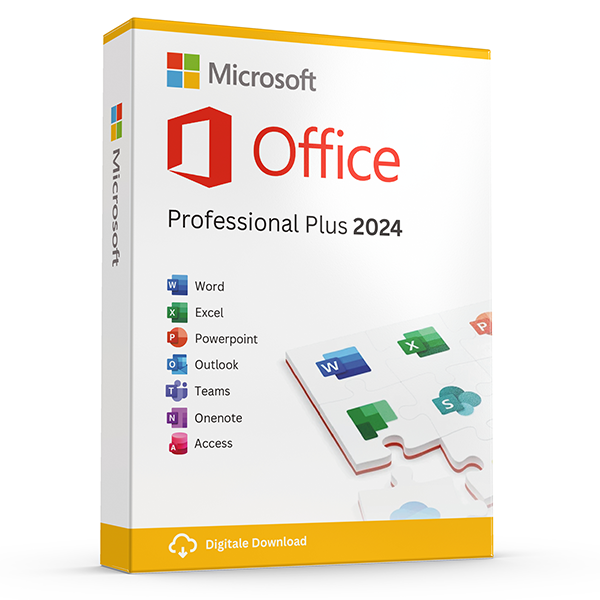
Office Professional Plus 2024 — 1 PC
Perpetual · 1 PC · Windows
The latest perpetual Office suite for one Windows PC.
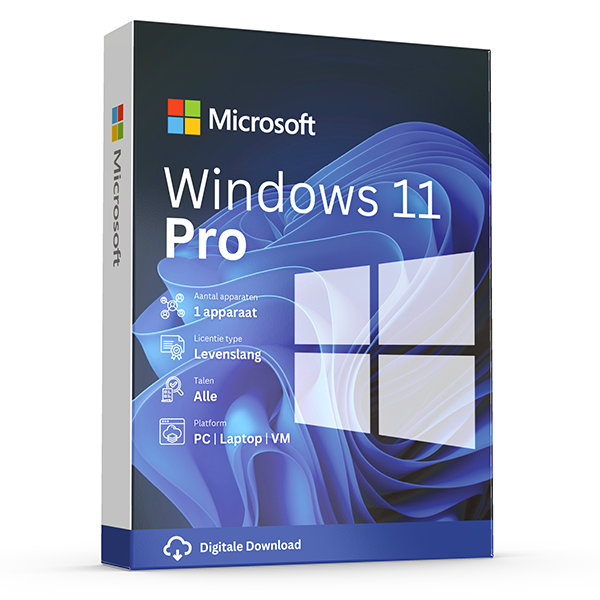
Windows 11 Pro
Retail · 1 PC · Lifetime
Professional edition with BitLocker, Hyper-V and Remote Desktop.
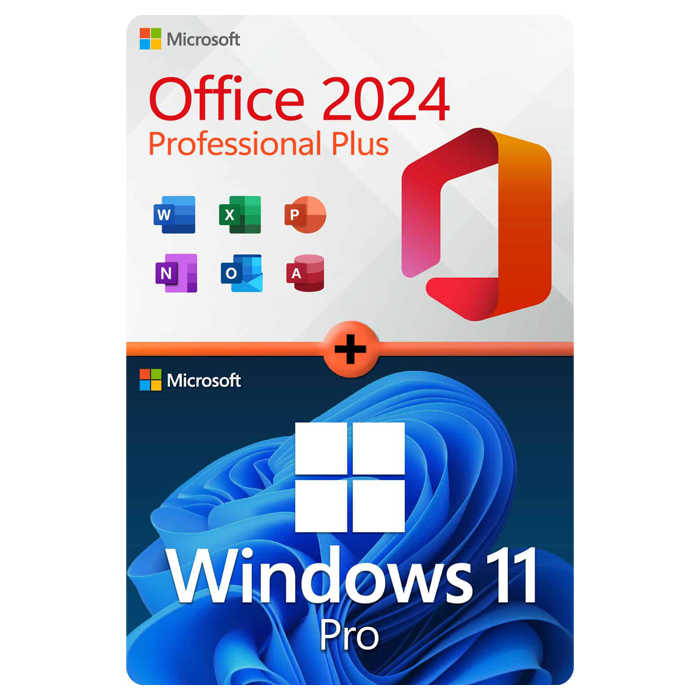
Office Professional Plus 2024 + Windows 11 Pro
1 PC · Lifetime
The complete productivity combo — Office 2024 and Windows 11 Pro in one package.
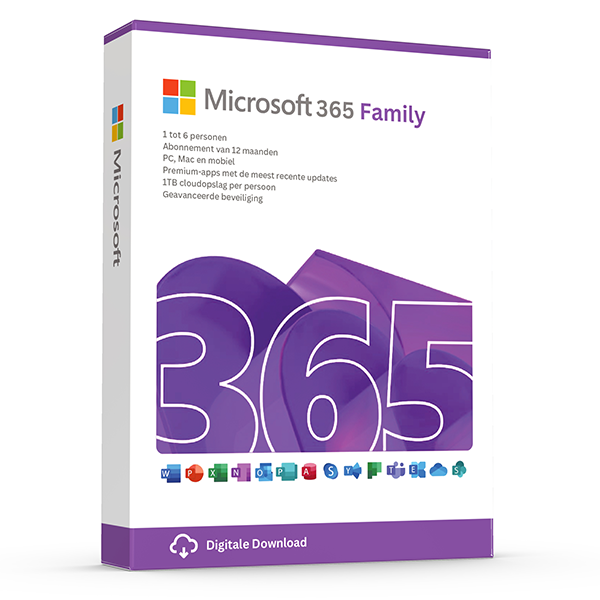
Microsoft 365 Family — 6 users · 30 devices
6 users · 1 year · 30 devices
Premium Office for up to 6 people with 1 TB OneDrive each.
≈ A$57.58 AUD — $35 prices are billed in eur. approximate aud conversion shown for context only — your bank applies the final rate.
Trusted by buyers in Australia
Sydney · Melbourne · Brisbane · Perth · Adelaide · Canberra
Choose Office by licence channel, not just the application list
Start by separating the Office applications from the rights attached to them. Microsoft Office LTSC Professional Plus 2024 is a volume-licensed product, not the standard consumer retail edition of Office 2024. An activation key alone does not establish that its purchaser holds the required licence rights. Before choosing an edition described as Professional Plus, establish the exact product name, licensing channel and documentation supplied, particularly if you need it for a business or an audit.
For a household, Microsoft 365 Family and a perpetual Office purchase solve different problems. Family can be shared with up to five other people; each person uses their own Microsoft account and can sign in to Office on five devices simultaneously. A perpetual licence covers the purchased version rather than an ongoing entitlement to future releases. Also check operating-system compatibility: Office LTSC Professional Plus 2024 is for Windows, whereas Mac buyers need an edition that expressly supports macOS.
- List the applications you actually need, including Access if relevant; Access is PC-only.
- Do not assume similarly named retail and volume editions have identical licensing rights.
- Count people, computers and simultaneous use separately when comparing subscriptions.
- Check Microsoft's Software License Terms and, for volume licensing, the applicable Product Terms.
Check Windows 11 eligibility before buying a Pro upgrade
A Windows 11 Pro key does not make an incompatible computer eligible for Windows 11. Check the machine with Microsoft's PC Health Check app, then confirm its processor, TPM 2.0 and UEFI firmware with Secure Boot capability meet the requirements. If a check fails, investigate the manufacturer's guidance before changing firmware settings. Installing Windows 11 on unsupported hardware is not recommended by Microsoft, and such devices are not guaranteed to receive updates, including security updates.
Next, open Settings, System, Activation and note both the installed edition and its activation status. Moving from an activated Windows 11 Home installation to Pro normally uses the Change product key option with a valid Pro key; it is not a reason to erase the computer first. A clean installation follows a different process and can remove files and applications. Back up important data and any existing BitLocker or device-encryption recovery key before substantial system changes.
- Run PC Health Check before purchasing for an older computer.
- Match the key to the intended edition; Home and Pro are different editions.
- For a managed work computer, consult IT before changing the edition or firmware.
- Keep recovery keys somewhere accessible without the computer being upgraded.
- Use Microsoft's installation media rather than modified third-party images.
Plan for reinstalls, motherboard changes and licence transfers
Reinstalling software on the same computer and transferring it to another computer are different licensing events. A Windows digital licence can often reactivate the same edition on the same hardware after a reinstall. Linking that licence to a Microsoft account can help with the Activation troubleshooter after a significant hardware change, but the link does not grant new transfer rights. A motherboard replacement may require reactivation and can raise separate questions about whether the existing licence remains applicable.
Under Microsoft's standard Windows terms, stand-alone retail software can generally be transferred to another device you own if it is removed from the previous device. Windows supplied preinstalled is generally transferable to another user only with the licensed device. Volume licences follow their governing agreements instead. Office has its own terms, so do not apply Windows transfer rules to an Office purchase. Keep the original licence evidence and check the applicable agreement before retiring or replacing a computer.
- Record the product, edition, licensing channel and proof of purchase.
- Before wiping a PC, confirm where its activation and recovery information is stored.
- Reinstall the matching Windows edition; a Home entitlement will not activate Pro.
- Do not interpret successful activation on a second PC as permission for simultaneous use.
- Read the terms applicable to the specific product at https://www.microsoft.com/useterms.
Keep Australian purchase records and separate refund policies from legal rights
For Australian buyers, distinguish the seller's invoice from the amount ultimately posted by the card issuer or payment provider. A foreign-currency purchase may involve a provider's exchange rate and a separate international transaction fee, depending on the payment arrangement. Keep the invoice, payment confirmation and bank transaction record together. For a business purchase, claiming a GST credit depends on matters such as GST registration, business use and the required supporting documentation; an ABN alone does not establish entitlement.
A seller's voluntary refund window is separate from rights that may apply under the Australian Consumer Law. Where that law applies, consumer guarantees cannot simply be removed by a store policy, including a blanket restriction on activated software. The appropriate remedy depends on the circumstances and whether a failure is major. Conversely, Australian law does not generally require a refund merely because you changed your mind, so check compatibility and licensing suitability before installation or activation.
- Save the product description and licence conditions that applied when you ordered.
- Check your payment provider's currency-conversion and international-fee terms.
- Request suitable invoice documentation if the purchase is for business use.
- When reporting a problem, include the error code and troubleshooting history, not a publicly visible product key.
- Consult ACCC guidance for consumer rights and ATO guidance for GST-credit requirements.
Reference: Microsoft product names and the licensing checks they require
| Product or licence type | Key distinction | Check before choosing |
|---|---|---|
| Office Home 2024 | One-time purchase for one PC or Mac; intended for non-commercial use | Whether you need commercial-use rights or Outlook, which is not included |
| Office Home & Business 2024 | One-time purchase for one PC or Mac; includes Outlook and permits use at home or work | Required applications, supported operating system and device count |
| Office LTSC Professional Plus 2024 | Windows-only Office edition available through volume licensing | The applicable volume agreement and evidence of licence entitlement, not just an activation key |
| Microsoft 365 Family | Subscription for up to six people, each able to sign in on five devices simultaneously | Subscription duration, account sharing setup and whether each device supports the required apps |
| Windows 11 Pro: retail versus preinstalled | The edition provides Pro features; the licence channel affects transfer rights | Hardware eligibility, existing Windows edition and terms governing a future move to another PC |
Frequently asked questions
Are these licenses valid in Australia?
Yes. All keys are genuine Microsoft licenses, activate against Microsoft's worldwide servers, and carry no geographic restrictions.
Do I pay local tax?
Australian GST 10% included on orders to AU billing addresses (ATO digital-supply rules).
How fast is delivery?
5–30 minutes by email after payment confirmation, 24/7. Most orders arrive in under 10 minutes.
What happens if a key fails to activate?
We replace it free of charge or refund in full. Every key is covered by our lifetime activation guarantee.