Buy Microsoft licenses in Germany
Genuine Microsoft Windows, Office, 365, Server and developer licenses delivered digitally to Germany — local payment methods, local-tax handling and 14-day refund window.

Accepted payment methods
- Visa
- Mastercard
- PayPal
- Klarna
- SEPA-Lastschrift
- Sofort
- giropay
- Apple Pay
Tax & invoicing
German VAT (MwSt) 19% included. Reverse-charge available for verified EU businesses.
Delivery
Your license key arrives by email within 5–30 minutes of payment confirmation, with a link to the official Microsoft installer and a step-by-step PDF.
Support hours
Email support 24/7 — replies within 60 minutes between 08:00–21:00 CET.
Refund window: 14-day no-questions refund on unused, undelivered or unactivated keys — see refund policy for the full conditions.
Most popular in Germany
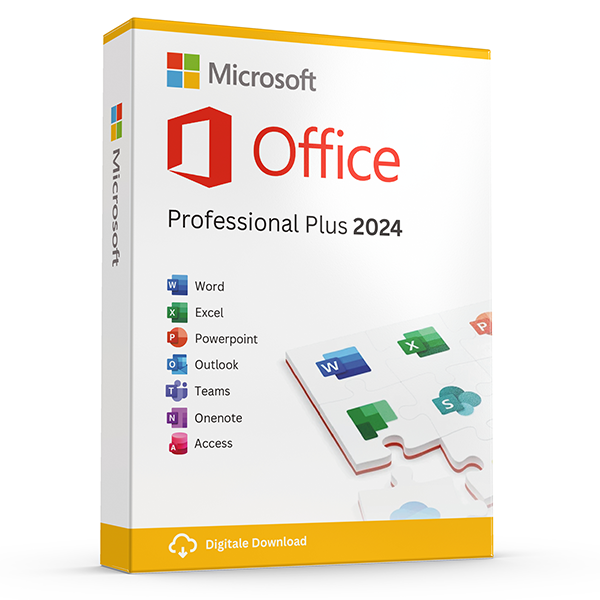
Office Professional Plus 2024 — 1 PC
Perpetual · 1 PC · Windows
The latest perpetual Office suite for one Windows PC.
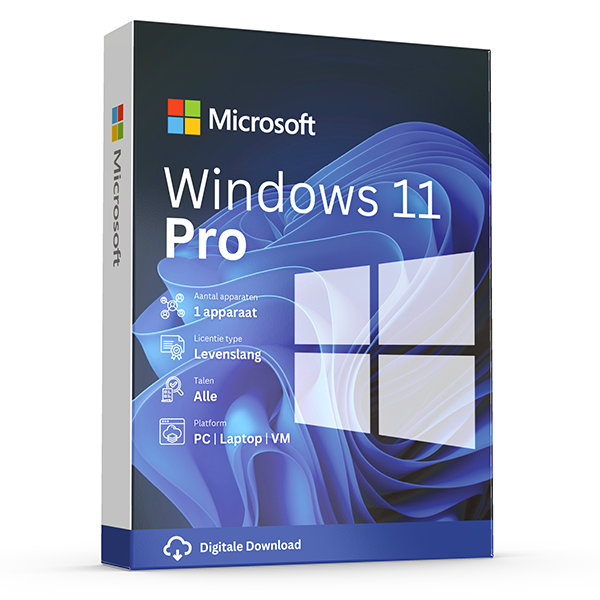
Windows 11 Pro
Retail · 1 PC · Lifetime
Professional edition with BitLocker, Hyper-V and Remote Desktop.
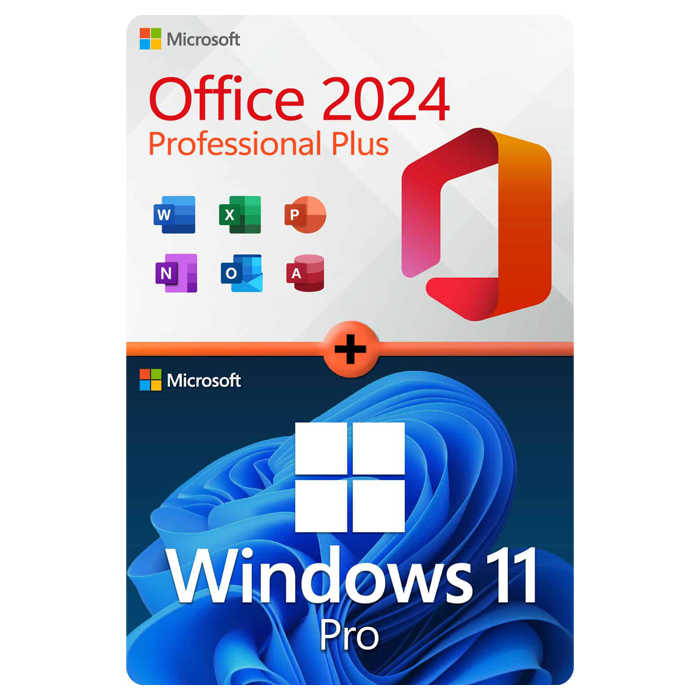
Office Professional Plus 2024 + Windows 11 Pro
1 PC · Lifetime
The complete productivity combo — Office 2024 and Windows 11 Pro in one package.
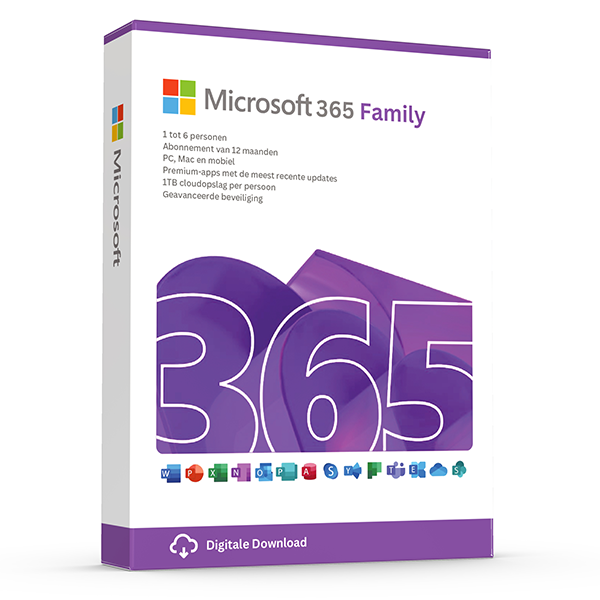
Microsoft 365 Family — 6 users · 30 devices
6 users · 1 year · 30 devices
Premium Office for up to 6 people with 1 TB OneDrive each.
Trusted by buyers in Germany
Berlin · München · Hamburg · Köln · Frankfurt · Stuttgart
Check the licence channel, not just whether the key activates
Before buying, distinguish the product key from the legal right to use the software. Activation is a technical check; successful activation alone does not establish that a licence was properly supplied or transferred. Ask for the exact product edition, licence channel and applicable Microsoft terms. This is particularly important for Office Professional Plus 2024, which belongs to Microsoft's volume-licensing range rather than the ordinary consumer retail range sold as Office Home 2024 or Office Home & Business 2024.
For buyers in Germany, used perpetual software can raise questions about EU exhaustion rules and the circumstances of the original sale. Those rules do not make every separately advertised key a valid transferable licence. For business purchasing, retain the invoice and any documentation establishing the licence's origin and transfer, where relevant. An invoice showing VAT is accounting evidence, not by itself proof of licensing entitlement. Obtain qualified advice if the seller cannot clearly explain the licensing basis.
- Request the full product name and licence channel before payment.
- Check whether the offer is a new licence or a transferred used licence.
- Keep the applicable terms, invoice and transfer documentation together.
- Do not treat activation screenshots as proof of a valid licence.
- Distinguish a seller's guarantee from Microsoft's licensing and support obligations.
Prepare a Windows 11 Pro upgrade without losing access to your PC
Start by checking Settings > System > Activation to identify your current Windows edition and activation status. Then run Microsoft's PC Health Check to assess Windows 11 compatibility. Windows 11 requires, among other specifications, a supported processor, TPM 2.0 and UEFI firmware with Secure Boot capability. A Pro product key does not remove these requirements. If the computer already has an activated Windows 11 Pro licence, reinstalling the same edition on unchanged hardware normally does not require buying another key.
Before changing editions or reinstalling, back up important files and save any BitLocker recovery key somewhere accessible without that computer. To move from activated Windows 11 Home to Pro, use the product-key change option in Activation settings and follow Microsoft's prompts; a clean installation is generally unnecessary. For a replacement computer, first establish whether your existing licence permits transfer. Stand-alone retail Windows licences generally allow transfer under their terms, whereas preinstalled OEM licences ordinarily remain tied to the licensed device.
- Match the key to the installed edition: Home and Pro are different licences.
- Back up files before changing firmware settings or reinstalling Windows.
- Record the BitLocker recovery key before significant hardware changes.
- A motherboard replacement can trigger reactivation.
- Remove transferred retail Windows software from the previous device as required.
Install the correct Office 2024 edition and understand its limits
Choose Office by operating system, required applications and licensing model before considering installation. Office LTSC Professional Plus 2024 is a Windows volume-licensed suite that includes Access; it is not a Mac edition. A perpetual Office licence covers the licensed version, not automatic entitlement to the next major release. It also does not include the ongoing feature additions or bundled OneDrive storage associated with Microsoft 365. Perpetual use rights should not be confused with an unlimited period of security updates.
For installation, identify the exact edition and activation method first. Microsoft's Office Deployment Tool is the standard deployment route for volume-licensed Office LTSC 2024, with configuration settings selecting the product, language and architecture. Existing Office installations may need removal because side-by-side combinations have restrictions. Choose 32-bit or 64-bit to match any essential add-ins and other installed Office components. A volume key should not be assumed to work through the same consumer account-redemption process used for retail Office purchases.
- Confirm Windows compatibility before buying Professional Plus for a Mac.
- Check required add-ins before selecting 32-bit or 64-bit Office.
- Use Microsoft's installation files rather than third-party activation utilities.
- KMS activation requires an organisation's authorised activation infrastructure.
- Check Microsoft's lifecycle page for the exact edition's support end date.
Count Microsoft 365 Family users and devices correctly
Microsoft 365 Family is designed for up to six people in total: the subscription owner and five others. Each person uses their own Microsoft account and receives their own storage allocation, rather than sharing one login or one combined storage pool. Each person can install the Microsoft 365 apps on their devices and be signed in on up to five devices simultaneously. Consequently, a headline device total should not be interpreted as thirty transferable seats for unrelated users.
After the owner activates the subscription, sharing is managed through the Microsoft account subscription dashboard. Invite each person using their own account, then have them accept the invitation and install the apps. Sharing the subscription does not automatically give the owner access to another member's files. Before adding a prepaid code to an existing subscription, check Microsoft's current redemption conditions, including region and subscription compatibility. Also review the displayed expiry date and recurring-billing status rather than assuming redemption cancels an existing renewal.
- Count the subscription owner within the six-person limit.
- Use sharing invitations instead of distributing the owner's password.
- The five-device limit applies to simultaneous sign-ins per person.
- Each person's included OneDrive storage is separate, not pooled.
- Check how additional subscription time applies before redeeming another code.
Licence and product distinctions to verify before purchase
| Product or licence type | Key distinction | Practical check |
|---|---|---|
| Windows 11 Pro stand-alone retail | Transfer to another device is generally permitted under the applicable terms, with removal from the previous device. | Confirm retail entitlement and Windows 11 hardware compatibility. |
| Windows 11 Pro preinstalled OEM | Ordinarily remains with the licensed device; transfer to another user is with that device. | Do not assume a key extracted from an old PC can license a replacement PC. |
| Office LTSC Professional Plus 2024 | Windows volume-licensed perpetual suite; no automatic entitlement to future major versions. | Verify licensing entitlement, deployment method and activation arrangement. |
| Office Home & Business 2024 | One-time purchase for one PC or Mac; includes Outlook and permits use at home or work. | Check that its application set meets your needs; it does not include Access. |
| Microsoft 365 Family | Subscription for up to six people, each signed in on up to five devices simultaneously. | Check subscription duration, account region and existing subscription compatibility. |
Frequently asked questions
Are these licenses valid in Germany?
Yes. All keys are genuine Microsoft licenses, activate against Microsoft's worldwide servers, and carry no geographic restrictions.
Do I pay local tax?
German VAT (MwSt) 19% included. Reverse-charge available for verified EU businesses.
How fast is delivery?
5–30 minutes by email after payment confirmation, 24/7. Most orders arrive in under 10 minutes.
What happens if a key fails to activate?
We replace it free of charge or refund in full. Every key is covered by our lifetime activation guarantee.