Buy Microsoft licenses in Egypt
Genuine Microsoft Windows, Office, 365, Server and developer licenses delivered digitally to Egypt — local payment methods, local-tax handling and 14-day refund window.

Accepted payment methods
- Visa
- Mastercard
- PayPal
- Fawry
- Meeza
- Apple Pay
- Instapay
Tax & invoicing
Egyptian VAT 14% may apply on digital services per ETA rules; business receipt issued automatically.
Prices are billed in EUR. Approximate EGP conversion shown for context only — your bank applies the final rate.
Delivery
Your license key arrives by email within 5–30 minutes of payment confirmation, with a link to the official Microsoft installer and a step-by-step PDF.
Support hours
Email support 24/7 — replies within 60 minutes between 09:00–22:00 EET.
Refund window: 14-day no-questions refund on unused, undelivered or unactivated keys — see refund policy for the full conditions.
Most popular in Egypt
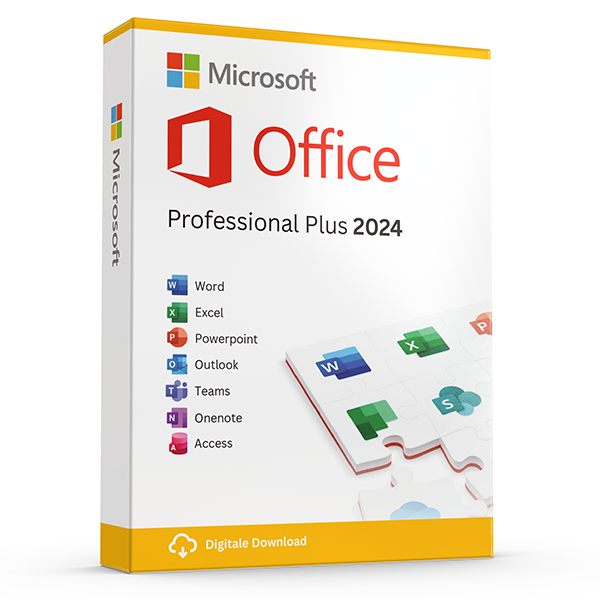
Office Professional Plus 2024 — 1 PC
Perpetual · 1 PC · Windows
The latest perpetual Office suite for one Windows PC.
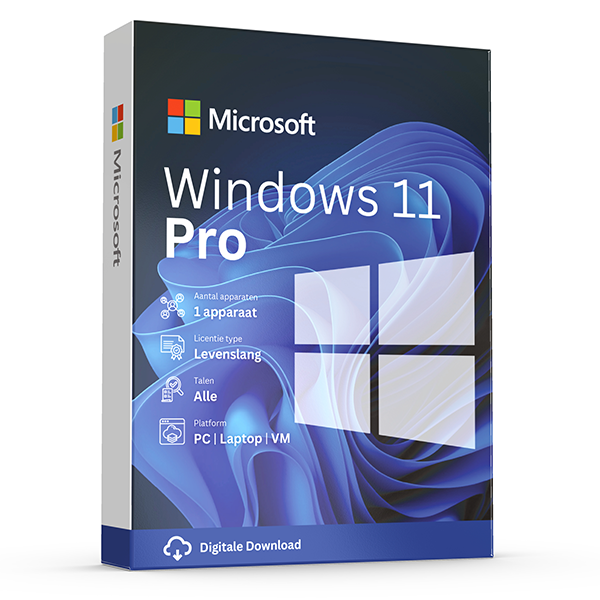
Windows 11 Pro
Retail · 1 PC · Lifetime
Professional edition with BitLocker, Hyper-V and Remote Desktop.
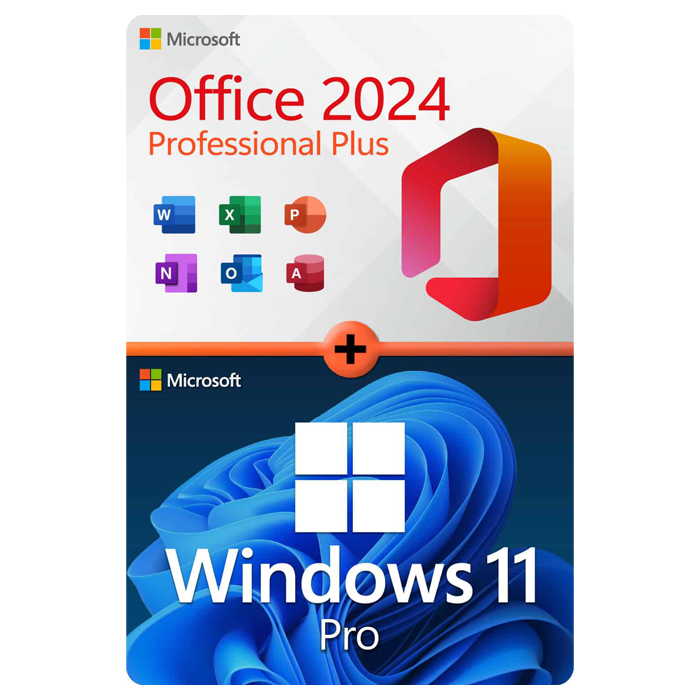
Office Professional Plus 2024 + Windows 11 Pro
1 PC · Lifetime
The complete productivity combo — Office 2024 and Windows 11 Pro in one package.
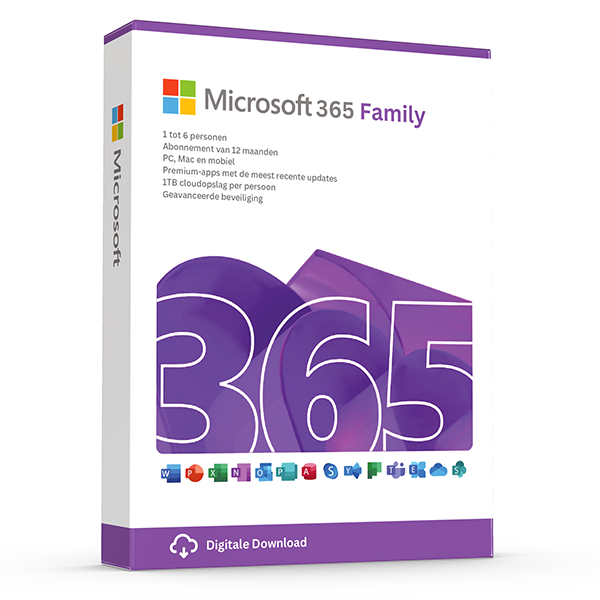
Microsoft 365 Family — 6 users · 30 devices
6 users · 1 year · 30 devices
Premium Office for up to 6 people with 1 TB OneDrive each.
≈ £1849.70 EGP — $35 prices are billed in eur. approximate egp conversion shown for context only — your bank applies the final rate.
Trusted by buyers in Egypt
القاهرة · الإسكندرية · الجيزة · شرم الشيخ · أسوان · المنصورة
Recover from a page error before repeating a purchase
A page-loading error does not establish whether an order was submitted, whether a payment succeeded, or whether a licence was issued. If the error appeared during checkout, check your order confirmation messages and payment activity before trying again. A pending card authorisation is not necessarily a completed charge. Keep any order reference and the approximate transaction time so you can explain what happened without sharing sensitive payment information.
If you were browsing rather than checking out, use the site's main navigation to locate the product again and verify its full name before proceeding. Similar listings can represent different editions, operating systems, licence channels, or subscription periods. If an account area is available, check it for existing purchase records. Avoid assuming that a missing page means a product has been discontinued or that the terms of an earlier purchase have changed.
- Save the error message and the affected page address.
- Check purchase records before submitting another payment.
- Never share a full card number, password, or verification code.
- Record the product edition and licence description shown at checkout.
Choose the edition, platform, and purchase model first
Start with the tasks you need the software to perform, not simply the lowest-priced key. For Windows, confirm the computer meets the requirements of the intended version and determine whether you need Home or Pro. Features such as joining an Active Directory domain and hosting incoming Remote Desktop connections require an appropriate business edition, such as Pro. A Pro activation key does not remove hardware requirements or automatically resolve compatibility problems.
For Office, distinguish a perpetual release from a Microsoft 365 subscription. A perpetual licence provides rights to the purchased release under its terms; it does not automatically include future major versions or indefinite support. Microsoft 365 benefits continue according to the subscription and its applicable terms. Confirm whether the product is for Windows, Mac, or both, which applications it includes, and whether its permitted use suits personal, educational, or commercial work.
- Check Windows requirements against the actual hardware.
- Match the key to the exact Windows edition you intend to activate.
- Confirm Office platform compatibility and included applications.
- Check commercial-use rights rather than inferring them from application names.
- Separate device limits from installation and sign-in allowances.
Understand what a product key does—and what it does not prove
Microsoft's licence terms distinguish permission to use software from the technical process of activating it. A product key is an activation credential, not a complete description of your rights. Microsoft's Windows terms expressly state that successful activation does not confirm that software is genuine or properly licensed. Before buying, establish the product, licence channel, permitted user or device count, and any eligibility conditions. Retain the purchase record and the applicable licence description.
Transfer rights depend on how the software was acquired and on the governing terms. Under Microsoft's standard Windows terms, preinstalled software generally transfers to another user only with the licensed device. Stand-alone Windows software generally allows transfer to another device, provided it is removed from the previous device and other conditions are met. Volume, education, and subscription arrangements have different rules. Applicable law can affect these rights, so avoid treating every key as interchangeable.
- Read the terms for the specific product and acquisition channel.
- Do not treat activation success as proof of valid licensing.
- Check transfer rights before planning a replacement computer.
- Verify eligibility for education, organisational, or other restricted licences.
- For business purchases, keep records that connect licences to assigned users or devices.
Install and troubleshoot activation without buying another key immediately
Download installation files from Microsoft's official channels and check whether the software is already installed before changing anything. On Windows 11, Settings > System > Activation shows the activation state and installed edition. If a device already has a digital licence, reinstalling the same Windows edition on that device can usually reactivate online without entering a new key. Back up important files first, especially if your installation plan involves deleting partitions or replacing the operating system.
For Office products that use account-based redemption, sign in with the Microsoft account you intend to retain before redeeming the purchase. If a key is reported as already redeemed, check that account's Services & subscriptions page rather than repeatedly entering it. Windows activation failures can also follow an edition mismatch or significant hardware change. Use Microsoft's activation guidance and record the exact error code before concluding that another licence is needed.
- Use official Microsoft installation and account pages.
- Back up files before reinstalling Windows or changing partitions.
- Check the installed edition against the purchased licence.
- Keep product keys private when sharing screenshots or error messages.
- After a hardware change, try the Windows Activation troubleshooter.
- Do not use unofficial activation scripts or shared organisational credentials.
Reference: common Microsoft licensing arrangements
| Arrangement | Typical entitlement basis | Transfer or renewal consideration | What to verify |
|---|---|---|---|
| Stand-alone Windows licence | A licensed device under the applicable retail terms | Generally transferable subject to removal from the previous device and other conditions | Edition, authenticity, and the exact transfer terms |
| Windows preinstalled on a device | The device supplied with the software | Generally transfers to another user only with that licensed device | Device documentation and applicable preinstalled-software terms |
| Perpetual Office purchase | The purchased release and its specified user or device rights | Future major versions are not automatically included; transfer rules vary | Platform, applications, installation limits, and commercial-use rights |
| Microsoft 365 subscription | Rights and services defined by the subscribed plan | Continued subscription benefits depend on maintaining the subscription | Plan, eligible users, device allowances, and renewal terms |
| Microsoft commercial volume licensing | Rights established by the organisation's agreement and applicable Product Terms | Assignment, reassignment, and qualifying-licence rules depend on the agreement | Organisational entitlement rather than possession of an activation key alone |
Frequently asked questions
Are these licenses valid in Egypt?
Yes. All keys are genuine Microsoft licenses, activate against Microsoft's worldwide servers, and carry no geographic restrictions.
Do I pay local tax?
Egyptian VAT 14% may apply on digital services per ETA rules; business receipt issued automatically.
How fast is delivery?
5–30 minutes by email after payment confirmation, 24/7. Most orders arrive in under 10 minutes.
What happens if a key fails to activate?
We replace it free of charge or refund in full. Every key is covered by our lifetime activation guarantee.