Buy Microsoft licenses in Spain
Genuine Microsoft Windows, Office, 365, Server and developer licenses delivered digitally to Spain — local payment methods, local-tax handling and 14-day refund window.

Accepted payment methods
- Visa
- Mastercard
- PayPal
- Bizum
- Apple Pay
- Google Pay
- SEPA
Tax & invoicing
Spanish IVA 21% included. Reverse-charge available for verified EU businesses.
Delivery
Your license key arrives by email within 5–30 minutes of payment confirmation, with a link to the official Microsoft installer and a step-by-step PDF.
Support hours
Email support 24/7 — replies within 60 minutes between 09:00–22:00 CET.
Refund window: 14-day no-questions refund on unused, undelivered or unactivated keys — see refund policy for the full conditions.
Most popular in Spain
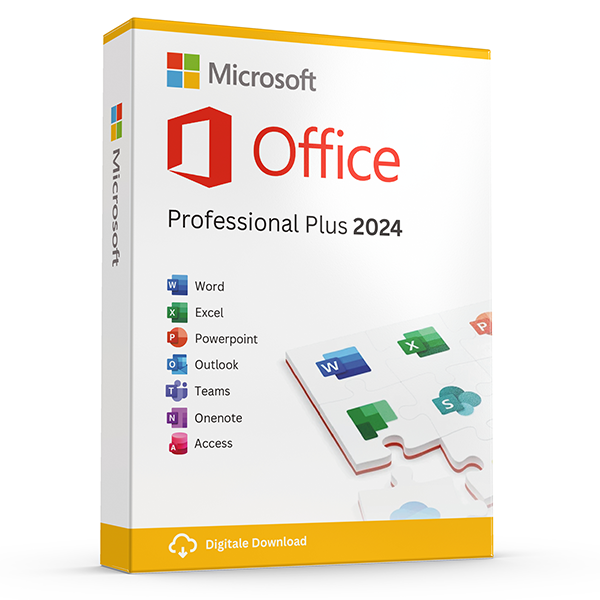
Office Professional Plus 2024 — 1 PC
Perpetual · 1 PC · Windows
The latest perpetual Office suite for one Windows PC.
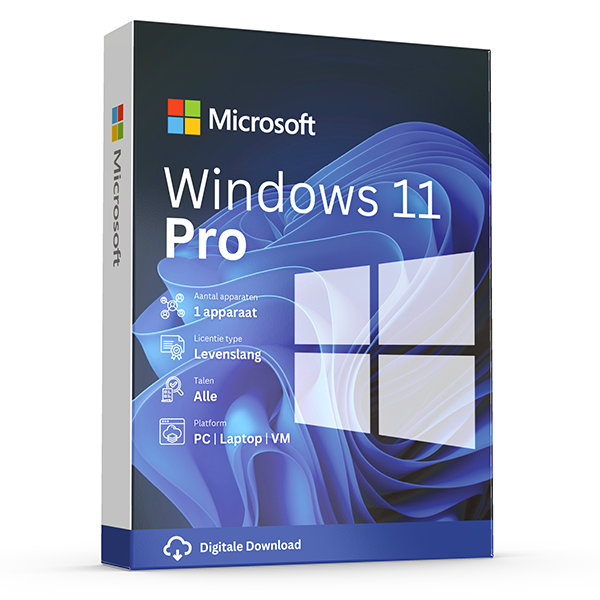
Windows 11 Pro
Retail · 1 PC · Lifetime
Professional edition with BitLocker, Hyper-V and Remote Desktop.
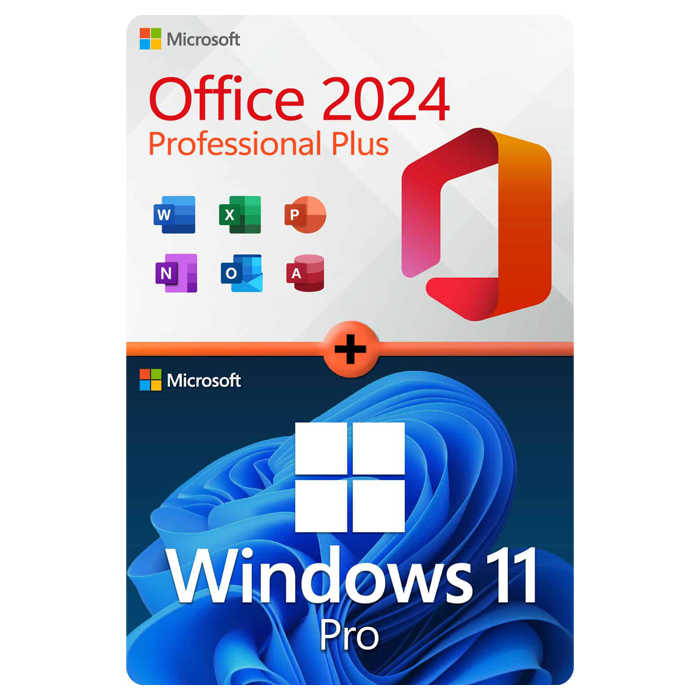
Office Professional Plus 2024 + Windows 11 Pro
1 PC · Lifetime
The complete productivity combo — Office 2024 and Windows 11 Pro in one package.
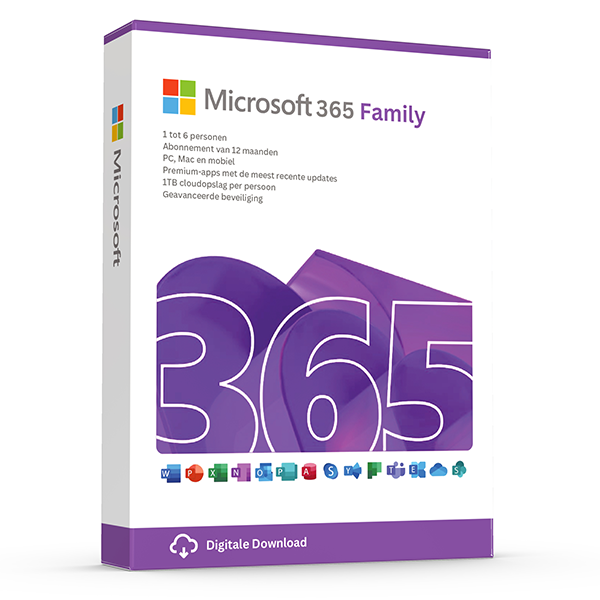
Microsoft 365 Family — 6 users · 30 devices
6 users · 1 year · 30 devices
Premium Office for up to 6 people with 1 TB OneDrive each.
Trusted by buyers in Spain
Madrid · Barcelona · Valencia · Sevilla · Zaragoza · Málaga
Check the Office edition and licence channel before buying
A product key is an activation credential, not a complete statement of your licence rights. Before choosing perpetual Office, establish the exact edition, operating system, licensing channel and permitted number of devices. Microsoft distributes Office LTSC Professional Plus 2024 through commercial volume licensing rather than as its standard consumer retail suite. If an offer uses the Professional Plus name, ask which Microsoft product and licensing agreement it represents; the product name alone does not establish retail ownership or transfer rights.
For a business in Spain, retain the invoice together with documents identifying the licensed product and the basis on which you may use it. Successful activation does not, by itself, establish compliance with Microsoft's licensing terms. Perpetual Office generally grants continuing use of the licensed version, not free upgrades to future major releases or indefinite security support. If you may replace your computer, check the applicable reassignment or transfer provisions before purchasing rather than assuming every perpetual licence is portable.
- Confirm Windows or macOS compatibility; Professional Plus is not the Mac edition.
- Ask whether the entitlement is retail, OEM or volume licensed.
- Check the included applications: Access is a PC-only application.
- Keep the invoice, licence terms and any transfer documentation together.
- Distinguish perpetual usage rights from Microsoft's product support lifecycle.
Decide whether you need Windows 11 Pro or just a valid activation
Start by opening Settings, then System, then Activation to identify your installed Windows edition and activation status. A Windows 11 Pro key is intended for Pro, not for activating Home while leaving the edition unchanged. If your computer already has activated Windows 11 Home, decide whether you need Pro features such as hosting Remote Desktop connections, Hyper-V or fuller BitLocker management. Windows Home can act as a Remote Desktop client, so simply connecting to another computer does not require Pro.
Before upgrading an older PC, run Microsoft's PC Health Check and review the Windows 11 hardware requirements, including a supported processor, TPM 2.0 and Secure Boot capability. Buying a key does not make unsupported hardware eligible. Also distinguish a new licence from reactivating an existing one: a digital licence may reactivate the same edition after reinstallation on the same device. A motherboard change can affect activation, while transfer rights depend on the original licence channel and the applicable Microsoft terms.
- Record the installed edition before entering a replacement key.
- Use Settings > System > Activation > Change product key for an appropriate edition upgrade.
- Back up important files and save any BitLocker recovery key first.
- Preinstalled OEM licences generally stay with the original licensed device.
- Linking a digital licence to a Microsoft account helps troubleshooting; it does not create transfer rights.
Understand Microsoft 365 Family users, devices and renewal
Microsoft 365 Family covers up to six people in total: the subscription owner and five others. Each person uses their own Microsoft account and can be signed in to Microsoft 365 apps on five devices simultaneously. This is not a pool of thirty independent user licences. Each participating person receives their own OneDrive storage allowance, and sharing the subscription does not automatically expose their files to the other members. Some additional benefits, including certain AI features, are reserved for the subscription owner.
Choose Family when several people need regularly updated apps across computers, tablets and phones, but budget for continued subscription access. Unlike perpetual Office, its premium usage rights depend on an active subscription. After expiry, desktop Office apps eventually enter reduced-functionality mode, and OneDrive storage limits revert; excess storage can restrict syncing and other services. If purchasing a redemption code while you already subscribe, check the Microsoft account, subscription type and regional redemption requirements before proceeding, especially when changing between plans.
- Use separate Microsoft accounts rather than sharing one password.
- Count people first, then each person's simultaneous device usage.
- Check which benefits are shared and which belong only to the owner.
- Review recurring billing in the subscription owner's Microsoft account.
- Do not assume a household subscription replaces an organisational licensing plan.
Install and troubleshoot without confusing activation methods
Before installation, save your work, back up important files and identify any existing Office installations. Different Office generations, installation technologies and architectures can conflict, so follow Microsoft's instructions on removing incompatible versions rather than installing repeatedly over them. Use the Microsoft download or deployment route appropriate to your licence: consumer account-based setup and organisational volume deployment are not interchangeable. For Office, choose the required language and check compatibility with essential add-ins before deciding between 32-bit and 64-bit applications.
If activation fails, record the exact error code and confirm the installed product name before changing anything. A wrong edition, a key already associated with another account, an expired subscription and an organisational activation requirement need different remedies. In Office, File > Account normally shows product and activation information; in Windows, use the Activation settings page. Do not run unofficial activation scripts or grant unknown people remote access. Share diagnostic messages with support, but keep your full product key and account credentials private.
- For account-based Office, confirm which Microsoft account holds the entitlement.
- Install from Microsoft's official source for the specific product and channel.
- Do not mix 32-bit and 64-bit Office components in the same installation.
- An unexpected request for an organisation's activation server warrants a licensing check.
- Keep screenshots of errors with product keys and personal details obscured.
Microsoft product reference: entitlement and deployment differences
| Product | Licensing model | Platform or users | Important distinction |
|---|---|---|---|
| Office Home & Business 2024 | One-time purchase | One PC or Mac | Includes Outlook and permits use at home or work; future major versions are separate purchases. |
| Office LTSC Professional Plus 2024 | Commercial volume licensing; perpetual version | Windows; device rights follow the agreement | Includes Access; verify the volume entitlement and deployment method rather than assuming consumer retail setup. |
| Microsoft 365 Family | Subscription | Up to six people; five simultaneously signed-in devices per person | Separate accounts and OneDrive storage for each person; some benefits are owner-only. |
| Windows 11 Home | Device licence; rights vary by channel | Compatible Windows PC | Does not include the built-in Remote Desktop host or Hyper-V role. |
| Windows 11 Pro | Device licence; rights vary by channel | Compatible Windows PC | Adds Remote Desktop hosting, Hyper-V and BitLocker management; individual features can have additional hardware requirements. |
Frequently asked questions
Are these licenses valid in Spain?
Yes. All keys are genuine Microsoft licenses, activate against Microsoft's worldwide servers, and carry no geographic restrictions.
Do I pay local tax?
Spanish IVA 21% included. Reverse-charge available for verified EU businesses.
How fast is delivery?
5–30 minutes by email after payment confirmation, 24/7. Most orders arrive in under 10 minutes.
What happens if a key fails to activate?
We replace it free of charge or refund in full. Every key is covered by our lifetime activation guarantee.