Buy Microsoft licenses in Finland
Genuine Microsoft Windows, Office, 365, Server and developer licenses delivered digitally to Finland — local payment methods, local-tax handling and 14-day refund window.

Accepted payment methods
- Visa
- Mastercard
- PayPal
- MobilePay
- Apple Pay
- Google Pay
- SEPA
Tax & invoicing
Finnish ALV 25.5% included. Reverse-charge available for verified EU businesses.
Delivery
Your license key arrives by email within 5–30 minutes of payment confirmation, with a link to the official Microsoft installer and a step-by-step PDF.
Support hours
Email support 24/7 — replies within 60 minutes between 09:00–22:00 EET.
Refund window: 14-day no-questions refund on unused, undelivered or unactivated keys — see refund policy for the full conditions.
Most popular in Finland
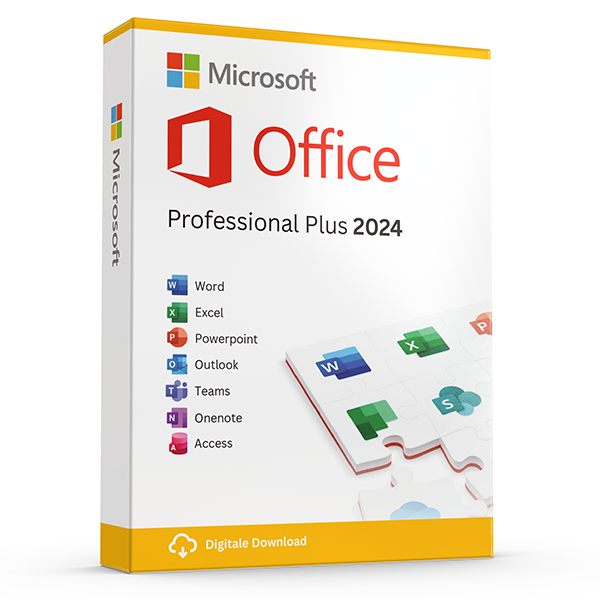
Office Professional Plus 2024 — 1 PC
Perpetual · 1 PC · Windows
The latest perpetual Office suite for one Windows PC.
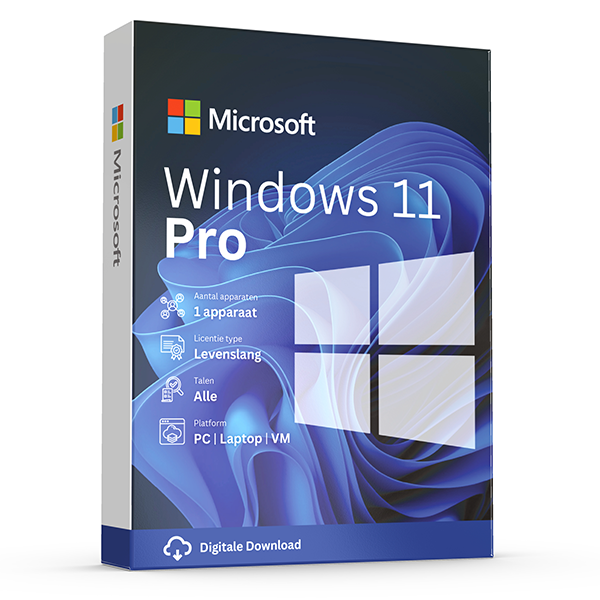
Windows 11 Pro
Retail · 1 PC · Lifetime
Professional edition with BitLocker, Hyper-V and Remote Desktop.
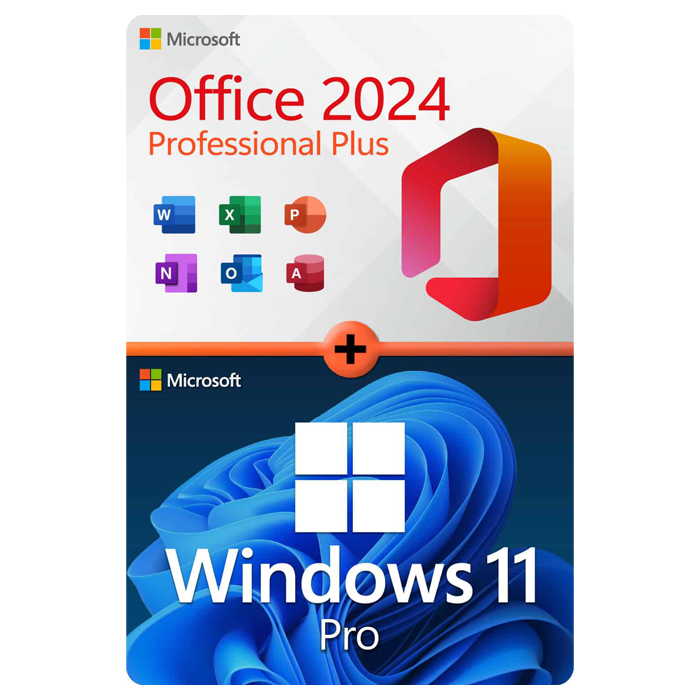
Office Professional Plus 2024 + Windows 11 Pro
1 PC · Lifetime
The complete productivity combo — Office 2024 and Windows 11 Pro in one package.
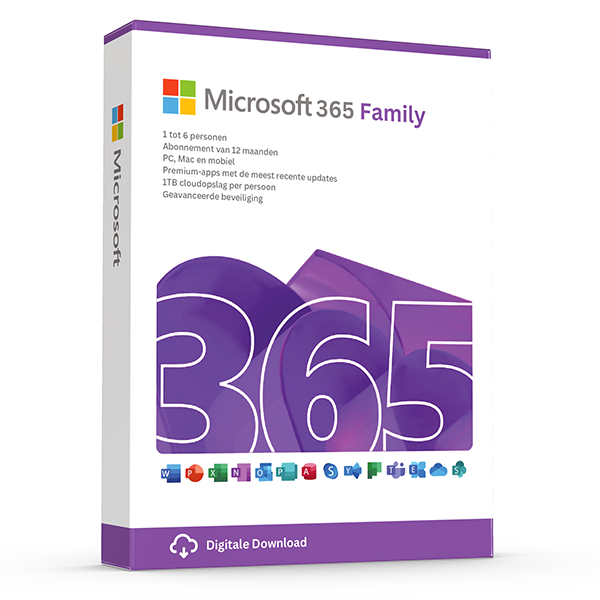
Microsoft 365 Family — 6 users · 30 devices
6 users · 1 year · 30 devices
Premium Office for up to 6 people with 1 TB OneDrive each.
Trusted by buyers in Finland
Helsinki · Espoo · Tampere · Vantaa · Oulu · Turku
Check the Office licensing channel, not just the product name
Start by deciding whether you need a perpetual Office release or a Microsoft 365 subscription. Office 2024 provides a fixed generation of applications; it does not include entitlement to the next major release. Microsoft 365 provides subscription benefits while the subscription remains active. Then check the exact edition: Office Home 2024 excludes Outlook and is intended for non-commercial use, whereas Office Home & Business 2024 includes Outlook and permits use at home or work.
Treat “Professional Plus” as a reason to check the licensing channel carefully. Microsoft distributes Office LTSC Professional Plus 2024 through commercial volume licensing, rather than as a standard consumer retail suite. Successful activation alone does not establish that a buyer has valid usage rights. Before buying, request the exact product name, applicable licence terms and documentation supporting your right to use it. For second-hand licences, the transfer history and original licence conditions can matter.
- Confirm whether the licence permits your intended personal or commercial use.
- Check the named applications rather than assuming every Office edition includes Outlook or Access.
- Ask whether activation is retail, MAK or KMS; these are not interchangeable licensing arrangements.
- Do not assume a volume licence can be linked to a personal Microsoft account like a retail purchase.
- Keep the invoice and entitlement documentation, not only the activation key.
Before installing Windows 11 Pro: compatibility, edition and transfer rights
Check the computer before choosing an upgrade route. Windows 11 requires compatible hardware, including a supported processor, TPM 2.0 and UEFI firmware with Secure Boot capability. Microsoft's PC Health Check app can help assess eligibility. A Windows 11 Pro key does not remove these requirements, and it will not activate an installation of Windows Home as Home. If Home is already installed, use the supported edition-upgrade process instead of assuming you need to erase the computer.
Open Settings, then System, then Activation to check the installed edition and activation status. For an eligible Home-to-Pro upgrade, select Change product key and enter the Pro key; save your work before proceeding. Transfer rights depend on how Windows was acquired. Under Microsoft's standard terms, standalone retail software can generally move to another device if removed from the previous one, while preinstalled software normally transfers only with the licensed device. Linking an account does not expand those rights.
- Back up important files before an edition upgrade or reinstall.
- Run PC Health Check rather than judging compatibility from RAM and storage alone.
- Match the key to the intended Windows edition.
- Record any activation error code before attempting fixes.
- After a hardware change, try Activation Troubleshooter if the licence is eligible for reactivation.
Install Office safely and set Finnish or Swedish language tools
Before installing Office, identify the existing product under File, Account in an Office application. Record its edition and sign-in account, then back up important documents and any locally stored Outlook data. Older Office installations, Visio and Project can create compatibility issues when mixed with a new installation, particularly when architectures or deployment technologies differ. Use Microsoft's installer and the installation method appropriate to the actual licence channel; a retail redemption workflow is not universal.
Choose the display language and proofing languages separately. In supported Office desktop apps, File, Options, Language lets you manage the interface and authoring settings; additional language components may need downloading. Finnish or Swedish spellchecking does not require buying a licence advertised specifically for Finland. For specialist add-ins, confirm whether they require 32-bit or 64-bit Office before installing. Switching Office architecture later normally requires uninstalling the existing version and installing the other architecture.
- Check compatibility with any existing Visio, Project and Office add-ins.
- Use the same Office bitness for applications installed together on one device.
- Add Finnish and Swedish as proofing languages where needed.
- If Microsoft account redemption is required, use the account that should retain access.
- Avoid unofficial activation scripts and instructions to disable security software.
- Test opening, editing and saving a document after installation.
Finnish buyers: distinguish withdrawal rights, faulty products and business purchases
For Finnish consumers buying online, the statutory withdrawal period and remedies for a defective product are separate issues. Digital content supplied without a physical medium has special rules: the withdrawal right may end once supply begins if the consumer has expressly consented to early supply and acknowledged losing that right, with the required contractual confirmation. Do not assume that every emailed key is automatically non-refundable, or that activating software removes rights where the supplied product is defective.
If software will not activate or differs from what was described, preserve the order confirmation, product description, invoice and error messages, and contact the seller with a clear explanation. Any voluntary store guarantee is separate from applicable statutory remedies. For a Finnish business purchase, consumer withdrawal rules generally do not apply. VAT treatment depends on the parties and transaction; a VAT number alone does not make every purchase tax-free, and reverse charge means the buyer accounts for VAT where applicable.
- Save the terms and any digital-delivery consent shown at checkout.
- Keep screenshots of activation errors, but never publish the full product key.
- Provide the correct legal business name and VAT details when purchasing for a company.
- Do not confuse a voluntary refund policy with statutory remedies.
- Finnish consumer buyers can seek guidance from KKV Consumer Advisory Services.
Office edition reference: features and licensing distinctions to check before purchase
| Product | Desktop platform | Outlook included | Licensing distinction |
|---|---|---|---|
| Office Home 2024 | Windows or macOS | No | Perpetual purchase for one PC or Mac; non-commercial use |
| Office Home & Business 2024 | Windows or macOS | Yes | Perpetual purchase for one PC or Mac; home or work use |
| Office LTSC Professional Plus 2024 | Windows | Yes | Perpetual commercial volume-licensing product; verify entitlement and applicable agreement |
| Microsoft 365 Family | Windows and macOS; mobile apps also available | Yes | Subscription shared with up to six people; each person can be signed in on five devices simultaneously |
Frequently asked questions
Are these licenses valid in Finland?
Yes. All keys are genuine Microsoft licenses, activate against Microsoft's worldwide servers, and carry no geographic restrictions.
Do I pay local tax?
Finnish ALV 25.5% included. Reverse-charge available for verified EU businesses.
How fast is delivery?
5–30 minutes by email after payment confirmation, 24/7. Most orders arrive in under 10 minutes.
What happens if a key fails to activate?
We replace it free of charge or refund in full. Every key is covered by our lifetime activation guarantee.