Buy Microsoft licenses in Hong Kong
Genuine Microsoft Windows, Office, 365, Server and developer licenses delivered digitally to Hong Kong — local payment methods, local-tax handling and 14-day refund window.

Accepted payment methods
- Visa
- Mastercard
- American Express
- PayPal
- AlipayHK
- WeChat Pay
- Apple Pay
- Google Pay
Tax & invoicing
No VAT/GST in Hong Kong. Business receipt issued automatically.
Prices are billed in EUR. Approximate HKD conversion shown for context only — your bank applies the final rate.
Delivery
Your license key arrives by email within 5–30 minutes of payment confirmation, with a link to the official Microsoft installer and a step-by-step PDF.
Support hours
Email support 24/7 — replies within 60 minutes between 09:00–21:00 HKT.
Refund window: 14-day no-questions refund on unused, undelivered or unactivated keys — see refund policy for the full conditions.
Most popular in Hong Kong
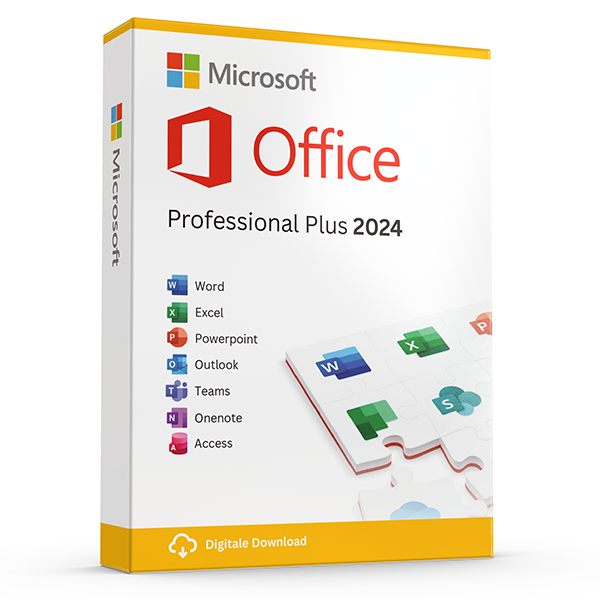
Office Professional Plus 2024 — 1 PC
Perpetual · 1 PC · Windows
The latest perpetual Office suite for one Windows PC.
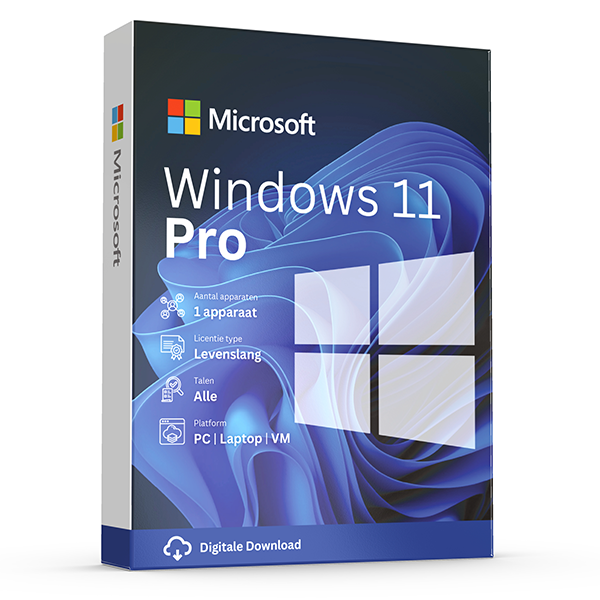
Windows 11 Pro
Retail · 1 PC · Lifetime
Professional edition with BitLocker, Hyper-V and Remote Desktop.
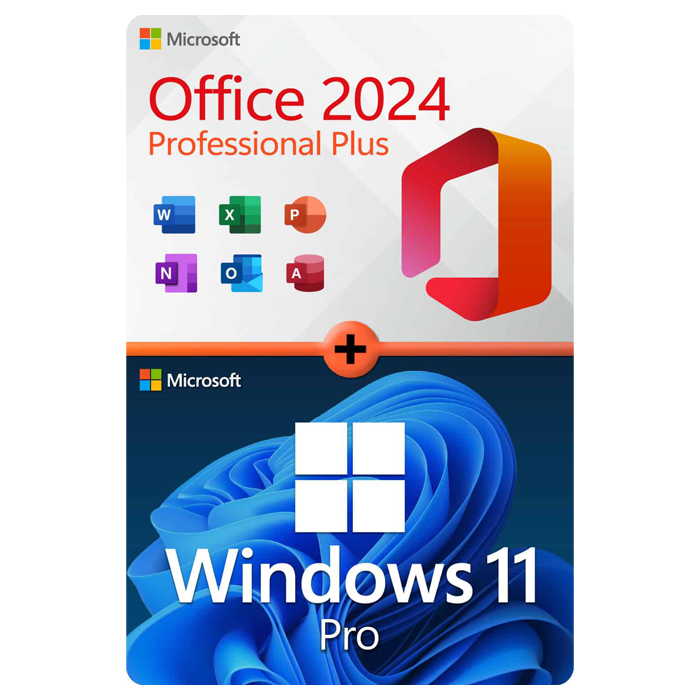
Office Professional Plus 2024 + Windows 11 Pro
1 PC · Lifetime
The complete productivity combo — Office 2024 and Windows 11 Pro in one package.
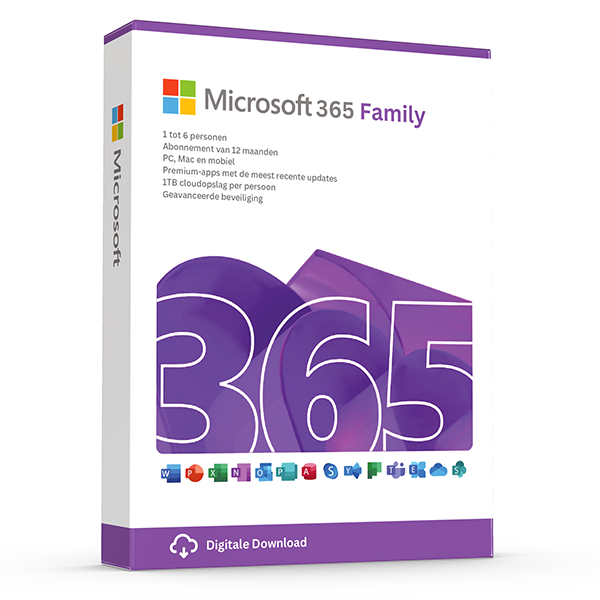
Microsoft 365 Family — 6 users · 30 devices
6 users · 1 year · 30 devices
Premium Office for up to 6 people with 1 TB OneDrive each.
≈ HK$296.65 HKD — $35 prices are billed in eur. approximate hkd conversion shown for context only — your bank applies the final rate.
Trusted by buyers in Hong Kong
Central · Kowloon · Sha Tin · Tsuen Wan · Tuen Mun · Sai Kung
Recover from a page error before attempting another purchase
A page-loading error does not establish whether a checkout attempt succeeded or failed. If the error appeared after you submitted payment, check your email, any available order history, and your payment provider’s transaction record before trying again. A pending card authorisation is not the same as a completed charge. Keep the time, amount, and any transaction reference so you can explain what happened without sharing full card details.
If you were only browsing, refresh once or return to the homepage and navigate to the product again. If the problem persists, try a private browsing window or another browser to help distinguish a session problem from a wider website issue. Before clearing cookies, save any useful order references. Avoid downloading installers from unfamiliar search results while the page is unavailable; use Microsoft’s official download routes where available for your product.
- Check for an existing order before repeating payment.
- Record the failed page address and approximate time.
- Do not include licence keys or payment details in public screenshots.
- Use an independently verified contact route if you need help tracing a transaction.
Match the licence to your edition, device, and intended use
Before choosing a Windows key, identify the installed edition and whether you need a full licence or an upgrade. In Windows 11, open Settings, System, then About to check the edition, and System, then Activation to inspect activation status. A Home licence does not license Windows Pro. An upgrade offer may require an existing qualifying licence, so do not assume every lower-priced upgrade can legally license a newly assembled computer.
For Office, distinguish the named edition, release, operating system, and licensing model. Office Home 2024 and Office Home & Business 2024 are not interchangeable: the former is intended for non-commercial use, while the latter includes rights for home or work use and includes Outlook. Microsoft 365 plans differ in applications, services, and device allowances. Check the exact product’s system requirements and usage rights rather than relying on a general description such as 'Office key'.
- Record the exact product, release, and edition before purchasing.
- Check Windows or macOS compatibility and hardware requirements.
- Confirm commercial-use rights if the software is for work.
- Distinguish a perpetual licence from a time-limited subscription.
- Verify whether the offer requires an existing qualifying licence.
Understand what a product key proves and which terms govern
A product key is an activation credential, not a complete statement of your licensing rights. Successful activation alone does not prove that software is properly licensed. Your rights depend on the product, how the licence was acquired, and the applicable agreement. Microsoft publishes Software License Terms at microsoft.com/useterms; organisational purchases may instead be governed by commercial licensing agreements and Product Terms. Read the terms matching the actual product and acquisition channel.
Transfer rights are particularly important when replacing a computer. Under Microsoft’s Windows terms, software acquired preinstalled on a device generally transfers to another user only with that licensed device. Windows acquired as stand-alone software generally permits transfer to another device you own, provided it is removed from the previous device and the other conditions are met. These are not universal rules for every Microsoft product; check the applicable terms and any mandatory local legal rights.
- Ask which licensing channel applies: retail, preinstalled, or commercial licensing.
- Keep the invoice, product description, and relevant licensing documents.
- Do not interpret successful activation as evidence of transfer permission.
- Avoid assuming that one key permits several simultaneous installations.
- Treat unusually broad claims such as 'unlimited transfers' as requiring verification.
Troubleshoot activation without buying an unnecessary replacement
Start an activation investigation by recording the exact error code and checking that the installed product matches the licence. For Windows 11, use Settings, System, then Activation; for Office desktop applications, the Account page usually identifies the product and activation state. Confirm that the device has internet access and that its date and time are correct. Do not uninstall working software or purchase another key before establishing what the error actually means.
A significant hardware change can require Windows reactivation. Linking a qualifying Windows digital licence to your Microsoft account can help you use the Activation troubleshooter after a hardware change, but it does not expand the licence’s transfer rights. For Office purchases that require account redemption, use the Microsoft account associated with that purchase when reinstalling. Organisational activation may require your employer’s network or administrator; a volume activation error is not necessarily a defective installation.
- Save the complete error message, but keep the product key private.
- Check for an edition mismatch before attempting another activation.
- Use Microsoft’s official activation guidance for the reported error.
- Contact your organisation’s administrator for workplace-managed licences.
- Avoid unofficial activation scripts and tools that bypass licensing controls.
Reference: distinguish licensing models before comparing offers
| Licence or product type | Important distinction | What to verify |
|---|---|---|
| Windows stand-alone retail licence | Transfer to another device may be permitted under the applicable terms; the previous installation must be removed. | Exact edition, full licence versus upgrade, and transfer conditions. |
| Windows preinstalled licence | Generally remains associated with the licensed device and transfers to another user with that device. | Original device, edition, and applicable preinstalled-software terms. |
| Office 2024 one-time purchase | Licenses the purchased release rather than an ongoing subscription; future major releases are not included. | Named edition, supported platform, device allowance, and commercial-use rights. |
| Microsoft 365 subscription | Benefits and application rights depend on the plan and an active subscription. | Plan name, subscription duration, assigned users, and device allowances. |
| Microsoft commercial volume licensing | Rights derive from the organisation’s agreement, not merely possession of an activation key. | Entitlement documentation, eligible users or devices, and administrator requirements. |
Frequently asked questions
Are these licenses valid in Hong Kong?
Yes. All keys are genuine Microsoft licenses, activate against Microsoft's worldwide servers, and carry no geographic restrictions.
Do I pay local tax?
No VAT/GST in Hong Kong. Business receipt issued automatically.
How fast is delivery?
5–30 minutes by email after payment confirmation, 24/7. Most orders arrive in under 10 minutes.
What happens if a key fails to activate?
We replace it free of charge or refund in full. Every key is covered by our lifetime activation guarantee.