Buy Microsoft licenses in Netherlands
Genuine Microsoft Windows, Office, 365, Server and developer licenses delivered digitally to Netherlands — local payment methods, local-tax handling and 14-day refund window.

Accepted payment methods
- iDEAL
- Visa
- Mastercard
- PayPal
- Bancontact
- Apple Pay
- Google Pay
- SEPA
Tax & invoicing
Dutch BTW 21% included. Reverse-charge available for verified EU businesses.
Delivery
Your license key arrives by email within 5–30 minutes of payment confirmation, with a link to the official Microsoft installer and a step-by-step PDF.
Support hours
Email support 24/7 — replies within 60 minutes between 08:00–21:00 CET.
Refund window: 14-day no-questions refund on unused, undelivered or unactivated keys — see refund policy for the full conditions.
Most popular in Netherlands
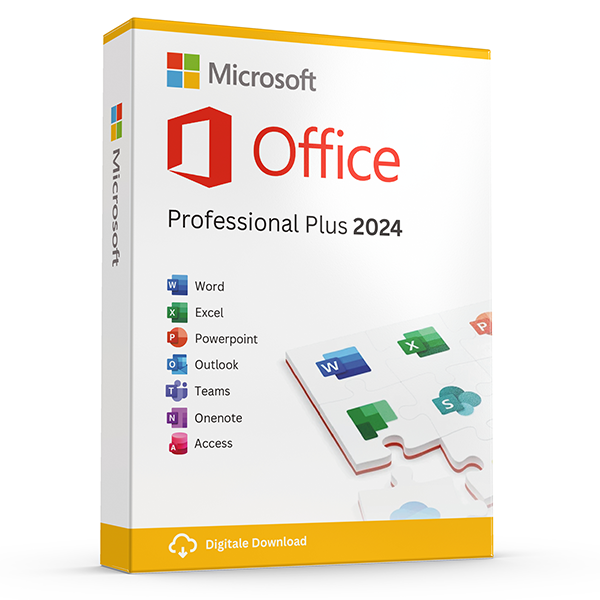
Office Professional Plus 2024 — 1 PC
Perpetual · 1 PC · Windows
The latest perpetual Office suite for one Windows PC.
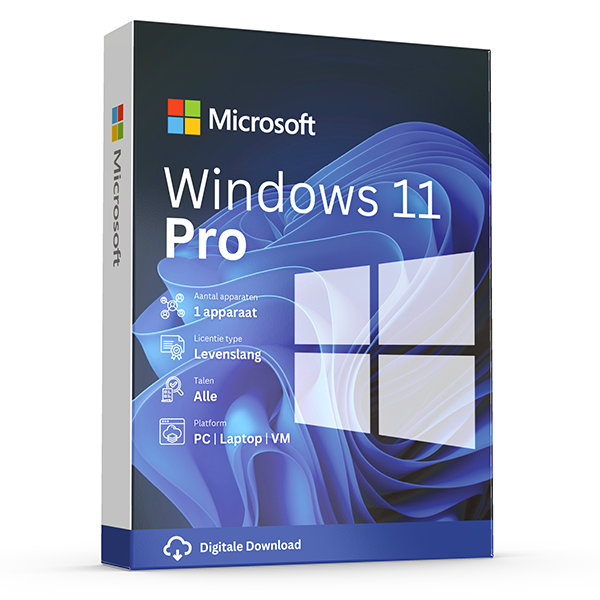
Windows 11 Pro
Retail · 1 PC · Lifetime
Professional edition with BitLocker, Hyper-V and Remote Desktop.
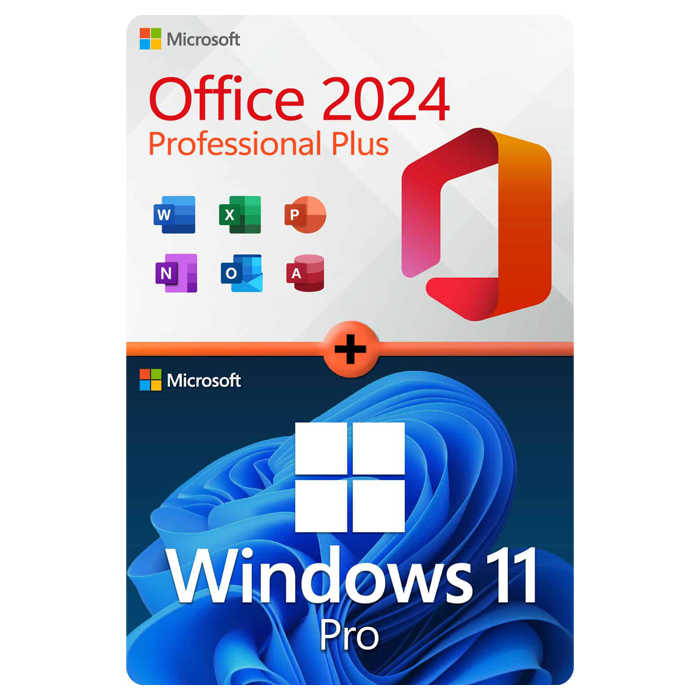
Office Professional Plus 2024 + Windows 11 Pro
1 PC · Lifetime
The complete productivity combo — Office 2024 and Windows 11 Pro in one package.
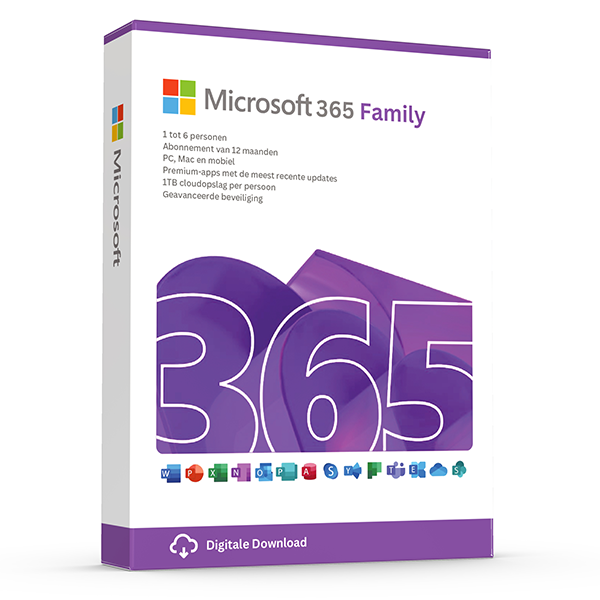
Microsoft 365 Family — 6 users · 30 devices
6 users · 1 year · 30 devices
Premium Office for up to 6 people with 1 TB OneDrive each.
Trusted by buyers in Netherlands
Amsterdam · Rotterdam · Den Haag · Utrecht · Eindhoven · Groningen
Check the licence channel, not just whether a key activates
A product key is an activation credential, not the complete licence entitlement. Successful activation does not by itself establish that the software was supplied under the correct licensing terms. Before buying, identify the exact product, edition and channel: retail, OEM or commercial volume licensing. Ask what documentation establishes your right to use it, particularly for a business purchase. Keep the invoice and any licence or transfer records alongside the key.
Office LTSC Professional Plus 2024 is supplied through Microsoft's commercial volume licensing programmes rather than as a standard consumer retail suite. A listing using the Professional Plus name therefore deserves a specific explanation of the entitlement being supplied. Windows transfer rights also differ: a stand-alone retail licence can generally move to another device under its terms, with the previous installation removed, whereas preinstalled OEM Windows normally transfers only with the licensed device.
- Request the exact Microsoft product name and licensing channel before purchase.
- For transferred licences, request documentation of the entitlement and transfer.
- Do not treat an activation screenshot as proof of compliant licensing.
- Match the installed edition to the licence; Home and Pro are not interchangeable.
Choose an Office edition around devices, applications and support
Start with the devices and applications you actually need. Office LTSC Professional Plus 2024 is a Windows product; it is not the corresponding Mac licence. A household using both platforms may find Microsoft 365 more convenient, while someone using one computer may prefer a suitable perpetual edition. Check individual applications too: Access is PC-only, and Publisher is not included in Office LTSC 2024. Similar suite names do not guarantee identical applications or installation rights.
Perpetual Office lets you use the licensed version without an ongoing subscription, but it does not include automatic entitlement to future major versions or indefinite security updates. Microsoft lists 9 October 2029 as the end of support for Office LTSC 2024. Microsoft 365 instead requires an active subscription for its subscription benefits. With Microsoft 365 Family, each person should use their own Microsoft account; each can be signed in on five devices simultaneously.
- List required applications, operating systems and users before choosing a suite.
- Do not assume a Windows Office licence also licenses a Mac installation.
- Check whether commercial use is permitted by the particular edition's terms.
- Before changing Office editions, back up Outlook data and check add-in compatibility.
- Distinguish a perpetual right to use a version from its support lifecycle.
Prepare a Windows 11 upgrade without losing activation or data
Before buying Windows 11 Pro, open Settings, then System, then Activation to check your current edition and activation status. A PC already running activated Windows 11 Pro may not need another licence simply because you are reinstalling on the same hardware. Next, run Microsoft's PC Health Check to assess eligibility. Windows 11 requires a supported processor, TPM 2.0 and UEFI firmware with Secure Boot capability; purchasing a key does not make unsupported hardware eligible.
If you have activated Windows 11 Home and need Pro features, Microsoft's supported edition-upgrade route is through the Activation settings using an appropriate Pro key or the Microsoft Store. Back up important files first and save any BitLocker or device-encryption recovery key somewhere separate from the PC. A motherboard replacement can affect activation, and linking a digital licence to a Microsoft account can assist troubleshooting without expanding the licence's transfer rights.
- Record the current Windows edition and activation status before making changes.
- Check hardware eligibility before paying for an operating-system upgrade.
- Use Microsoft's installation media and select the edition you are licensed to run.
- Keep encryption recovery keys accessible without relying on the encrypted computer.
- For Remote Desktop hosting, check the host edition: Windows Home cannot host incoming Remote Desktop connections.
Understand Dutch digital-purchase rights and business paperwork
For Dutch consumers, the usual 14-day withdrawal right for distance purchases has a specific exception for digital content supplied without a physical medium. It can end once supply begins if the required express consent and acknowledgement of losing that right have been obtained, with the required confirmation. Do not assume either that every emailed key is automatically non-refundable or that an activated key always remains returnable. Read the checkout consent wording and distinguish statutory rights from any additional seller policy.
For a Netherlands business purchase, establish who the legal supplier is and request an invoice identifying the supplied software and relevant VAT treatment. An EU VAT number does not make every transaction eligible for reverse charge: the supplier's location, customer status and nature of the supply matter. Retain the invoice, order description, licence documentation and any activation correspondence. Consumer withdrawal protections generally do not apply to purchases made in a business capacity; statutory consumer remedies remain separate from voluntary guarantees.
- Save the product description, checkout terms and order confirmation.
- Confirm the legal supplier's identity rather than relying only on the website name.
- Provide accurate business and VAT details before invoicing.
- Ask your accountant about uncertain cross-border VAT treatment.
- Report faults in writing and retain the error message and correspondence.
Office licence models: practical differences to check before choosing
| Product | Licence model | Device or user scope | Important distinction |
|---|---|---|---|
| Office Home 2024 | Perpetual consumer purchase | One PC or Mac | For non-commercial use; Outlook is not included. |
| Office Home & Business 2024 | Perpetual retail purchase | One PC or Mac | Includes Outlook and is intended for use at home or work. |
| Office LTSC Professional Plus 2024 | Perpetual commercial volume licence | Device-based Windows licensing, subject to the applicable agreement | Includes Access; verify the underlying entitlement rather than relying on activation alone. |
| Microsoft 365 Personal | Subscription | One person; signed in on up to five devices simultaneously | Supports compatible PCs, Macs and mobile devices; subscription benefits require an active plan. |
| Microsoft 365 Family | Subscription | Up to six people; each signed in on up to five devices simultaneously | Use separate Microsoft accounts; the device allowance is per person, not a shared pool. |
Frequently asked questions
Are these licenses valid in Netherlands?
Yes. All keys are genuine Microsoft licenses, activate against Microsoft's worldwide servers, and carry no geographic restrictions.
Do I pay local tax?
Dutch BTW 21% included. Reverse-charge available for verified EU businesses.
How fast is delivery?
5–30 minutes by email after payment confirmation, 24/7. Most orders arrive in under 10 minutes.
What happens if a key fails to activate?
We replace it free of charge or refund in full. Every key is covered by our lifetime activation guarantee.