Buy Microsoft licenses in New Zealand
Genuine Microsoft Windows, Office, 365, Server and developer licenses delivered digitally to New Zealand — local payment methods, local-tax handling and 14-day refund window.

Accepted payment methods
- Visa
- Mastercard
- American Express
- PayPal
- POLi
- Apple Pay
- Google Pay
Tax & invoicing
New Zealand GST 15% included on orders to NZ billing addresses.
Prices are billed in EUR. Approximate NZD conversion shown for context only — your bank applies the final rate.
Delivery
Your license key arrives by email within 5–30 minutes of payment confirmation, with a link to the official Microsoft installer and a step-by-step PDF.
Support hours
Email support 24/7 — replies within 60 minutes between 09:00–20:00 NZST.
Refund window: 14-day no-questions refund on unused, undelivered or unactivated keys — see refund policy for the full conditions.
Most popular in New Zealand
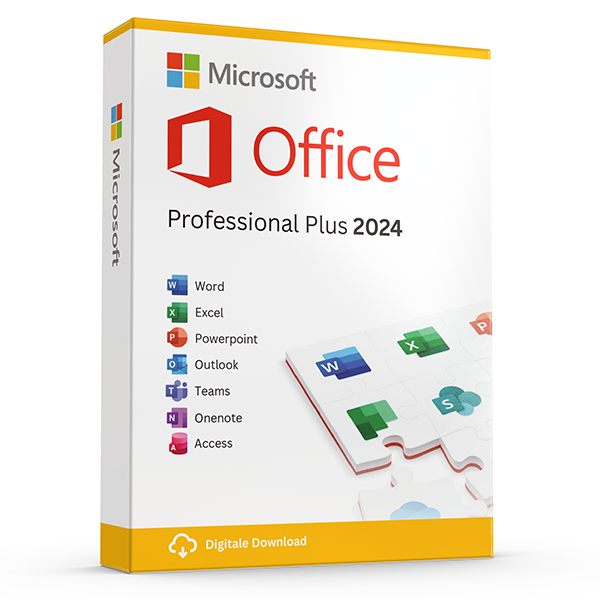
Office Professional Plus 2024 — 1 PC
Perpetual · 1 PC · Windows
The latest perpetual Office suite for one Windows PC.
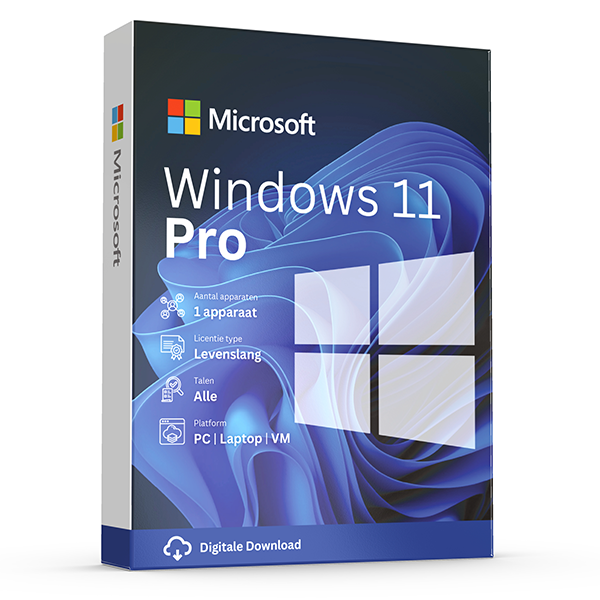
Windows 11 Pro
Retail · 1 PC · Lifetime
Professional edition with BitLocker, Hyper-V and Remote Desktop.
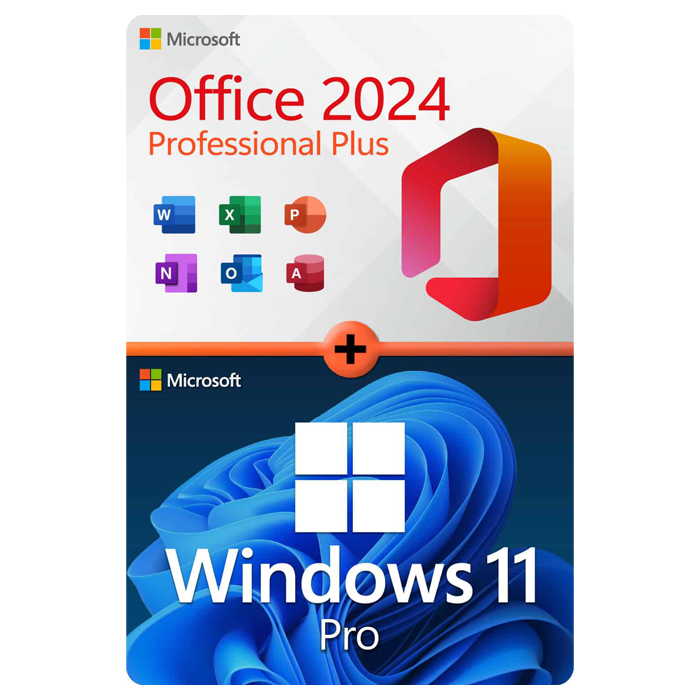
Office Professional Plus 2024 + Windows 11 Pro
1 PC · Lifetime
The complete productivity combo — Office 2024 and Windows 11 Pro in one package.
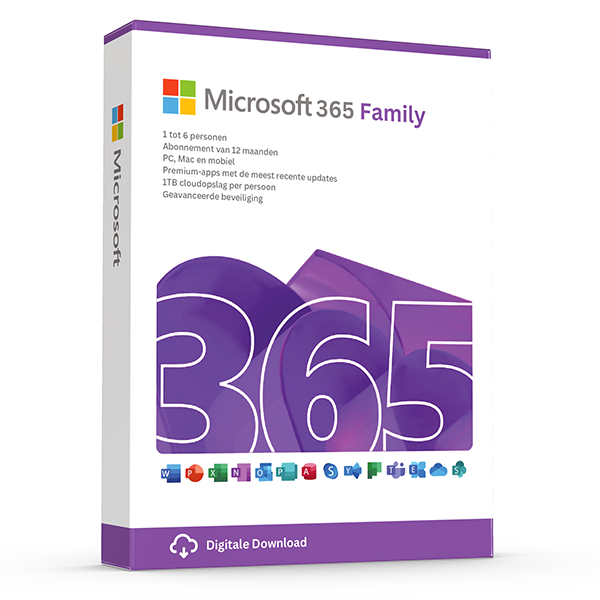
Microsoft 365 Family — 6 users · 30 devices
6 users · 1 year · 30 devices
Premium Office for up to 6 people with 1 TB OneDrive each.
≈ NZ$62.82 NZD — $35 prices are billed in eur. approximate nzd conversion shown for context only — your bank applies the final rate.
Trusted by buyers in New Zealand
Auckland · Wellington · Christchurch · Hamilton · Tauranga · Dunedin
Choose a Windows edition before choosing a key
Start with the computer, not the product listing. On an existing Windows installation, open Settings, then System, then About to identify the installed edition and system specifications. Check System, then Activation to see whether Windows is already activated. A Home licence does not activate Pro, and an edition mismatch can cause an otherwise valid key to be rejected. Reinstalling Windows is not automatically necessary when moving from Home to Pro.
For Windows 11, compare the device against Microsoft's published hardware requirements, including a supported processor, TPM 2.0, and UEFI firmware with Secure Boot capability. Microsoft's PC Health Check app can help assess eligibility. Choose Pro only when its additional capabilities are needed, such as hosting Remote Desktop sessions or joining an Active Directory domain. A licence key does not make unsupported hardware compliant or add capabilities belonging to a different edition.
- Record the installed Windows edition before purchasing.
- Use Microsoft's current Windows 11 requirements to check compatibility.
- Distinguish Remote Desktop hosting from connecting as a client.
- Back up important files before changing editions or reinstalling.
- Check whether the computer already has a valid digital licence.
Match an Office licence to the user, device, and work
Decide whether you need a fixed-version purchase or an ongoing subscription. Office Home 2024 and Office Home & Business 2024 are one-time purchases for one PC or Mac; they do not include an entitlement to the next major Office release. Microsoft 365 subscriptions provide continuing access to their included services and application updates while the subscription remains active. Compare the exact applications and permitted use, rather than assuming every product labelled Office includes the same software.
Usage rights matter as much as application lists. Office Home 2024 is intended for non-commercial use, while Office Home & Business 2024 permits use at home or work and includes Outlook. For an organisation, assess business subscriptions or appropriate commercial licensing rather than selecting a consumer product solely by price. Also check supported operating systems and Microsoft's support lifecycle: a perpetual licence is not a promise of perpetual security updates or compatibility with future computers.
- List required applications before comparing Office products.
- Check commercial-use rights when buying for work.
- Confirm whether the licence covers one device or subscription users.
- Verify PC or Mac compatibility for the exact version.
- Do not assume a one-time purchase includes future major releases.
Understand what a product key does—and does not—prove
A product key is an activation credential, not a complete description of your licensing rights. Microsoft's licence terms distinguish between acquisition channels, and successful activation alone does not establish that software is properly licensed. Before buying, identify the precise product, edition, licence channel, and any stated restrictions. Keep the invoice, product description, and relevant licence documentation together. A low price or a working activation screen cannot resolve missing information about the licence's origin or permitted use.
Transfer rules require particular care when replacing a computer. Under Microsoft's Windows terms, standalone retail software can generally be moved to another device you own, provided it is removed from the previous device. Windows supplied preinstalled is generally transferable to another user only with the licensed device. Applicable terms and local law can affect the position, so consult the terms for the actual purchase. Linking Windows to a Microsoft account does not override those transfer restrictions.
- Ask whether Windows is retail, preinstalled/OEM, or volume licensed.
- Check whether an offer requires an existing qualifying licence.
- Do not treat MAK or KMS activation as proof of personal ownership.
- Check transfer rights before replacing a motherboard or computer.
- Retain purchase records without publicly exposing the product key.
Troubleshoot activation without creating a second problem
If a purchase page or confirmation screen fails, establish whether an order or payment already exists before submitting another purchase. Check available account records, confirmation emails, and your payment provider's transaction status; a pending authorisation is not necessarily a completed charge. Avoid sending full product keys or payment details through public posts. Once you have the licence information, download installation files through Microsoft's official channels rather than using an unfamiliar installer bundled with activation instructions.
For Windows activation problems, first confirm the installed edition, internet connection, and device date and time, then record the exact error code. Use the Activation troubleshooter when available, particularly after a significant hardware change. For Office, establish whether the product was redeemed to a Microsoft account and sign in with that account before trying another key. Stop if instructions require disabling security software, running an unofficial activator, or connecting a personal retail purchase to an unknown activation server.
- Check transaction status before retrying a failed checkout.
- Capture the error code, product name, and installed edition.
- Use Microsoft's official installation and activation guidance.
- Do not interpret a website error as an activation failure.
- Resolve licence-channel questions before repeatedly reinstalling software.
Common Microsoft products: practical differences to check before purchase
| Product | Useful distinction | Important purchase check |
|---|---|---|
| Windows 11 Home | Does not provide the built-in Remote Desktop host capability available in Pro. | Confirm hardware eligibility and whether Home is the installed edition. |
| Windows 11 Pro | Adds capabilities including Remote Desktop hosting and Active Directory domain join. | Check whether the offer is a full licence or an upgrade requiring a qualifying licence. |
| Office Home 2024 | One-time purchase for one PC or Mac, for non-commercial use; does not include Outlook. | Confirm that non-commercial rights and the included applications meet your needs. |
| Office Home & Business 2024 | One-time purchase for one PC or Mac; includes Outlook and permits home or work use. | Confirm operating-system compatibility and the one-device licence scope. |
| Microsoft 365 business subscriptions | Applications, services, and device rights vary by plan. | Check whether the selected plan includes desktop Office applications rather than web and mobile access alone. |
Frequently asked questions
Are these licenses valid in New Zealand?
Yes. All keys are genuine Microsoft licenses, activate against Microsoft's worldwide servers, and carry no geographic restrictions.
Do I pay local tax?
New Zealand GST 15% included on orders to NZ billing addresses.
How fast is delivery?
5–30 minutes by email after payment confirmation, 24/7. Most orders arrive in under 10 minutes.
What happens if a key fails to activate?
We replace it free of charge or refund in full. Every key is covered by our lifetime activation guarantee.