Buy Microsoft licenses in Portugal
Genuine Microsoft Windows, Office, 365, Server and developer licenses delivered digitally to Portugal — local payment methods, local-tax handling and 14-day refund window.

Accepted payment methods
- Visa
- Mastercard
- PayPal
- MB WAY
- Multibanco
- Apple Pay
- Google Pay
- SEPA
Tax & invoicing
Portuguese IVA 23% included. Reverse-charge available for verified EU businesses.
Delivery
Your license key arrives by email within 5–30 minutes of payment confirmation, with a link to the official Microsoft installer and a step-by-step PDF.
Support hours
Email support 24/7 — replies within 60 minutes between 09:00–22:00 WET.
Refund window: 14-day no-questions refund on unused, undelivered or unactivated keys — see refund policy for the full conditions.
Most popular in Portugal
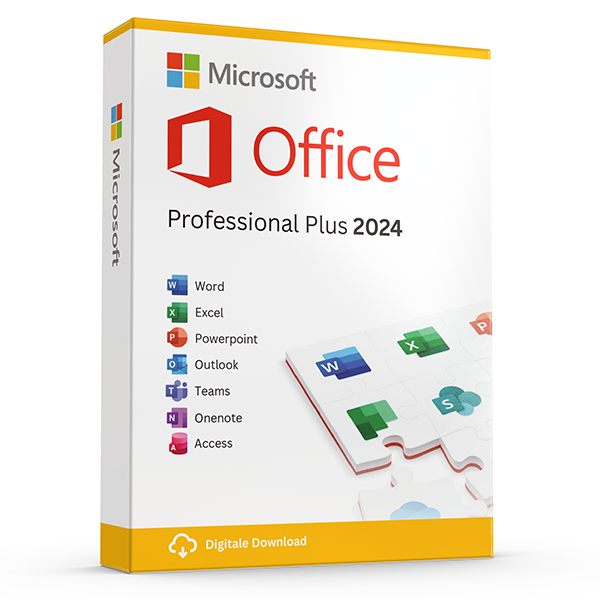
Office Professional Plus 2024 — 1 PC
Perpetual · 1 PC · Windows
The latest perpetual Office suite for one Windows PC.
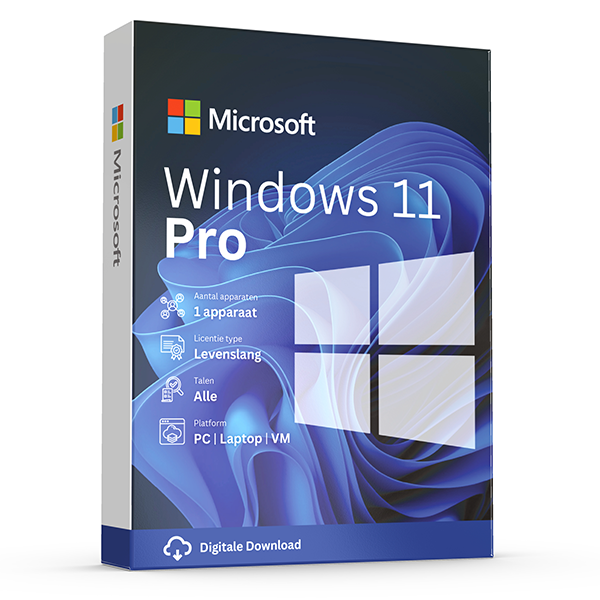
Windows 11 Pro
Retail · 1 PC · Lifetime
Professional edition with BitLocker, Hyper-V and Remote Desktop.
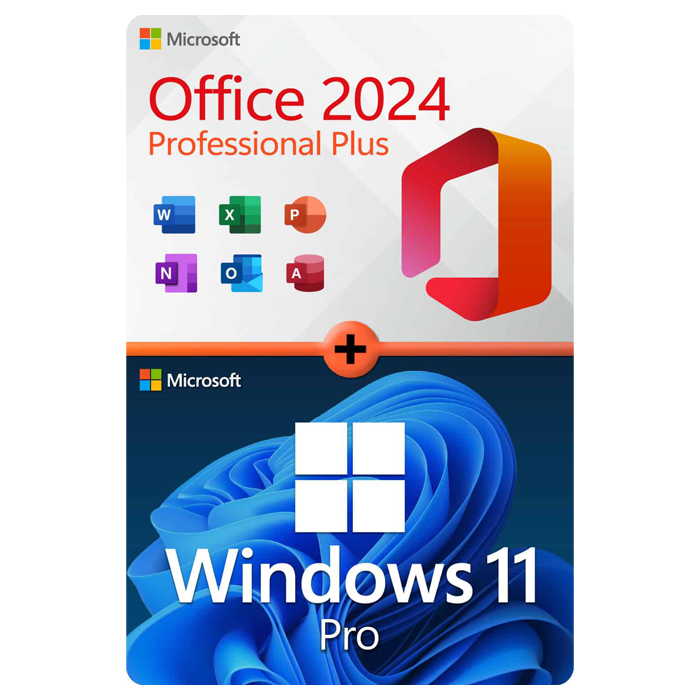
Office Professional Plus 2024 + Windows 11 Pro
1 PC · Lifetime
The complete productivity combo — Office 2024 and Windows 11 Pro in one package.
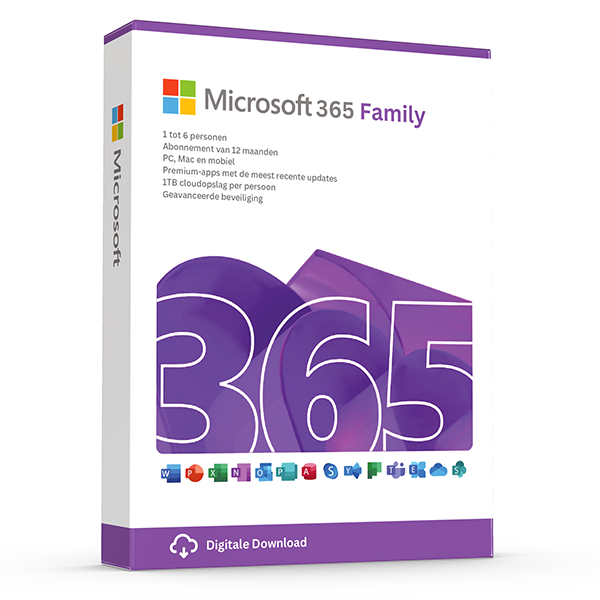
Microsoft 365 Family — 6 users · 30 devices
6 users · 1 year · 30 devices
Premium Office for up to 6 people with 1 TB OneDrive each.
Trusted by buyers in Portugal
Lisboa · Porto · Braga · Coimbra · Faro · Aveiro
Check the Office edition and licensing channel before buying
An Office product key and a licence entitlement are not the same thing: successful activation does not, by itself, establish that your use complies with Microsoft’s terms. A listing labelled Office Professional Plus 2024 should identify the exact edition and licensing channel. Microsoft’s Office LTSC Professional Plus 2024 is a volume licensing product, rather than a standard consumer retail edition. Ask what licensing documentation accompanies the purchase and which agreement authorises your use.
Choose between perpetual Office and Microsoft 365 according to applications, users and upgrade expectations. A perpetual licence covers the purchased version under its applicable terms; it does not promise future major releases or indefinite security updates. Microsoft 365 Family is a subscription for up to six people, each using their own Microsoft account. Microsoft’s consumer subscription terms generally limit use to personal, non-commercial purposes unless separate commercial-use rights apply, so businesses should check the intended plan carefully.
- Confirm the exact Microsoft product name, not just the year.
- Ask whether the licence is retail, OEM or volume-based.
- Check commercial-use rights before purchasing for work.
- Request evidence of entitlement as well as an activation key.
- Treat resale eligibility and transfer rights as separate questions.
Verify Windows 11 compatibility and transfer rights
Before buying Windows 11 Pro, check both the computer’s hardware and its existing Windows edition. Windows 11 requires a supported processor, TPM 2.0 and UEFI firmware with Secure Boot capability, alongside its memory and storage requirements. Microsoft’s PC Health Check app can assess compatibility. A Pro key does not make unsupported hardware eligible, and a PC already running a properly licensed Pro edition may need no additional purchase merely to reinstall the same edition.
Windows transfer rights depend on how the software was acquired. Under Microsoft’s standard terms, standalone retail Windows can generally move to another device belonging to you, provided it is removed from the previous device. Software preinstalled on a computer generally transfers only with that licensed computer. A motherboard replacement can also trigger reactivation. Linking a digital licence to a Microsoft account may help with troubleshooting, but it does not convert an OEM licence into a transferable retail licence.
- Open Settings > System > About to identify the installed edition.
- Check Settings > System > Activation before ordering another key.
- Run PC Health Check before planning a Windows 11 installation.
- Back up files and save any BitLocker recovery key before major changes.
- Check transfer terms before buying for a future replacement PC.
Install the matching edition and configure Portuguese language settings
Start by recording the exact product edition and checking whether another Office installation is already present. Download through the official Microsoft route appropriate to that licence: consumer account redemption and volume-licensing deployment are different processes. Follow Microsoft’s instructions on removing conflicting versions, and check add-in compatibility before choosing 32-bit or 64-bit Office. Keep documents backed up, and never use third-party activation scripts or disable security software merely because an unofficial installer requests it.
After installation, configure display language, keyboard layout and proofing separately; they are not interchangeable settings. Office supports Portuguese language options, but language components must match the installation’s supported configuration. Windows keyboard settings determine how a physical Portuguese keyboard behaves, while regional settings affect dates and number formats. For Microsoft 365 Family, invite each person through Microsoft’s sharing process rather than sharing one account password. Each person can install the apps on their devices and remain signed in on five devices simultaneously.
- Match the installer to the licensed product and edition.
- Check whether specialist add-ins require 32-bit Office.
- Choose Portuguese proofing appropriate to your documents.
- Test keyboard symbols and decimal separators after setup.
- Record the exact activation error code before troubleshooting.
Keep purchase evidence and understand Portuguese consumer protections
For a purchase in Portugal, keep the invoice, product description, licence terms and any correspondence explaining the licence’s origin or transferability. Businesses should provide accurate legal details and their NIF or VAT identification number before invoicing. Portuguese VAT treatment depends on factors including the customer’s location, status and the transaction structure; mainland and autonomous-region rates differ. A valid EU VAT number alone does not make every purchase eligible for reverse charge, particularly where the transaction is domestic.
For consumers buying online, the statutory withdrawal period is generally 14 days, but digital content has an important exception. The withdrawal right can be lost once supply begins if the consumer has expressly consented to early performance and acknowledged that loss, with the required contractual confirmation. This is distinct from remedies when supplied digital content is defective or does not conform to the contract. Business purchases may not receive the same consumer protections, and a seller’s voluntary refund policy is a separate commitment.
- Save the product description and terms as they appeared at checkout.
- Check the invoiced customer name, address and tax identification details.
- Review any consent concerning immediate digital supply.
- Distinguish change-of-mind withdrawal from non-conformity remedies.
- Use Portugal’s consumer guidance services or ECC-Net for relevant disputes.
Office edition reference: compare platform, applications and licensing purpose
| Product | Platform | Outlook included | Key licensing consideration |
|---|---|---|---|
| Office Home 2024 | One PC or Mac | No | Perpetual consumer edition for non-commercial use |
| Office Home & Business 2024 | One PC or Mac | Yes | Perpetual edition with home and business use rights |
| Office LTSC Professional Plus 2024 | Windows | Yes | Volume licensing; entitlement depends on the applicable agreement |
| Microsoft 365 Family | Windows, macOS and supported mobile platforms | Yes | Subscription for up to six people; generally personal, non-commercial use |
Frequently asked questions
Are these licenses valid in Portugal?
Yes. All keys are genuine Microsoft licenses, activate against Microsoft's worldwide servers, and carry no geographic restrictions.
Do I pay local tax?
Portuguese IVA 23% included. Reverse-charge available for verified EU businesses.
How fast is delivery?
5–30 minutes by email after payment confirmation, 24/7. Most orders arrive in under 10 minutes.
What happens if a key fails to activate?
We replace it free of charge or refund in full. Every key is covered by our lifetime activation guarantee.