Kaufratgeber
· 9 Min. Lesezeit· Aktualisiert am 2026-05-12Welche Office-Version sollten Sie kaufen?
Office 2021, 2024 oder Microsoft 365? Ein praxisnaher Leitfaden zur Auswahl der richtigen Office-Edition nach Anwendungsfall, Hardware und Budget.
- Office 2024
- Microsoft 365
- Kaufratgeber

- Günstigste Option
- 34,90 €
- Bestes Preis-Leistungs-Verhältnis/Platz
- 13,98 €
- Lebenslange Lizenz
- Ja
- Rückgabefrist
- 14 Tage
Die kurze Antwort
Wenn Sie Office heute kaufen und Ihr PC halbwegs modern ist (Windows 10 oder 11), wählen Sie Office 2024 Pro Plus. Es ist die neueste dauerhafte Version, enthält alle Microsoft-365-Feature-Backports von 2021 bis 2024 und kostet auf dieser Seite nur einen Bruchteil des UVP – nämlich 34,90 €.
Wenn Sie Cloud-Speicher und mehrere Geräte für eine Familie benötigen, wählen Sie Microsoft 365 Family – 6 Nutzer, je 1 TB OneDrive.
Wenn Sie bereits auf Office 2021 standardisiert sind, ist der 2021-Pro-Plus-Key noch vorrätig – zu einem noch günstigeren Preis.
Nach Anwendungsfall
Verschiedene Nutzer profitieren unterschiedlich stark von den einzelnen Editionen. So finden Sie die passende Edition für Ihren tatsächlichen Arbeitsablauf.
- · Solo-Freelancer unter Windows → Office 2024 Pro Plus 1-PC. Alle 7 Apps, lebenslang, 34,90 €.
- · Familie mit 4 Personen, gemeinsame Dateien → Microsoft 365 Family. 1 TB pro Nutzer, läuft auch auf Smartphones und Tablets.
- · Kleines Büro mit 5 PCs → Office 2024 Pro Plus 5-PC-Paket. 69,90 € gesamt – ca. 14 € pro Arbeitsplatz.
- · Mac-Nutzer mit Outlook-Bedarf → Office Home & Business 2024 – Mac.
- · Student / ausschließlich privat → Office 2024 Home & Student. Word + Excel + PowerPoint.
- · IT-Abteilung standardisiert auf 2021 → Office 2021 Pro Plus, kontobezogen (übertragbar).
Dauerlizenz vs. Abonnement – die langfristige Rechnung
Eine dauerhafte Office-2024-Lizenz fällt einmalig an und bleibt auf dem lizenzierten Gerät dauerhaft gültig. Microsoft 365 ist ein Jahresabonnement, das nach dem Ende der Zahlungen nicht mehr funktioniert.
Über einen Zeitraum von 5 Jahren kostet eine einzelne Dauerlizenz ca. 35 € gesamt. Ein Microsoft-365-Personal-Abonnement kostet ca. 85 € × 5 = 425 €. M365 Family bei 109 € × 5 = 545 €.
Das Abonnement lohnt sich nur, wenn Sie den Cloud-Speicher (1 TB OneDrive pro Nutzer), die geräteübergreifende Synchronisierung oder die Nutzung durch mehrere Personen wirklich benötigen.
- Office 2024 Pro Plus (dauerhaft)€35 · einmalig
- Office 2021 Pro Plus (dauerhaft)€28 · einmalig
- Microsoft 365 Personal€425 · 85 €/Jahr × 5
- Microsoft 365 Family (109 €/Jahr ÷ 6)€91 · Anteil pro Nutzer
Editionsübersicht auf einen Blick
Microsoft verkauft Office in drei Stufen – Home & Student (3 Apps), Home & Business (4 Apps mit Outlook) und Pro Plus (die vollständige Suite mit 7 Apps).
Pro Plus ist die volumenlizenzierte Edition, die normalerweise Unternehmenskunden vorbehalten ist. Wir verkaufen sie, weil der Preis pro Arbeitsplatz auf Volumenstufe drastisch sinkt und die Apps identisch zur Retail-Pro-Version sind.
| App | Home & Student | Home & Business | Pro Plus |
|---|---|---|---|
| Word | ✓ | ✓ | ✓ |
| Excel | ✓ | ✓ | ✓ |
| PowerPoint | ✓ | ✓ | ✓ |
| Outlook | — | ✓ | ✓ |
| OneNote | ✓ | ✓ | ✓ |
| Access (Windows) | — | — | ✓ |
| Publisher (Windows) | — | — | ✓ |
| Gewerbliche Nutzung | — | ✓ | ✓ |
Entscheidungsbaum – in 30 Sekunden zur richtigen Wahl
Gehen Sie diese vier Fragen von oben nach unten durch und stoppen Sie beim ersten „Ja".
- · 1. Brauchen Sie mehr als 1 TB Cloud-Speicher oder 5+ Geräte? → Microsoft 365 Family.
- · 2. Benötigen Sie nur Word/Excel/PowerPoint auf einem PC? → Office 2024 Home & Student.
- · 3. Benötigen Sie Outlook für geschäftliche E-Mails auf einem PC/Mac? → Office 2024 Home & Business.
- · 4. Alles andere (mehrere PCs, Access, Publisher, bestes €/Platz-Verhältnis)? → Office 2024 Pro Plus 1- oder 5-PC.
Häufige Fragen
- Ist Office 2024 ein einmaliger Kauf?
- Ja. Sie zahlen einmalig, aktivieren die Software auf dem lizenzierten PC und behalten die Apps lebenslang. Sicherheitsupdates werden kostenlos bereitgestellt, bis der reguläre Microsoft-Support im Oktober 2029 endet.
- Kann ich einen Office-2024-Key auf zwei Computern verwenden?
- Ein 1-PC-Key aktiviert ein Gerät. Für zwei oder mehr Geräte sind die 3-PC- oder 5-PC-Pro-Plus-Pakete günstiger pro Arbeitsplatz als mehrere Einzelkeys zu kaufen.
- Enthält Office 2024 Copilot?
- Nein. Copilot ist ein Feature des Microsoft-365-Abonnements. Die eigenständige Office-2024-Version enthält keine KI-Funktionen.
- Öffnet Office 2024 .docx-Dateien, die in Microsoft 365 erstellt wurden?
- Ja – beide Editionen verwenden das gleiche Open-XML-Dateiformat. Dateien lassen sich problemlos zwischen dauerhafter und Abonnement-Version austauschen.
Empfohlene Lizenzen
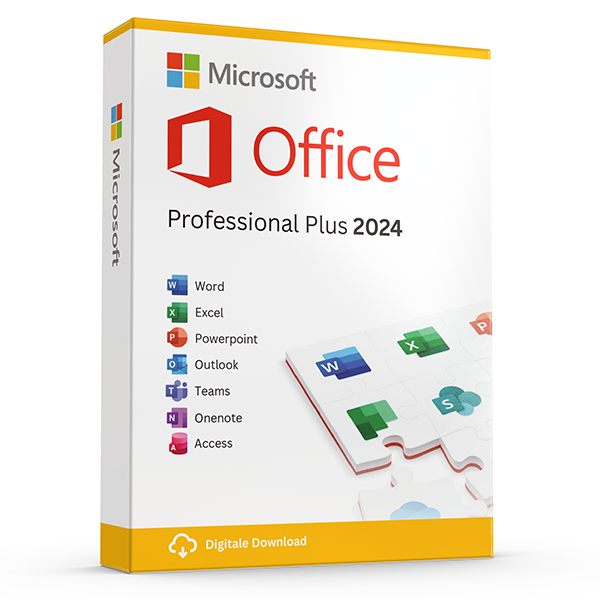
Office Professional Plus 2024 — 1 PC
Perpetual · 1 PC · Windows
The latest perpetual Office suite for one Windows PC.
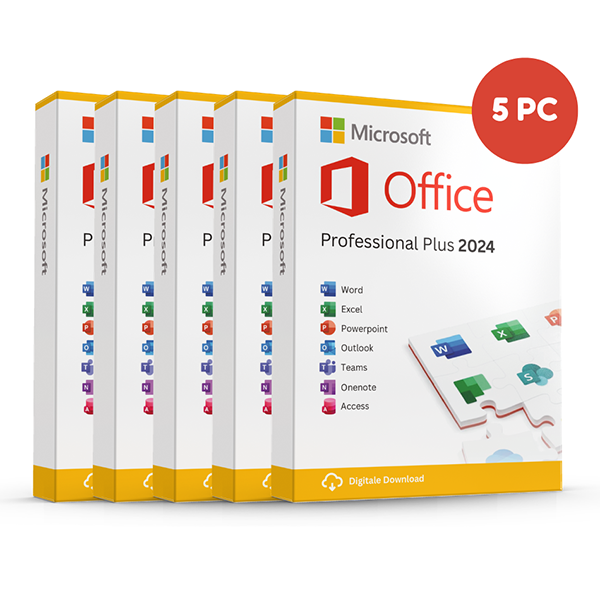
Office Professional Plus 2024 — 5 PCs
Perpetual · 5 PCs · Windows
Five-device pack — best value per PC.
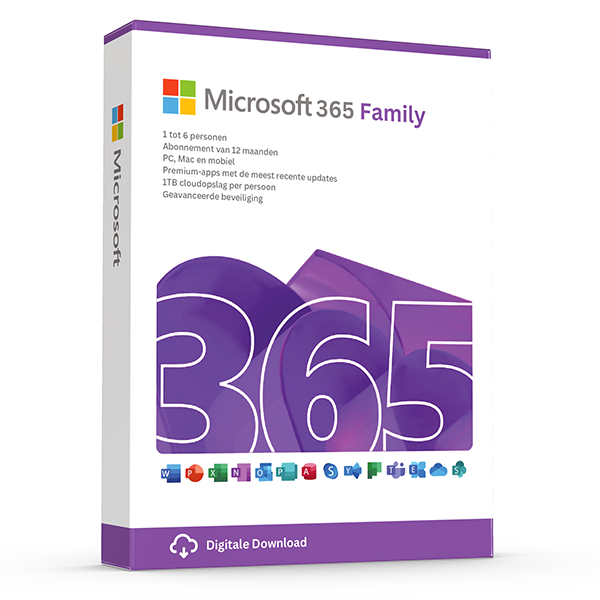
Microsoft 365 Family — 6 users · 30 devices
6 users · 1 year · 30 devices
Premium Office for up to 6 people with 1 TB OneDrive each.
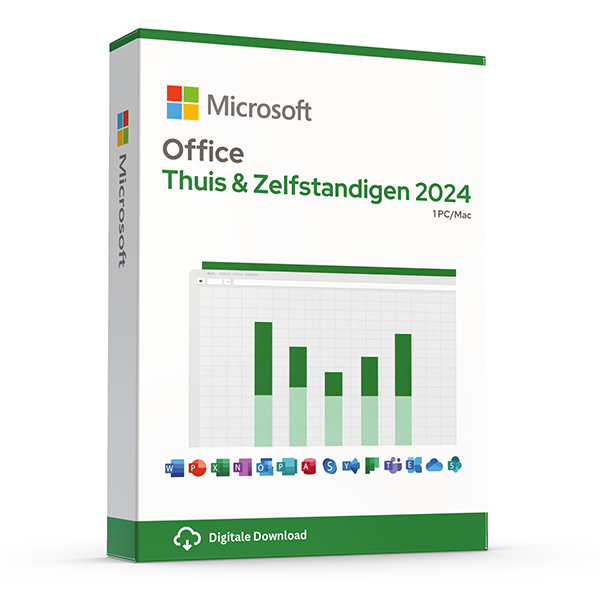
Office Home & Business 2024 — Mac & Windows
Perpetual · 1 device · Mac or PC
Word, Excel, PowerPoint and Outlook for Mac or PC.
Verwandte Guides
- Office 2024 vs Microsoft 365 — which is better?
Head-to-head comparison of Office 2024 (one-time purchase) and Microsoft 365 (subscription) — total cost of ownership, cloud storage, multi-device support and feature differences.
- Office 2024 vs Office 2021
Three years of feature backports separate Office 2024 from Office 2021. Here's what's actually new and whether the price gap justifies the jump.
- Best Office for students in 2026
Free Microsoft 365 from your university, perpetual Office 2024 Home & Student, or LibreOffice — the right pick by budget and degree.
Alle Guides
- Windows Server licensing — the plain-English guide
Cores, CALs, Standard vs Datacenter, virtualization rights — Windows Server licensing demystified with real-world examples.
- SQL Server — Server+CAL vs Per-Core
Decide between SQL Server's two licensing models with a clear break-even calculation and worked examples.
- OEM vs Retail Windows keys
OEM Windows keys are cheap but tied to one motherboard. Retail keys are transferable. Here's exactly what changes and which you should buy.
- How to activate Windows 11
Step-by-step guide to activating Windows 11 with a retail product key — fresh install, upgrade from Windows 10, troubleshooting.
- How to install Office 2024
Complete step-by-step guide to installing Office 2024 from your product key, including the Office Deployment Tool route for Pro Plus.
- Office 2024 vs Microsoft 365 — which is better?
Head-to-head comparison of Office 2024 (one-time purchase) and Microsoft 365 (subscription) — total cost of ownership, cloud storage, multi-device support and feature differences.
- Windows 10 vs Windows 11 — upgrade decision guide
Windows 10 hit end-of-support in October 2025. Here's whether to upgrade in-place, buy a Windows 11 key, or stay on 10 with ESU.
- Windows 11 Home vs Pro — the honest comparison
BitLocker, Hyper-V, Remote Desktop, domain join — the seven Pro-only features that decide whether you should pay the upgrade.
- Office 2024 vs Office 2021
Three years of feature backports separate Office 2024 from Office 2021. Here's what's actually new and whether the price gap justifies the jump.
- Microsoft 365 Family vs Personal
M365 Personal covers one user. Family covers six and includes 6 TB of pooled OneDrive. The math, the catches and which you should buy.
- SQL Server Standard vs Enterprise
Enterprise costs roughly 4× Standard. The features that justify the gap are narrow but important. Decide with our cheat sheet.
- Best Office for students in 2026
Free Microsoft 365 from your university, perpetual Office 2024 Home & Student, or LibreOffice — the right pick by budget and degree.
- Transfer your Windows license to a new PC
Move your retail Windows 10 or 11 key to a new computer in 10 minutes — deactivate the old PC, link to your Microsoft account, reactivate on the new hardware.
- Fix activation error 0x80072F8F
Error 0x80072F8F means Windows can't reach Microsoft's activation servers over TLS. Here's exactly how to fix the root cause in 5 minutes.
- Office Deployment Tool walkthrough
Use the Office Deployment Tool (ODT) to install Office 2024 with the exact apps, language and update channel you need. Full XML reference inside.
- Windows 11 TPM bypass: the real risks
You can install Windows 11 on unsupported hardware by bypassing TPM 2.0 and Secure Boot — here are the real risks Microsoft warns about.
- Choose a Microsoft 365 Business plan
Microsoft sells four Business plans. Here's the decision tree, real per-user prices and the security cliff between Standard and Premium.
- Back up your Windows product key
Recover your Windows 10/11 product key from the registry, BIOS or Microsoft account — and save a copy somewhere safer than the sticker on the laptop.
- Uninstall old Office cleanly before Office 2024
Office 2016, 2019, 2021 and Microsoft 365 can leave activation conflicts when you install Office 2024. Here's the clean-uninstall procedure that always works.
- Upgrade to Windows Server 2025
Supported in-place upgrade paths to Windows Server 2025, the version-skip rules, downtime expectations and rollback options.
- Set up Outlook 2024 with IMAP
Add a Gmail, iCloud or generic IMAP account to Outlook 2024 in under 5 minutes — including the app-password workaround Google and Apple now require.
- Enable BitLocker on Windows 11 Pro
Turn on BitLocker drive encryption without losing your data — pre-flight checks, the TPM-only vs PIN modes, and recovery-key best practices.
- Activate Office without internet
No internet on the target PC? Activate Office 2024 (or any perpetual Office) by phone using the Microsoft activation IVR. Step-by-step.
- Windows 10 Extended Security Updates
Windows 10 reached end-of-support in October 2025. Extended Security Updates buys 1–3 more years of patches. Here's the price, the rules and the alternatives.
- Should you buy Visio 2024 or subscribe to Visio?
Compare Visio Standard and Professional 2024 with Visio Plan 1 and Plan 2, including desktop apps, collaboration, licensing and practical buying checks.
- Should you choose Project 2024 or a Microsoft Planner plan?
Compare Project 2024 with Microsoft Planner subscriptions, understand Project Online's retirement, and choose the right scheduling tools for your team.
- How does Office 2024 for Mac differ from Office 2024 for Windows?
Compare Office 2024 for Mac and Windows by app, feature and licence type, then check platform compatibility before buying an emailed Microsoft product key.
- How can you distinguish genuine Microsoft resale licences from scams?
Learn how to assess Microsoft key sellers, EU resale rights, activation evidence and refund terms, with practical checks before and after your purchase.