دليل الشراء
· 10 دقيقة للقراءة· تحديث 2026-05-20Office 2024 مقابل Microsoft 365 — أيهما أفضل؟
مقارنة شاملة بين Office 2024 (شراء لمرة واحدة) وMicrosoft 365 (اشتراك) — إجمالي تكلفة الملكية والتخزين السحابي ودعم الأجهزة المتعددة وفوارق الميزات.
- Office 2024
- Microsoft 365
- مقارنة

- Office 2024
- €34.90 مرة واحدة
- M365 Personal
- €69/سنة
- M365 Family
- €99/سنة
- نقطة التعادل
- ~6 أشهر
الإجابة المختصرة
اشترِ Office 2024 إذا أردت الدفع مرة واحدة وامتلاك تطبيقات Office إلى الأبد على جهاز كمبيوتر واحد أو Mac — إنه الخيار الأرخص بكثير على مدى 3 سنوات فأكثر.
اختر Microsoft 365 إذا كنت بحاجة إلى 1 تيرابايت من تخزين OneDrive السحابي لكل مستخدم، أو تريد التطبيقات على الهواتف والأجهزة اللوحية، أو تتشارك مع ما يصل إلى 6 أفراد من العائلة.
إجمالي تكلفة الملكية (منظور 3 سنوات)
Office 2024 Pro Plus عملية شراء لمرة واحدة بـ 34.90 يورو على هذا الموقع. موزّعة على 3 سنوات، تُكلّف نحو 0.97 يورو/شهر — وتحتفظ بالتطبيقات بعد ذلك مجانًا.
يُدرج Microsoft 365 Family بـ 99 يورو/سنة (6 مستخدمين، 1 تيرابايت OneDrive لكل منهم)، أي 297 يورو على 3 سنوات. Microsoft 365 Personal بـ 69 يورو/سنة، أي 207 يورو على 3 سنوات.
إذا لم تحتج إلى OneDrive على نطاق واسع أو أجهزة إضافية، فإن Office 2024 أرخص بنحو 6–10 أضعاف خلال فترة الملكية المعتادة.
- Office 2024 Pro Plus€35 · مدى الحياة
- Microsoft 365 Personal€207 · 69 يورو × 3
- Microsoft 365 Family (÷6)€50 · التكلفة المشتركة
- Microsoft 365 Family (كاملة)€297 · 99 يورو × 3
فوارق الميزات التي تهم فعلاً
يشحن كلا الإصدارين بنفس تطبيقات Word وExcel وPowerPoint وOutlook الأساسية ونفس توافق تنسيقات الملفات. تتمحور الفوارق الحقيقية حول السحابة والأجهزة ووتيرة التحديث.
| الميزة | Office 2024 | Microsoft 365 |
|---|---|---|
| نموذج الدفع | مرة واحدة | اشتراك سنوي |
| التطبيقات الأساسية (Word/Excel/PPT) | ✓ مطابقة | ✓ مطابقة |
| Outlook | Home & Business فأعلى | ✓ جميع الخطط |
| التخزين السحابي OneDrive | 5 جيجابايت مجانًا | 1 تيرابايت لكل مستخدم |
| الأجهزة لكل ترخيص | جهاز كمبيوتر أو Mac واحد | 5 مُسجَّلة (تثبيتات غير محدودة) |
| التحرير على الهاتف المحمول | للقراءة فقط | تحرير كامل |
| Copilot Chat | — | ✓ |
| ميزات جديدة بعد الإطلاق | — | ✓ مستمرة |
| تحديثات الأمان | ✓ حتى 2029 | ✓ مستمرة |
اختر Office 2024 إذا…
تعمل أساسًا على جهاز كمبيوتر أو Mac واحد، وتحفظ الملفات محليًا أو في سحابة أخرى (Google Drive أو Dropbox أو iCloud)، وتريد التوقف عن الدفع بعد عملية شراء واحدة.
أنت شركة صغيرة تجهّز 5 أو 10 محطات عمل — تُكلّف حزمة Pro Plus لـ 5 أجهزة نحو 14 يورو للمقعد بدون تكاليف متكررة.
Pros
- ادفع مرة واحدة، امتلك إلى الأبد
- أرخص قيمة/مقعد بالحجم
- لا يتطلب حساب Microsoft
- يعمل دون اتصال إلى أجل غير مسمى
Cons
- لا تكامل مع Copilot
- 5 جيجابايت OneDrive فقط
- مرتبط بجهاز كمبيوتر/Mac واحد
- مجموعة الميزات مجمّدة عند الإصدار
اختر Microsoft 365 إذا…
أنت عائلة من 3–6 أشخاص تتشارك الملفات والصور والتقويمات عبر الهواتف والأجهزة اللوحية والحواسيب المحمولة — 6 تيرابايت من OneDrive المجمّع هي القيمة الرئيسية.
تريد Copilot والميزات الجديدة المستمرة وصلاحية التحرير في تطبيقات الهاتف المحمول.
تتنقل بين أجهزة متعددة ولا تريد التفكير في الترخيص لكل جهاز.
Pros
- 6 مستخدمين × 1 تيرابايت OneDrive
- تحرير على الهاتف/الجهاز اللوحي
- Copilot Chat مُدرَج
- محدَّث دائمًا
Cons
- يتوقف عن العمل عند توقفك عن الدفع
- أغلى بما يصل إلى 10 أضعاف على 5 سنوات للمستخدمين المنفردين
- يتطلب حساب Microsoft
- زيادات سنوية في السعر
الحكم
لمعظم مستخدمي جهاز كمبيوتر واحد، Office 2024 Pro Plus هو الصفقة الأفضل في 2026 — 34.90 يورو مرة واحدة، ملكية مدى الحياة، وجميع الميزات الأساسية.
اختر Microsoft 365 فقط إذا كان التخزين السحابي أو التحرير على الهاتف المحمول أو المشاركة متعددة المستخدمين يُغيّر فعلاً طريقة عملك. وإلا فإن الاشتراك يُكلّف أضعافًا مضاعفة مقابل ميزات لن تستخدمها.
الأسئلة المتكررة
- هل يمكنني التحويل من Microsoft 365 إلى Office 2024 لاحقًا؟
- نعم. تبقى ملفاتك في OneDrive (فئة 5 جيجابايت المجانية) وتُفتح في Office 2024. ستفقد التحرير على الهاتف المحمول وميزات الذكاء الاصطناعي، لكن كل ملف Word/Excel/PPT/Outlook يعمل بشكل مطابق.
- ماذا يحدث عند انتهاء صلاحية اشتراك Microsoft 365؟
- بعد 30 يومًا تصبح التطبيقات للقراءة فقط — يمكنك فتح الملفات لكن لا تعديلها. تبقى ملفات OneDrive الموجودة متاحة ضمن حصة 5 جيجابايت المجانية.
- هل يتلقى Office 2024 تحديثات الأمان؟
- نعم، مجانًا، حتى أكتوبر 2029 (رئيسي) وأكتوبر 2031 (ممتد).
التراخيص الموصى بها
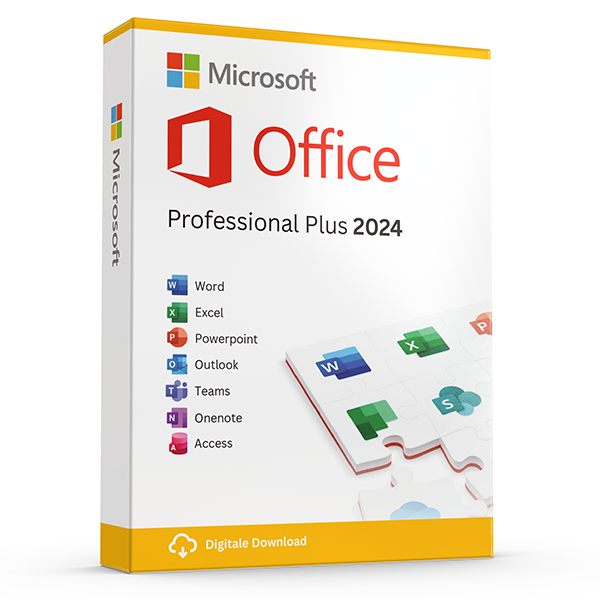
Office Professional Plus 2024 — 1 PC
Perpetual · 1 PC · Windows
The latest perpetual Office suite for one Windows PC.
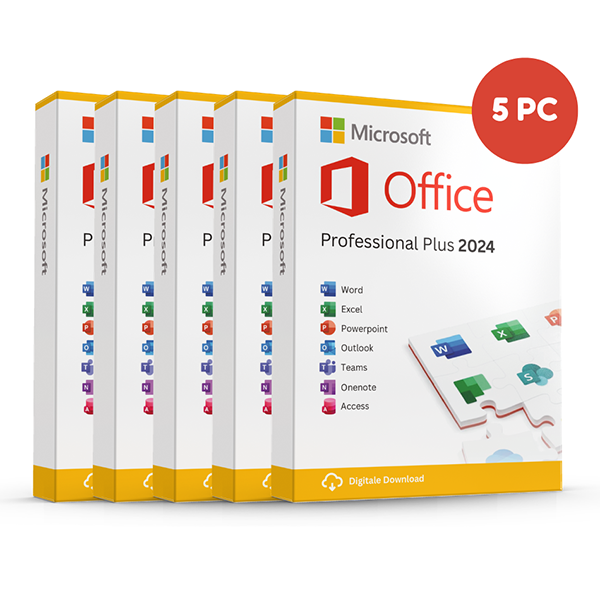
Office Professional Plus 2024 — 5 PCs
Perpetual · 5 PCs · Windows
Five-device pack — best value per PC.
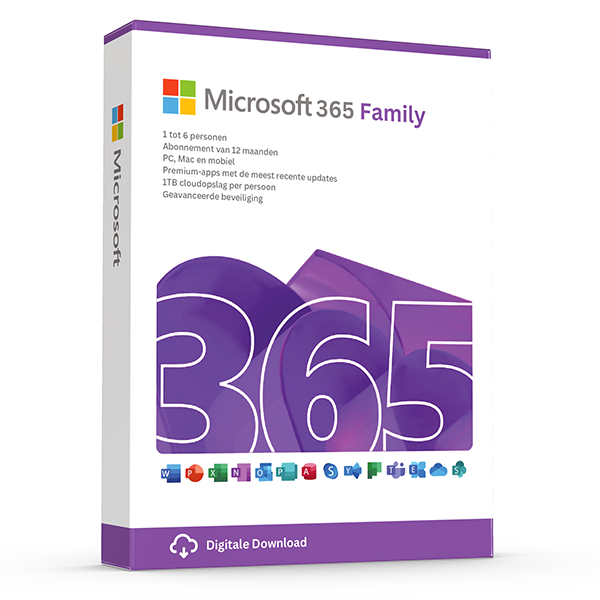
Microsoft 365 Family — 6 users · 30 devices
6 users · 1 year · 30 devices
Premium Office for up to 6 people with 1 TB OneDrive each.
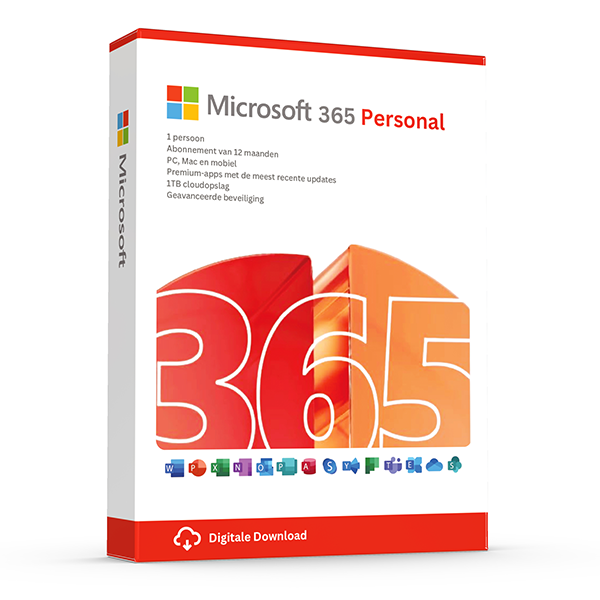
Microsoft 365 Personal — 1 user · 5 devices
1 user · 1 year · 5 devices
Premium Office and 1 TB OneDrive for one person.
أدلة ذات صلة
- Which Office version should you buy?
Office 2021, 2024 or Microsoft 365? A practical guide to picking the right Office edition by use case, hardware and budget.
- Office 2024 vs Office 2021
Three years of feature backports separate Office 2024 from Office 2021. Here's what's actually new and whether the price gap justifies the jump.
- Microsoft 365 Family vs Personal
M365 Personal covers one user. Family covers six and includes 6 TB of pooled OneDrive. The math, the catches and which you should buy.
جميع الأدلة
- Which Office version should you buy?
Office 2021, 2024 or Microsoft 365? A practical guide to picking the right Office edition by use case, hardware and budget.
- Windows Server licensing — the plain-English guide
Cores, CALs, Standard vs Datacenter, virtualization rights — Windows Server licensing demystified with real-world examples.
- SQL Server — Server+CAL vs Per-Core
Decide between SQL Server's two licensing models with a clear break-even calculation and worked examples.
- OEM vs Retail Windows keys
OEM Windows keys are cheap but tied to one motherboard. Retail keys are transferable. Here's exactly what changes and which you should buy.
- How to activate Windows 11
Step-by-step guide to activating Windows 11 with a retail product key — fresh install, upgrade from Windows 10, troubleshooting.
- How to install Office 2024
Complete step-by-step guide to installing Office 2024 from your product key, including the Office Deployment Tool route for Pro Plus.
- Windows 10 vs Windows 11 — upgrade decision guide
Windows 10 hit end-of-support in October 2025. Here's whether to upgrade in-place, buy a Windows 11 key, or stay on 10 with ESU.
- Windows 11 Home vs Pro — the honest comparison
BitLocker, Hyper-V, Remote Desktop, domain join — the seven Pro-only features that decide whether you should pay the upgrade.
- Office 2024 vs Office 2021
Three years of feature backports separate Office 2024 from Office 2021. Here's what's actually new and whether the price gap justifies the jump.
- Microsoft 365 Family vs Personal
M365 Personal covers one user. Family covers six and includes 6 TB of pooled OneDrive. The math, the catches and which you should buy.
- SQL Server Standard vs Enterprise
Enterprise costs roughly 4× Standard. The features that justify the gap are narrow but important. Decide with our cheat sheet.
- Best Office for students in 2026
Free Microsoft 365 from your university, perpetual Office 2024 Home & Student, or LibreOffice — the right pick by budget and degree.
- Transfer your Windows license to a new PC
Move your retail Windows 10 or 11 key to a new computer in 10 minutes — deactivate the old PC, link to your Microsoft account, reactivate on the new hardware.
- Fix activation error 0x80072F8F
Error 0x80072F8F means Windows can't reach Microsoft's activation servers over TLS. Here's exactly how to fix the root cause in 5 minutes.
- Office Deployment Tool walkthrough
Use the Office Deployment Tool (ODT) to install Office 2024 with the exact apps, language and update channel you need. Full XML reference inside.
- Windows 11 TPM bypass: the real risks
You can install Windows 11 on unsupported hardware by bypassing TPM 2.0 and Secure Boot — here are the real risks Microsoft warns about.
- Choose a Microsoft 365 Business plan
Microsoft sells four Business plans. Here's the decision tree, real per-user prices and the security cliff between Standard and Premium.
- Back up your Windows product key
Recover your Windows 10/11 product key from the registry, BIOS or Microsoft account — and save a copy somewhere safer than the sticker on the laptop.
- Uninstall old Office cleanly before Office 2024
Office 2016, 2019, 2021 and Microsoft 365 can leave activation conflicts when you install Office 2024. Here's the clean-uninstall procedure that always works.
- Upgrade to Windows Server 2025
Supported in-place upgrade paths to Windows Server 2025, the version-skip rules, downtime expectations and rollback options.
- Set up Outlook 2024 with IMAP
Add a Gmail, iCloud or generic IMAP account to Outlook 2024 in under 5 minutes — including the app-password workaround Google and Apple now require.
- Enable BitLocker on Windows 11 Pro
Turn on BitLocker drive encryption without losing your data — pre-flight checks, the TPM-only vs PIN modes, and recovery-key best practices.
- Activate Office without internet
No internet on the target PC? Activate Office 2024 (or any perpetual Office) by phone using the Microsoft activation IVR. Step-by-step.
- Windows 10 Extended Security Updates
Windows 10 reached end-of-support in October 2025. Extended Security Updates buys 1–3 more years of patches. Here's the price, the rules and the alternatives.