Individuals
M365 Personal — one user, 5 devices, 1 TB OneDrive, Outlook.com premium.
Category
اشتراكات تشمل الخدمات السحابية

عرض 4 ترخيصًا
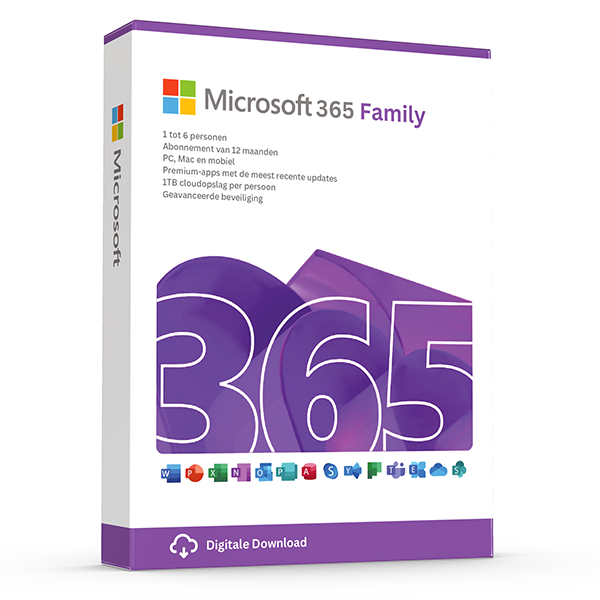
6 users · 1 year · 30 devices
Premium Office for up to 6 people with 1 TB OneDrive each.
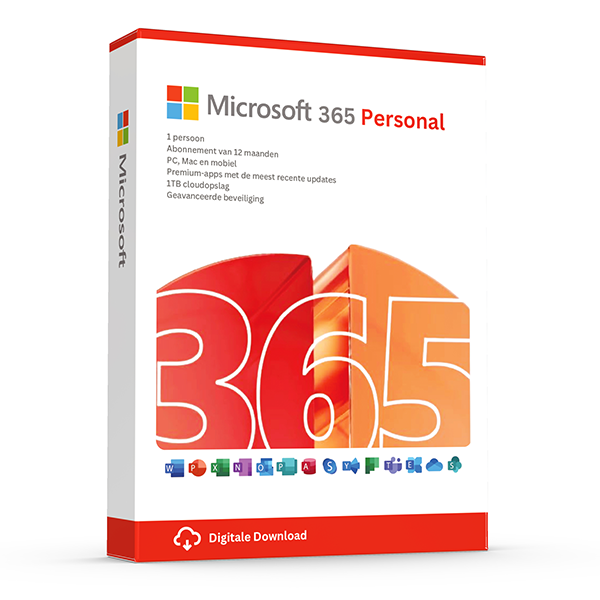
1 user · 1 year · 5 devices
Premium Office and 1 TB OneDrive for one person.
1 user · 1 year · 5 devices
Business email, Office apps and 1 TB OneDrive for one user.
1 user · 1 year · 5 devices
Business Standard + Intune device management and Defender for Business.
Wat u krijgt
Microsoft 365 is the subscription version of Office. It bundles the always-latest desktop apps (Word, Excel, PowerPoint, Outlook), 1 TB of OneDrive cloud storage per user, Microsoft Teams, Defender, and an Outlook.com mailbox. New features land on M365 first; perpetual Office lags by one or two releases.
Personal covers one person on up to five devices simultaneously. Family covers up to six people, each with their own 1 TB OneDrive. Business Basic, Standard and Premium are commercial plans with custom-domain email, Intune device management and advanced security.
Waarom LicenseVault
Includes Copilot-ready apps, new Excel functions and Loop components as they ship.
Sync files across PC, Mac, iOS and Android; share with version history and ransomware protection.
Personal plan covers 5 devices for one person; Family plan covers up to 6 people × 5 devices.
Chat, meetings, calling and shared channels — included on every plan.
Voor wie
M365 Personal — one user, 5 devices, 1 TB OneDrive, Outlook.com premium.
M365 Family — six users with their own apps, OneDrive and family safety features.
Business Basic for web apps + Exchange email; Standard adds desktop apps; Premium adds Intune and advanced threat protection.
Kopen en activeren
Personal for solo, Family for households, Business for company-owned tenant with custom domain.
Sign in to your Microsoft (or Microsoft 365 Business) account and enter the 25-character key.
Download apps from office.com — your sign-in unlocks all included apps automatically.
Edities en versies toegelicht
Veelgestelde vragen
Yes — it renews yearly. We sell prepaid 12-month subscription cards that you redeem on your Microsoft account at office.com/setup.
Word, Excel, PowerPoint, Outlook, OneNote and Teams desktop apps, 1 TB OneDrive per user, premium Outlook.com mailbox and Defender for individuals.
Up to 5 PCs/Macs, 5 tablets and 5 phones per user, with simultaneous sign-in on 5 devices at a time.
Yes. The desktop apps run on Windows 10/11 and macOS 12 or newer; mobile apps run on iOS 16+ and Android 10+.
Yes. Uninstall the perpetual version, then install M365 from office.com. Your local documents are not affected.
Copilot Pro is sold as a separate add-on (we’ll have it back in stock soon). Microsoft 365 includes the Copilot-ready apps.
Gerelateerde gidsen en bronnen
Weet u niet welke editie u nodig hebt?
Onze licentiespecialisten reageren binnen één werkuur en adviseren de juiste SKU voor uw apparaten en teamgrootte.