Koopgids
· 9 min leestijd· Bijgewerkt op 2026-05-12Welke Office-versie moet u kopen?
Office 2021, 2024 of Microsoft 365? Een praktische gids voor het kiezen van de juiste Office-editie op basis van gebruik, hardware en budget.
- Office 2024
- Microsoft 365
- Koopgids

- Goedkoopste keuze
- €34,90
- Beste prijs/gebruiker
- €13,98
- Eeuwigdurend
- Ja
- Retourperiode
- 14 dagen
Het korte antwoord
Koopt u vandaag Office en beschikt u over een redelijk moderne pc (Windows 10 of 11), kies dan voor Office 2024 Pro Plus. Dit is de nieuwste eeuwigdurende release, bevat alle Microsoft 365-functie-backports van 2021 tot en met 2024, en kost slechts een fractie van de adviesprijs: €34,90 op deze site.
Hebt u cloudopslag en meerdere apparaten nodig voor een gezin, kies dan Microsoft 365 Family — 6 gebruikers, elk 1 TB OneDrive.
Werkt u al gestandaardiseerd met Office 2021, dan is de 2021 Pro Plus-sleutel nog op voorraad tegen een nog lagere prijs.
Per gebruiksscenario
Verschillende gebruikers halen verschillende waarde uit elke editie. Hieronder ziet u hoe u een editie koppelt aan uw eigen werkstroom.
- · Zelfstandige freelancer op Windows → Office 2024 Pro Plus 1-pc. Alle 7 apps, eeuwigdurend, €34,90.
- · Gezin van 4 personen dat bestanden deelt → Microsoft 365 Family. 1 TB per gebruiker, ook beschikbaar op telefoons en tablets.
- · Klein kantoor met 5 pc's → Office 2024 Pro Plus 5-pc-pakket. €69,90 totaal — ongeveer €14 per gebruiker.
- · Mac-gebruiker die Outlook nodig heeft → Office Home & Business 2024 — Mac.
- · Student / uitsluitend persoonlijk gebruik → Office 2024 Home & Student. Word + Excel + PowerPoint.
- · IT-afdeling gestandaardiseerd op 2021 → Office 2021 Pro Plus accountgebonden (overdraagbaar).
Eeuwigdurend vs. abonnement — de langetermijnberekening
Een eeuwigdurende Office 2024-licentie betaalt u eenmalig en blijft onbeperkt geldig op het gelicentieerde apparaat. Microsoft 365 is een jaarlijks abonnement dat stopt zodra u stopt met betalen.
Over een horizon van 5 jaar kost een enkele eeuwigdurende licentie ~€35 in totaal. Een Microsoft 365 Personal-abonnement kost ongeveer €85 × 5 = €425. M365 Family à €109 × 5 = €545.
Een abonnement is alleen voordeliger als u de cloudopslag (1 TB OneDrive per gebruiker), synchronisatie over meerdere apparaten of delen met meerdere personen daadwerkelijk gebruikt.
- Office 2024 Pro Plus (eeuwigdurend)€35 · eenmalig
- Office 2021 Pro Plus (eeuwigdurend)€28 · eenmalig
- Microsoft 365 Personal€425 · €85/jr × 5
- Microsoft 365 Family (€109/jr ÷ 6)€91 · aandeel per gebruiker
Editie-overzicht in één oogopslag
Microsoft biedt Office aan in drie niveaus — Home & Student (3 apps), Home & Business (4 apps met Outlook) en Pro Plus (de volledige suite van 7 apps).
Pro Plus is de volumegelicentieerde editie die normaal gereserveerd is voor zakelijke klanten. Wij verkopen deze editie omdat de prijs per gebruiker op volumebasis sterk daalt en de apps identiek zijn aan de retail Pro-versie.
| App | Home & Student | Home & Business | Pro Plus |
|---|---|---|---|
| Word | ✓ | ✓ | ✓ |
| Excel | ✓ | ✓ | ✓ |
| PowerPoint | ✓ | ✓ | ✓ |
| Outlook | — | ✓ | ✓ |
| OneNote | ✓ | ✓ | ✓ |
| Access (Windows) | — | — | ✓ |
| Publisher (Windows) | — | — | ✓ |
| Commercieel gebruik | — | ✓ | ✓ |
Beslisstroomschema — kies in 30 seconden
Beantwoord deze vier vragen van boven naar beneden en stop bij het eerste 'ja'.
- · 1. Hebt u 1 TB+ cloudopslag of 5+ apparaten nodig? → Microsoft 365 Family.
- · 2. Hebt u alleen Word/Excel/PowerPoint op één pc nodig? → Office 2024 Home & Student.
- · 3. Hebt u Outlook voor zakelijke e-mail op één pc/Mac nodig? → Office 2024 Home & Business.
- · 4. Iets anders (meerdere pc's, Access, Publisher, beste €/gebruiker)? → Office 2024 Pro Plus 1- of 5-pc.
Veelgestelde vragen
- Is Office 2024 een eenmalige aankoop?
- Ja. U betaalt eenmalig, activeert op de gelicentieerde pc en behoudt de apps voor altijd. Beveiligingsupdates worden gratis geleverd totdat de mainstream-ondersteuning van Microsoft eindigt in oktober 2029.
- Kan ik één Office 2024-sleutel op twee computers gebruiken?
- Een 1-pc-sleutel activeert één apparaat. Voor twee of meer apparaten zijn de 3-pc- of 5-pc Pro Plus-pakketten per gebruiker goedkoper dan meerdere losse sleutels.
- Bevat Office 2024 Copilot?
- Nee. Copilot is een functie van een Microsoft 365-abonnement. De zelfstandige release van Office 2024 wordt geleverd zonder AI-functies.
- Kan Office 2024 .docx-bestanden openen die zijn gemaakt in Microsoft 365?
- Ja — beide edities gebruiken hetzelfde Open XML-bestandsformaat. Bestanden worden probleemloos uitgewisseld tussen eeuwigdurende en abonnementsversies van Office.
Aanbevolen licenties
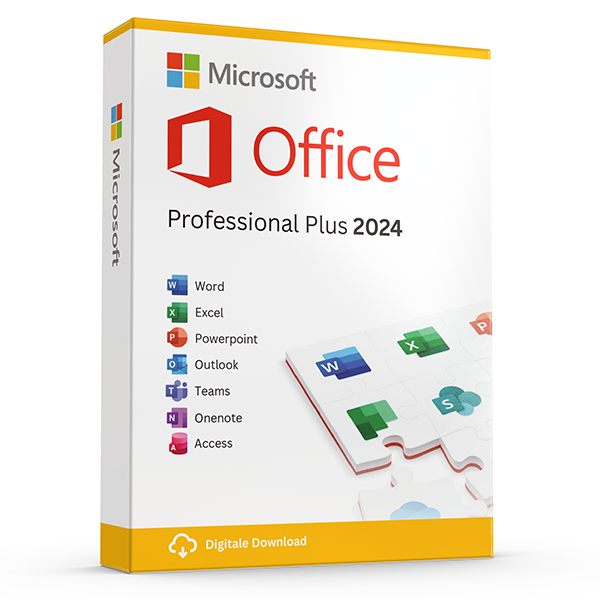
Office Professional Plus 2024 — 1 PC
Perpetual · 1 PC · Windows
The latest perpetual Office suite for one Windows PC.
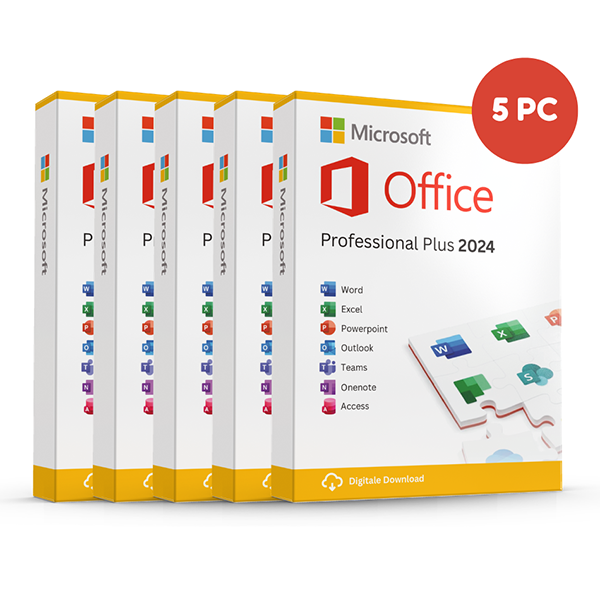
Office Professional Plus 2024 — 5 PCs
Perpetual · 5 PCs · Windows
Five-device pack — best value per PC.
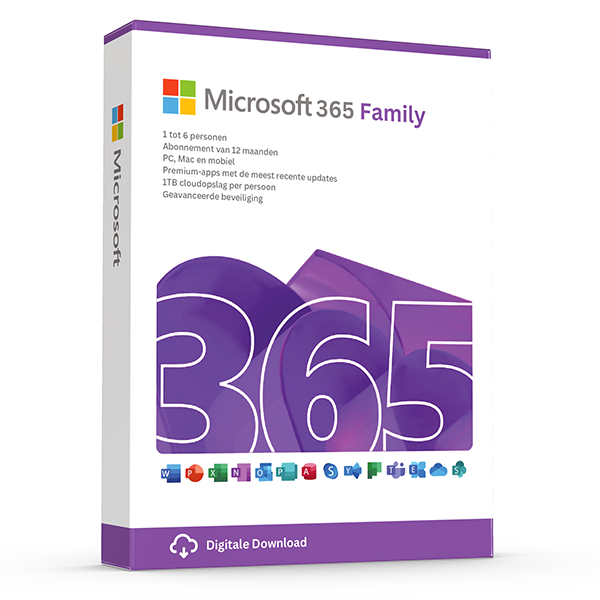
Microsoft 365 Family — 6 users · 30 devices
6 users · 1 year · 30 devices
Premium Office for up to 6 people with 1 TB OneDrive each.
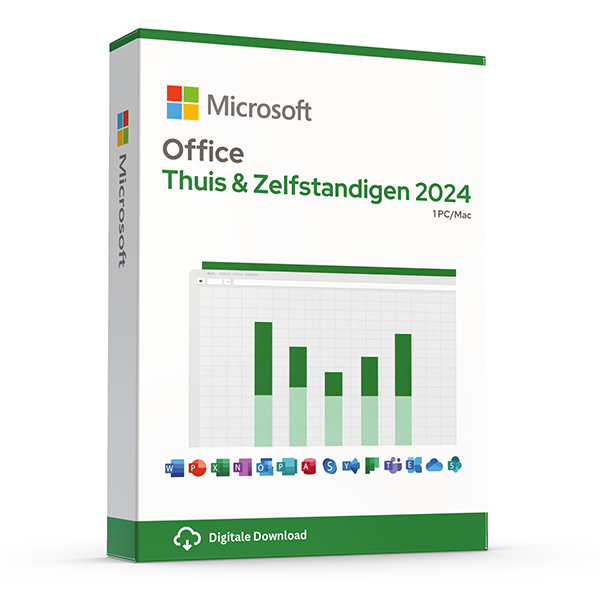
Office Home & Business 2024 — Mac & Windows
Perpetual · 1 device · Mac or PC
Word, Excel, PowerPoint and Outlook for Mac or PC.
Verwante gidsen
- Office 2024 vs Microsoft 365 — which is better?
Head-to-head comparison of Office 2024 (one-time purchase) and Microsoft 365 (subscription) — total cost of ownership, cloud storage, multi-device support and feature differences.
- Office 2024 vs Office 2021
Three years of feature backports separate Office 2024 from Office 2021. Here's what's actually new and whether the price gap justifies the jump.
- Best Office for students in 2026
Free Microsoft 365 from your university, perpetual Office 2024 Home & Student, or LibreOffice — the right pick by budget and degree.
Alle gidsen
- Windows Server licensing — the plain-English guide
Cores, CALs, Standard vs Datacenter, virtualization rights — Windows Server licensing demystified with real-world examples.
- SQL Server — Server+CAL vs Per-Core
Decide between SQL Server's two licensing models with a clear break-even calculation and worked examples.
- OEM vs Retail Windows keys
OEM Windows keys are cheap but tied to one motherboard. Retail keys are transferable. Here's exactly what changes and which you should buy.
- How to activate Windows 11
Step-by-step guide to activating Windows 11 with a retail product key — fresh install, upgrade from Windows 10, troubleshooting.
- How to install Office 2024
Complete step-by-step guide to installing Office 2024 from your product key, including the Office Deployment Tool route for Pro Plus.
- Office 2024 vs Microsoft 365 — which is better?
Head-to-head comparison of Office 2024 (one-time purchase) and Microsoft 365 (subscription) — total cost of ownership, cloud storage, multi-device support and feature differences.
- Windows 10 vs Windows 11 — upgrade decision guide
Windows 10 hit end-of-support in October 2025. Here's whether to upgrade in-place, buy a Windows 11 key, or stay on 10 with ESU.
- Windows 11 Home vs Pro — the honest comparison
BitLocker, Hyper-V, Remote Desktop, domain join — the seven Pro-only features that decide whether you should pay the upgrade.
- Office 2024 vs Office 2021
Three years of feature backports separate Office 2024 from Office 2021. Here's what's actually new and whether the price gap justifies the jump.
- Microsoft 365 Family vs Personal
M365 Personal covers one user. Family covers six and includes 6 TB of pooled OneDrive. The math, the catches and which you should buy.
- SQL Server Standard vs Enterprise
Enterprise costs roughly 4× Standard. The features that justify the gap are narrow but important. Decide with our cheat sheet.
- Best Office for students in 2026
Free Microsoft 365 from your university, perpetual Office 2024 Home & Student, or LibreOffice — the right pick by budget and degree.
- Transfer your Windows license to a new PC
Move your retail Windows 10 or 11 key to a new computer in 10 minutes — deactivate the old PC, link to your Microsoft account, reactivate on the new hardware.
- Fix activation error 0x80072F8F
Error 0x80072F8F means Windows can't reach Microsoft's activation servers over TLS. Here's exactly how to fix the root cause in 5 minutes.
- Office Deployment Tool walkthrough
Use the Office Deployment Tool (ODT) to install Office 2024 with the exact apps, language and update channel you need. Full XML reference inside.
- Windows 11 TPM bypass: the real risks
You can install Windows 11 on unsupported hardware by bypassing TPM 2.0 and Secure Boot — here are the real risks Microsoft warns about.
- Choose a Microsoft 365 Business plan
Microsoft sells four Business plans. Here's the decision tree, real per-user prices and the security cliff between Standard and Premium.
- Back up your Windows product key
Recover your Windows 10/11 product key from the registry, BIOS or Microsoft account — and save a copy somewhere safer than the sticker on the laptop.
- Uninstall old Office cleanly before Office 2024
Office 2016, 2019, 2021 and Microsoft 365 can leave activation conflicts when you install Office 2024. Here's the clean-uninstall procedure that always works.
- Upgrade to Windows Server 2025
Supported in-place upgrade paths to Windows Server 2025, the version-skip rules, downtime expectations and rollback options.
- Set up Outlook 2024 with IMAP
Add a Gmail, iCloud or generic IMAP account to Outlook 2024 in under 5 minutes — including the app-password workaround Google and Apple now require.
- Enable BitLocker on Windows 11 Pro
Turn on BitLocker drive encryption without losing your data — pre-flight checks, the TPM-only vs PIN modes, and recovery-key best practices.
- Activate Office without internet
No internet on the target PC? Activate Office 2024 (or any perpetual Office) by phone using the Microsoft activation IVR. Step-by-step.
- Windows 10 Extended Security Updates
Windows 10 reached end-of-support in October 2025. Extended Security Updates buys 1–3 more years of patches. Here's the price, the rules and the alternatives.