Koopgids
· 6 min leestijd· Bijgewerkt op 2026-04-10Windows 11 Home vs Pro — de eerlijke vergelijking
BitLocker, Hyper-V, Extern bureaublad, domeinverbinding — de zeven Pro-exclusieve functies die bepalen of u de upgrade moet betalen.
- Windows 11
- Editie
- Vergelijking

De functies die de beslissing bepalen
Home en Pro delen dezelfde kernel, dezelfde gebruikersinterface en dezelfde app-compatibiliteit. Het verschil betreft uitsluitend zakelijke en geavanceerde gebruikersfuncties.
| Functie | Home | Pro |
|---|---|---|
| BitLocker schijfversleuteling | — | ✓ |
| Extern bureaublad (host) | Alleen client | ✓ host + client |
| Hyper-V virtualisatie | — | ✓ |
| Windows Sandbox | — | ✓ |
| Groepsbeleid-editor | — | ✓ |
| Domein- / Azure AD-verbinding | — | ✓ |
| Toegewezen toegang / Kioskmodus | — | ✓ |
| Max. RAM | 128 GB | 2 TB |
| Lokale accountinstallatie | Microsoft-account verplicht | Optioneel |
Wanneer Home volstaat
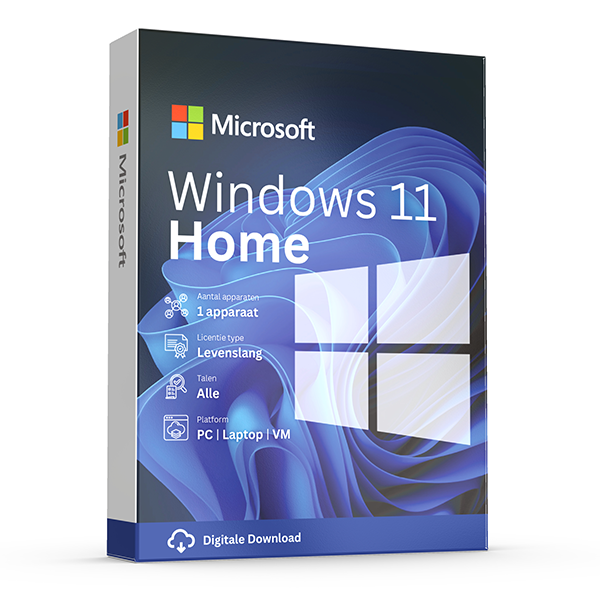
Als uw dag bestaat uit browsen, Office, gaming, streaming en een Microsoft-accountaanmelding, biedt Home alles wat Pro biedt en bespaart u ~€10.
Home in een oogopslag
Pros
- Goedkoper
- Identieke prestaties
- Alle consumenten-apps werken
Cons
- Geen BitLocker
- Kan Extern bureaublad niet hosten
- Geen Hyper-V / WSL2-bedrijfsfuncties
Wanneer Pro zichzelf terugbetaalt
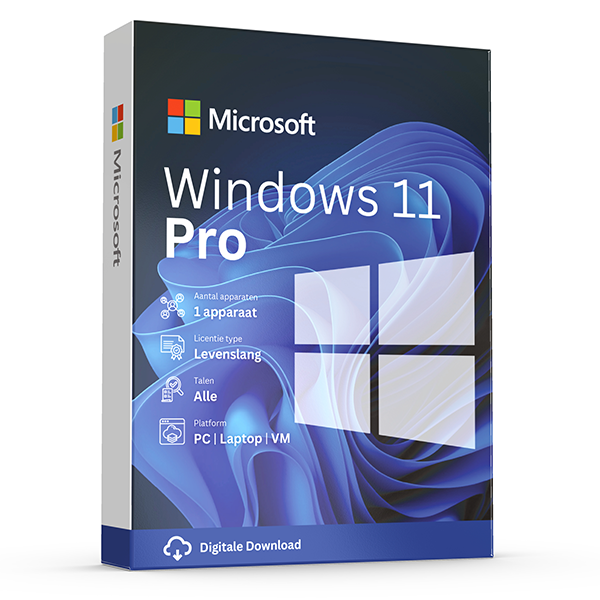
Als u thuis werkt en verbinding maakt met een werklaptop, een USB-schijf versleutelt, of Docker Desktop gebruikt (dat Hyper-V vereist), is Pro verplicht — er is geen alternatief op Home.
Veelgestelde vragen
- Kan ik Pro terugzetten naar Home?
- Niet zonder een schone installatie. De upgrade is eenrichtingsverkeer.
- Is Windows 11 Pro for Workstations de moeite waard?
- Alleen als u 4 of meer CPU-sockets, 6 TB of meer RAM, of ReFS-volumes gebruikt. Voor alle anderen is de reguliere Pro voldoende.
- Werkt de Pro-sleutel als mijn pc met Home vooraf geïnstalleerd is geleverd?
- Ja. Microsoft vervangt de OEM Home digitale licentie door uw Retail Pro-licentie bij activering.
Aanbevolen licenties
Verwante gidsen
- Windows 10 vs Windows 11 — upgrade decision guide
Windows 10 hit end-of-support in October 2025. Here's whether to upgrade in-place, buy a Windows 11 key, or stay on 10 with ESU.
- OEM vs Retail Windows keys
OEM Windows keys are cheap but tied to one motherboard. Retail keys are transferable. Here's exactly what changes and which you should buy.
Alle gidsen
- Which Office version should you buy?
Office 2021, 2024 or Microsoft 365? A practical guide to picking the right Office edition by use case, hardware and budget.
- Windows Server licensing — the plain-English guide
Cores, CALs, Standard vs Datacenter, virtualization rights — Windows Server licensing demystified with real-world examples.
- SQL Server — Server+CAL vs Per-Core
Decide between SQL Server's two licensing models with a clear break-even calculation and worked examples.
- OEM vs Retail Windows keys
OEM Windows keys are cheap but tied to one motherboard. Retail keys are transferable. Here's exactly what changes and which you should buy.
- How to activate Windows 11
Step-by-step guide to activating Windows 11 with a retail product key — fresh install, upgrade from Windows 10, troubleshooting.
- How to install Office 2024
Complete step-by-step guide to installing Office 2024 from your product key, including the Office Deployment Tool route for Pro Plus.
- Office 2024 vs Microsoft 365 — which is better?
Head-to-head comparison of Office 2024 (one-time purchase) and Microsoft 365 (subscription) — total cost of ownership, cloud storage, multi-device support and feature differences.
- Windows 10 vs Windows 11 — upgrade decision guide
Windows 10 hit end-of-support in October 2025. Here's whether to upgrade in-place, buy a Windows 11 key, or stay on 10 with ESU.
- Office 2024 vs Office 2021
Three years of feature backports separate Office 2024 from Office 2021. Here's what's actually new and whether the price gap justifies the jump.
- Microsoft 365 Family vs Personal
M365 Personal covers one user. Family covers six and includes 6 TB of pooled OneDrive. The math, the catches and which you should buy.
- SQL Server Standard vs Enterprise
Enterprise costs roughly 4× Standard. The features that justify the gap are narrow but important. Decide with our cheat sheet.
- Best Office for students in 2026
Free Microsoft 365 from your university, perpetual Office 2024 Home & Student, or LibreOffice — the right pick by budget and degree.
- Transfer your Windows license to a new PC
Move your retail Windows 10 or 11 key to a new computer in 10 minutes — deactivate the old PC, link to your Microsoft account, reactivate on the new hardware.
- Fix activation error 0x80072F8F
Error 0x80072F8F means Windows can't reach Microsoft's activation servers over TLS. Here's exactly how to fix the root cause in 5 minutes.
- Office Deployment Tool walkthrough
Use the Office Deployment Tool (ODT) to install Office 2024 with the exact apps, language and update channel you need. Full XML reference inside.
- Windows 11 TPM bypass: the real risks
You can install Windows 11 on unsupported hardware by bypassing TPM 2.0 and Secure Boot — here are the real risks Microsoft warns about.
- Choose a Microsoft 365 Business plan
Microsoft sells four Business plans. Here's the decision tree, real per-user prices and the security cliff between Standard and Premium.
- Back up your Windows product key
Recover your Windows 10/11 product key from the registry, BIOS or Microsoft account — and save a copy somewhere safer than the sticker on the laptop.
- Uninstall old Office cleanly before Office 2024
Office 2016, 2019, 2021 and Microsoft 365 can leave activation conflicts when you install Office 2024. Here's the clean-uninstall procedure that always works.
- Upgrade to Windows Server 2025
Supported in-place upgrade paths to Windows Server 2025, the version-skip rules, downtime expectations and rollback options.
- Set up Outlook 2024 with IMAP
Add a Gmail, iCloud or generic IMAP account to Outlook 2024 in under 5 minutes — including the app-password workaround Google and Apple now require.
- Enable BitLocker on Windows 11 Pro
Turn on BitLocker drive encryption without losing your data — pre-flight checks, the TPM-only vs PIN modes, and recovery-key best practices.
- Activate Office without internet
No internet on the target PC? Activate Office 2024 (or any perpetual Office) by phone using the Microsoft activation IVR. Step-by-step.
- Windows 10 Extended Security Updates
Windows 10 reached end-of-support in October 2025. Extended Security Updates buys 1–3 more years of patches. Here's the price, the rules and the alternatives.