Buying guide
· 9 min read· Updated 2026-10-03How does Office 2024 for Mac differ from Office 2024 for Windows?
Compare Office 2024 for Mac and Windows by app, feature and licence type, then check platform compatibility before buying an emailed Microsoft product key.
- Office 2024
- Mac
- Windows
- Office licensing

- Shared core apps
- Word, Excel and PowerPoint are available in Office 2024 suites for both platforms
- Windows-only database app
- Access is available in relevant Windows editions, not Office for Mac
- Retail device scope
- Office Home 2024 and Home & Business 2024 are sold for one PC or Mac
- Commercial LTSC naming
- Office LTSC Professional Plus 2024 is a Windows suite; Office LTSC Standard for Mac 2024 is a separate Mac suite
Which Office 2024 editions exist on each platform?
Start with the full product name, not simply Office 2024. Microsoft offers consumer and small-business retail suites alongside commercial Office LTSC products. The applications, usage rights and activation arrangements differ. Two offers using the year 2024 may therefore be unsuitable substitutes even when both contain Word and Excel.
Office Home 2024 and Office Home & Business 2024 are retail products sold for one PC or Mac. Office LTSC Professional Plus 2024 is a commercial Windows edition, while Office LTSC Standard for Mac 2024 is a separate commercial Mac product. A reseller listing described as Office 2024 Professional Plus should identify the underlying Microsoft edition and licensing channel.
Microsoft 365 is another purchasing model rather than a different operating system. It can provide Office applications on both Windows and Mac under its subscription terms, but it should not be confused with a perpetual Office 2024 purchase.
Which applications are included?
OneNote's packaging differs between products and platforms, and the Mac application is also available separately. Do not use its separate availability as evidence that two suites have identical contents. Similarly, a separately available Outlook experience does not mean Office Home includes the same suite entitlement as Home & Business.
Publisher is not included in Office LTSC 2024. Neither Project nor Visio is part of these Office suites. If a product listing promises every Microsoft desktop application inside an Office 2024 key, request a precise itemised entitlement before buying.
| Edition | Platform | Main included applications | Key buying distinction |
|---|---|---|---|
| Office Home 2024 | One PC or Mac | Word, Excel, PowerPoint and OneNote | Home or school use; Outlook not included in the suite |
| Office Home & Business 2024 | One PC or Mac | Word, Excel, PowerPoint, Outlook and OneNote | Includes business-use rights under its terms |
| Office LTSC Professional Plus 2024 | Windows | Word, Excel, PowerPoint, Outlook, OneNote and Access | Commercial licensing; not a Mac edition |
| Office LTSC Standard for Mac 2024 | macOS | Word, Excel, PowerPoint and Outlook | Commercial Mac suite; OneNote is available separately |
Are Word, Excel and PowerPoint identical on Mac and Windows?
The core document formats are shared: Word documents, Excel workbooks and PowerPoint presentations commonly move between platforms. That does not make the applications identical. Interface details, operating-system integration, add-in support and advanced features can differ. Documents using uncommon fonts, linked files or platform-specific components need particular attention.
Excel is often the deciding application. A simple workbook can travel well, while a model depending on Windows-specific automation, ActiveX controls, COM add-ins or Power Pivot authoring will not have equivalent native functionality on Mac. Power Query support also differs by platform, release and subscription entitlement, so a Microsoft 365 feature demonstration is not proof that a perpetual Mac edition includes it.
Both platforms support VBA in the relevant desktop applications, but VBA compatibility is not universal. Macros that call Windows APIs or depend on a Windows-only add-in can fail on macOS. For Word and PowerPoint, test document layout, embedded content, media and any required automation instead of relying on a generic compatibility claim.
Which workloads make Windows the safer choice?
Windows is the practical choice when a required application or integration is Windows-only. Access is the clearest example: there is no native Access desktop application for macOS. Visio and Project desktop are also Windows products and require separate licences; purchasing a larger Office suite does not add them.
The same reasoning applies to older business integrations. Accounting exports, document-management connectors, Excel COM add-ins and internal automation may assume Windows even when the underlying Office file format is portable. Obtain a compatibility statement from the integration vendor, not merely from the seller of the Office key.
A Mac can sometimes access a separate Windows environment through virtualisation or remote access, but that is a distinct deployment. It introduces Windows, Office, hardware and possibly remote-access licensing considerations. A Mac Office licence alone does not supply all those rights.
- · An Access database requiring Microsoft Access itself.
- · Excel models requiring Windows-only add-ins or ActiveX controls.
- · VBA code that calls Windows-specific APIs.
- · A business system certified only for Windows Office.
- · Separate Project or Visio desktop workflows on the same computer.
Are Office 2024 licences cross-platform?
The accurate answer is more nuanced than a blanket yes or no. Microsoft's retail Office Home 2024 and Home & Business 2024 products are described as being for one PC or Mac. That gives a platform choice for that product; it does not license a Windows computer and a Mac simultaneously.
Platform-specific products are different. Office LTSC Professional Plus 2024 is a Windows edition, and Office LTSC Standard for Mac 2024 has its own entitlement and activation arrangements. A Windows Professional Plus key is not an interchangeable key for a Mac suite. Reseller stock may also have specific platform, region or licensing-channel restrictions that must be disclosed.
If you expect to change operating systems later, ask about the exact SKU and permitted reassignment before buying. Transfer rights depend on the licence terms and acquisition channel. Do not rely on a general promise that any Office key can be moved between any devices.
Should you buy perpetual Office or Microsoft 365?
Office 2024 is a one-time purchase for a particular major release. It receives servicing within Microsoft's published lifecycle, but it does not include an automatic upgrade to the next major Office version. It also does not supply the Microsoft 365 subscription bundle of cloud storage and other services.
Microsoft 365 is usually the more relevant comparison when you need ongoing feature additions, a subscription's multi-device rights or its included services. Available applications and advanced capabilities can still differ between Mac and Windows, so a subscription does not eliminate platform-specific limitations.
For business use, distinguish product capability from permitted use. Office Home 2024 is intended for non-commercial home or school use, while Home & Business supplies business-use rights under its terms. Likewise, do not assume that a consumer Microsoft 365 Personal or Family subscription is interchangeable with a business licensing arrangement.
Pros
- A perpetual suite can suit a stable, well-tested set of desktop requirements.
- There is no recurring subscription payment for the perpetual licence itself.
- Home & Business provides a retail option for commercial work on a PC or Mac.
Cons
- No included upgrade to the next major perpetual release.
- No Microsoft 365 subscription bundle of storage and services.
- A platform-specific offer may not suit a later switch from Windows to Mac.
What should you verify before ordering an emailed key?
Office activation must match the purchased product and channel. Retail Office and commercial LTSC deployments are not interchangeable installation workflows. Internet access and an account may be required for installation and activation depending on the product; avoid treating every perpetual edition as an entirely offline, account-free purchase.
On Mac, check Microsoft's current supported macOS versions for the exact Office release. On Windows, check operating-system support, architecture and compatibility with existing Office-family applications. An older computer being able to launch an installer is not proof that its operating system is supported.
Record the exact requirement
Specify Mac or Windows, home or commercial use, required applications and the number of devices.
Confirm the underlying Microsoft SKU
Ask for the full edition, licensing channel, activation method and platform scope rather than relying on a shortened product title.
Test specialist files and integrations
Verify macros, add-ins, data connections and document layout on the proposed platform.
Keep purchase and entitlement records
Retain the invoice, product description and licence documentation, including evidence for any multi-device offer.
Which Office 2024 option should you choose?
For a Mac user doing conventional business work in Word, Excel, PowerPoint and Outlook, Office Home & Business 2024 for Mac is a straightforward product to evaluate. A commercial Mac LTSC deployment can be appropriate where its licensing channel and deployment model fit the organisation. Neither option supplies Access.
For Windows users, choose the edition that contains the required applications and carries the right usage rights. Professional Plus can be relevant where Access and the commercial suite are required, but its licensing provenance matters. A reseller's five-PC bundle should explain how all five devices are entitled rather than merely promising repeated activation.
LicenseVault delivers genuine Microsoft licence keys by email with a 14-day refund policy. Check the product page for the current price, exact platform, included apps, device scope and refund conditions. Resolve platform questions before redemption; a successful activation is not a substitute for buying the correct licence.
Frequently asked questions
- Can I use a Windows Office 2024 key on a Mac?
- Do not assume so. A Windows-specific edition such as Office LTSC Professional Plus 2024 does not become a Mac suite. Some Microsoft retail products are sold for one PC or Mac, but the exact SKU, redemption process and licence terms determine your rights.
- Does Office 2024 for Mac include Access?
- No. Microsoft Access is a Windows desktop application. A Mac Office suite cannot run Access databases natively in Access. If Access is essential, plan for an appropriately licensed and supported Windows environment or a different database solution.
- Is Outlook included in every Office 2024 edition?
- No. Office Home 2024 does not include Outlook as part of the suite. Office Home & Business 2024 includes Outlook, and relevant commercial LTSC suites include it too. Separate availability of an Outlook application does not change the purchased suite's contents.
- Can one Office Home & Business 2024 licence cover my Mac and PC?
- No. Microsoft's retail product is for one PC or Mac, not one of each. Any permitted move to another device is subject to the licence terms; it is not permission for simultaneous use on both computers.
- Is a five-PC Professional Plus offer a separate Microsoft edition?
- Not necessarily. A reseller's five-PC label can describe the quantity or deployment scope of its offer rather than a distinct Microsoft suite edition. Ask how the five installations are licensed and documented, and do not assume one key's technical activation capacity establishes those rights.
Recommended licenses
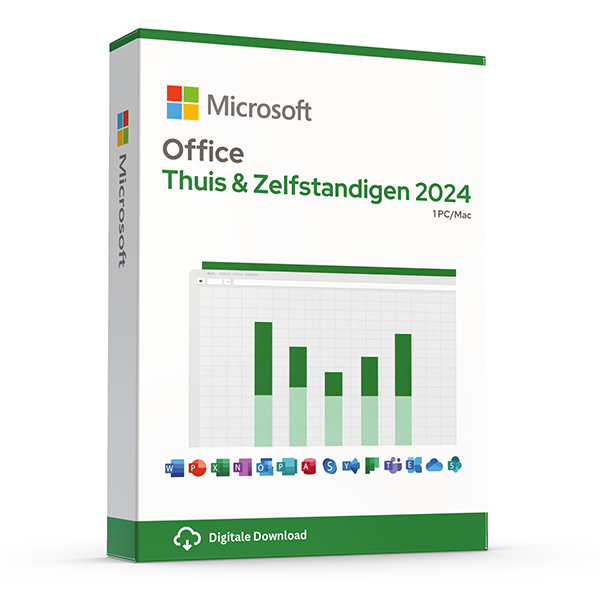
Office Home & Business 2024 — Mac & Windows
Perpetual · 1 device · Mac or PC
Word, Excel, PowerPoint and Outlook for Mac or PC.
Office LTSC 2024 — Mac
Perpetual · 1 Mac · LTSC
Long-term servicing channel Office 2024 for managed Mac fleets.
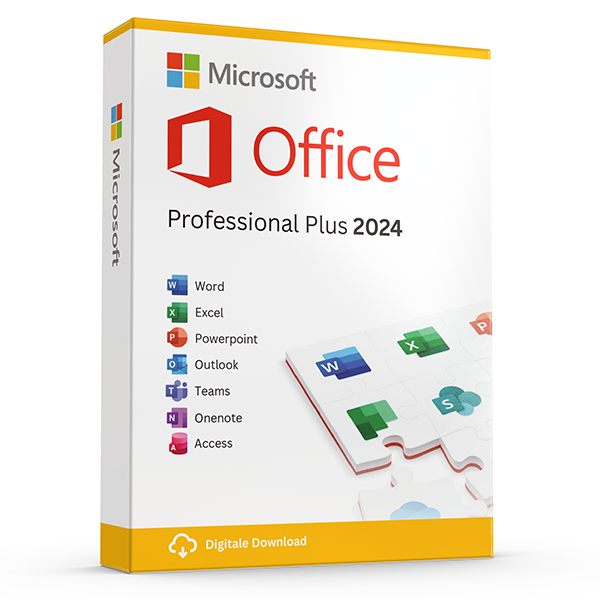
Office Professional Plus 2024 — 1 PC
Perpetual · 1 PC · Windows
The latest perpetual Office suite for one Windows PC.
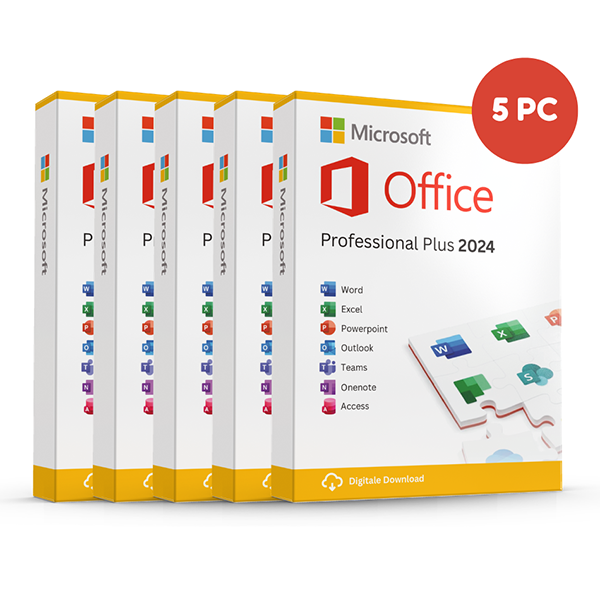
Office Professional Plus 2024 — 5 PCs
Perpetual · 5 PCs · Windows
Five-device pack — best value per PC.
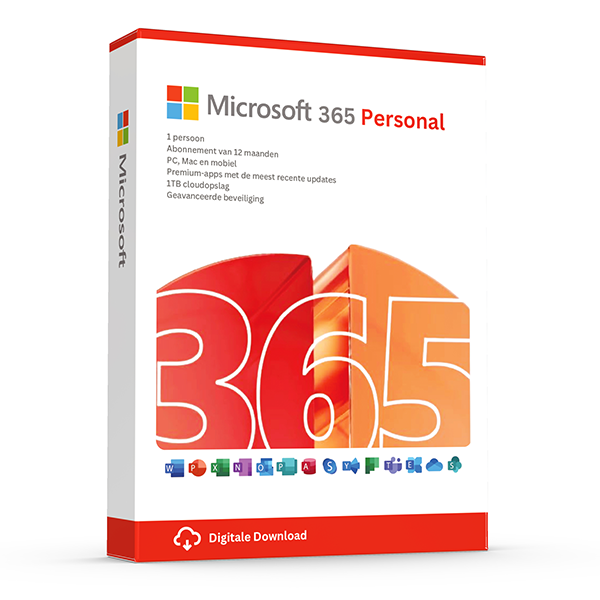
Microsoft 365 Personal — 1 user · 5 devices
1 user · 1 year · 5 devices
Premium Office and 1 TB OneDrive for one person.
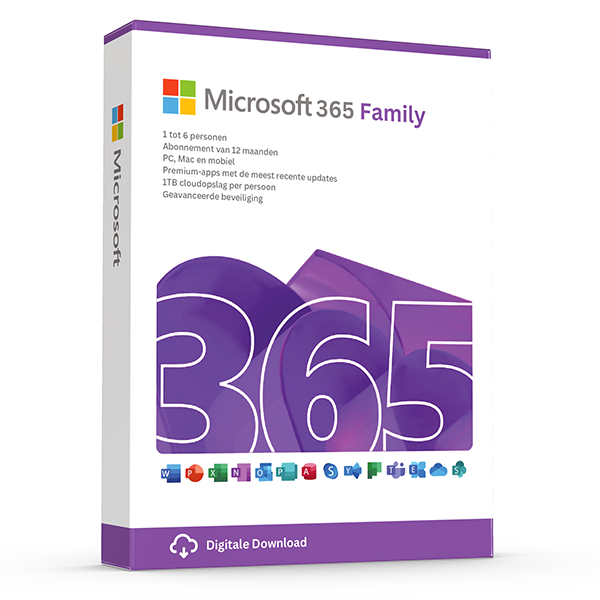
Microsoft 365 Family — 6 users · 30 devices
6 users · 1 year · 30 devices
Premium Office for up to 6 people with 1 TB OneDrive each.
Related guides
- Which Office version should you buy?
Office 2021, 2024 or Microsoft 365? A practical guide to picking the right Office edition by use case, hardware and budget.
- Office 2024 vs Microsoft 365 — which is better?
Head-to-head comparison of Office 2024 (one-time purchase) and Microsoft 365 (subscription) — total cost of ownership, cloud storage, multi-device support and feature differences.
- OEM vs Retail Windows keys
OEM Windows keys are cheap but tied to one motherboard. Retail keys are transferable. Here's exactly what changes and which you should buy.
All guides
- Which Office version should you buy?
Office 2021, 2024 or Microsoft 365? A practical guide to picking the right Office edition by use case, hardware and budget.
- Windows Server licensing — the plain-English guide
Cores, CALs, Standard vs Datacenter, virtualization rights — Windows Server licensing demystified with real-world examples.
- SQL Server — Server+CAL vs Per-Core
Decide between SQL Server's two licensing models with a clear break-even calculation and worked examples.
- OEM vs Retail Windows keys
OEM Windows keys are cheap but tied to one motherboard. Retail keys are transferable. Here's exactly what changes and which you should buy.
- How to activate Windows 11
Step-by-step guide to activating Windows 11 with a retail product key — fresh install, upgrade from Windows 10, troubleshooting.
- How to install Office 2024
Complete step-by-step guide to installing Office 2024 from your product key, including the Office Deployment Tool route for Pro Plus.
- Office 2024 vs Microsoft 365 — which is better?
Head-to-head comparison of Office 2024 (one-time purchase) and Microsoft 365 (subscription) — total cost of ownership, cloud storage, multi-device support and feature differences.
- Windows 10 vs Windows 11 — upgrade decision guide
Windows 10 hit end-of-support in October 2025. Here's whether to upgrade in-place, buy a Windows 11 key, or stay on 10 with ESU.
- Windows 11 Home vs Pro — the honest comparison
BitLocker, Hyper-V, Remote Desktop, domain join — the seven Pro-only features that decide whether you should pay the upgrade.
- Office 2024 vs Office 2021
Three years of feature backports separate Office 2024 from Office 2021. Here's what's actually new and whether the price gap justifies the jump.
- Microsoft 365 Family vs Personal
M365 Personal covers one user. Family covers six and includes 6 TB of pooled OneDrive. The math, the catches and which you should buy.
- SQL Server Standard vs Enterprise
Enterprise costs roughly 4× Standard. The features that justify the gap are narrow but important. Decide with our cheat sheet.
- Best Office for students in 2026
Free Microsoft 365 from your university, perpetual Office 2024 Home & Student, or LibreOffice — the right pick by budget and degree.
- Transfer your Windows license to a new PC
Move your retail Windows 10 or 11 key to a new computer in 10 minutes — deactivate the old PC, link to your Microsoft account, reactivate on the new hardware.
- Fix activation error 0x80072F8F
Error 0x80072F8F means Windows can't reach Microsoft's activation servers over TLS. Here's exactly how to fix the root cause in 5 minutes.
- Office Deployment Tool walkthrough
Use the Office Deployment Tool (ODT) to install Office 2024 with the exact apps, language and update channel you need. Full XML reference inside.
- Windows 11 TPM bypass: the real risks
You can install Windows 11 on unsupported hardware by bypassing TPM 2.0 and Secure Boot — here are the real risks Microsoft warns about.
- Choose a Microsoft 365 Business plan
Microsoft sells four Business plans. Here's the decision tree, real per-user prices and the security cliff between Standard and Premium.
- Back up your Windows product key
Recover your Windows 10/11 product key from the registry, BIOS or Microsoft account — and save a copy somewhere safer than the sticker on the laptop.
- Uninstall old Office cleanly before Office 2024
Office 2016, 2019, 2021 and Microsoft 365 can leave activation conflicts when you install Office 2024. Here's the clean-uninstall procedure that always works.
- Upgrade to Windows Server 2025
Supported in-place upgrade paths to Windows Server 2025, the version-skip rules, downtime expectations and rollback options.
- Set up Outlook 2024 with IMAP
Add a Gmail, iCloud or generic IMAP account to Outlook 2024 in under 5 minutes — including the app-password workaround Google and Apple now require.
- Enable BitLocker on Windows 11 Pro
Turn on BitLocker drive encryption without losing your data — pre-flight checks, the TPM-only vs PIN modes, and recovery-key best practices.
- Activate Office without internet
No internet on the target PC? Activate Office 2024 (or any perpetual Office) by phone using the Microsoft activation IVR. Step-by-step.
- Windows 10 Extended Security Updates
Windows 10 reached end-of-support in October 2025. Extended Security Updates buys 1–3 more years of patches. Here's the price, the rules and the alternatives.
- Should you buy Visio 2024 or subscribe to Visio?
Compare Visio Standard and Professional 2024 with Visio Plan 1 and Plan 2, including desktop apps, collaboration, licensing and practical buying checks.
- Should you choose Project 2024 or a Microsoft Planner plan?
Compare Project 2024 with Microsoft Planner subscriptions, understand Project Online's retirement, and choose the right scheduling tools for your team.
- How can you distinguish genuine Microsoft resale licences from scams?
Learn how to assess Microsoft key sellers, EU resale rights, activation evidence and refund terms, with practical checks before and after your purchase.