Buying guide
· 9 min read· Updated 2026-05-12Which Office version should you buy?
Office 2021, 2024 or Microsoft 365? A practical guide to picking the right Office edition by use case, hardware and budget.
- Office 2024
- Microsoft 365
- Buyer's guide

- Cheapest pick
- €34.90
- Best value/seat
- €13.98
- Lifetime
- Yes
- Refund window
- 14 days
The short answer
If you're buying Office today and your PC is reasonably modern (Windows 10 or 11), get Office 2024 Pro Plus. It's the newest perpetual release, ships every Microsoft 365 feature backport from 2021 through 2024, and costs a fraction of MSRP at €34.90 on this site.
If you need cloud storage and multiple devices for a family, pick Microsoft 365 Family — 6 users, 1 TB OneDrive each.
If you're already standardised on Office 2021, the 2021 Pro Plus key is still in stock at an even lower price.
By use case
Different users get different value from each edition. Here's how to match an edition to your real workflow.
- · Solo freelancer on Windows → Office 2024 Pro Plus 1-PC. All 7 apps, lifetime, €34.90.
- · Family of 4 sharing files → Microsoft 365 Family. 1 TB per user, runs on phones and tablets too.
- · Small office with 5 PCs → Office 2024 Pro Plus 5-PC pack. €69.90 total — about €14 per seat.
- · Mac user who needs Outlook → Office Home & Business 2024 — Mac.
- · Student / personal use only → Office 2024 Home & Student. Word + Excel + PowerPoint.
- · IT shop standardized on 2021 → Office 2021 Pro Plus account-bound (transferable).
Perpetual vs subscription — the long-term math
A perpetual Office 2024 license costs you once and stays valid forever on the licensed device. Microsoft 365 is a yearly subscription that stops working when you stop paying.
Over a 5-year horizon, a single perpetual license costs ~€35 total. A Microsoft 365 Personal subscription costs roughly €85 × 5 = €425. M365 Family at €109 × 5 = €545.
Subscription wins only if you genuinely use the cloud storage (1 TB OneDrive per user), cross-device sync, or share with multiple people.
- Office 2024 Pro Plus (perpetual)€35 · one-time
- Office 2021 Pro Plus (perpetual)€28 · one-time
- Microsoft 365 Personal€425 · €85/yr × 5
- Microsoft 365 Family (€109/yr ÷ 6)€91 · per user share
Edition lineup at a glance
Microsoft sells Office in three tiers — Home & Student (3 apps), Home & Business (4 apps with Outlook), and Pro Plus (the full 7-app suite).
Pro Plus is the volume-licensed edition normally reserved for enterprise customers. We sell it because the per-seat price drops dramatically at volume tier and the apps are identical to retail Pro.
| App | Home & Student | Home & Business | Pro Plus |
|---|---|---|---|
| Word | ✓ | ✓ | ✓ |
| Excel | ✓ | ✓ | ✓ |
| PowerPoint | ✓ | ✓ | ✓ |
| Outlook | — | ✓ | ✓ |
| OneNote | ✓ | ✓ | ✓ |
| Access (Windows) | — | — | ✓ |
| Publisher (Windows) | — | — | ✓ |
| Commercial use | — | ✓ | ✓ |
Decision flow — pick in 30 seconds
Walk these four questions top to bottom and stop at the first 'yes'.
- · 1. Do you need 1 TB+ cloud storage or 5+ devices? → Microsoft 365 Family.
- · 2. Do you only need Word/Excel/PowerPoint on one PC? → Office 2024 Home & Student.
- · 3. Do you need Outlook for business email on one PC/Mac? → Office 2024 Home & Business.
- · 4. Anything else (multi-PC, Access, Publisher, best €/seat)? → Office 2024 Pro Plus 1- or 5-PC.
Frequently asked questions
- Is Office 2024 a one-time purchase?
- Yes. You pay once, activate on the licensed PC and keep the apps for life. Security updates are delivered free until Microsoft's mainstream support ends in October 2029.
- Can I use one Office 2024 key on two computers?
- A 1-PC key activates one device. For two or more devices, the 3-PC or 5-PC Pro Plus packs are cheaper per seat than buying multiple single keys.
- Does Office 2024 include Copilot?
- No. Copilot is a Microsoft 365 subscription feature. The standalone Office 2024 release ships without AI features.
- Will Office 2024 open .docx files made in Microsoft 365?
- Yes — both editions share the same Open XML file format. Files round-trip cleanly between perpetual and subscription Office.
Recommended licenses
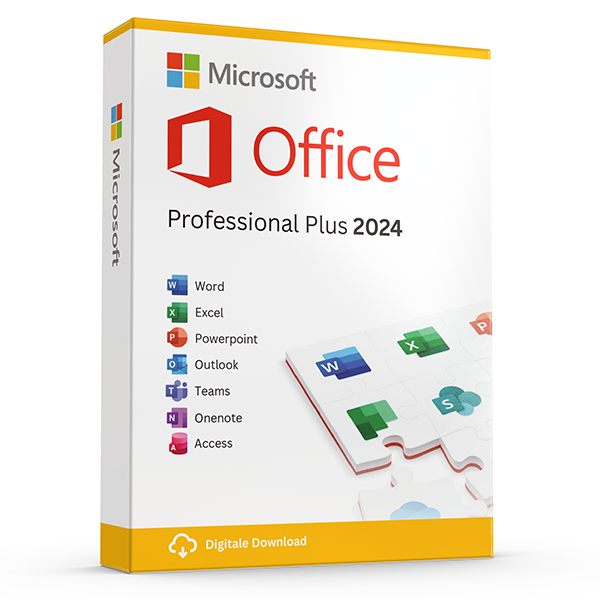
Office Professional Plus 2024 — 1 PC
Perpetual · 1 PC · Windows
The latest perpetual Office suite for one Windows PC.
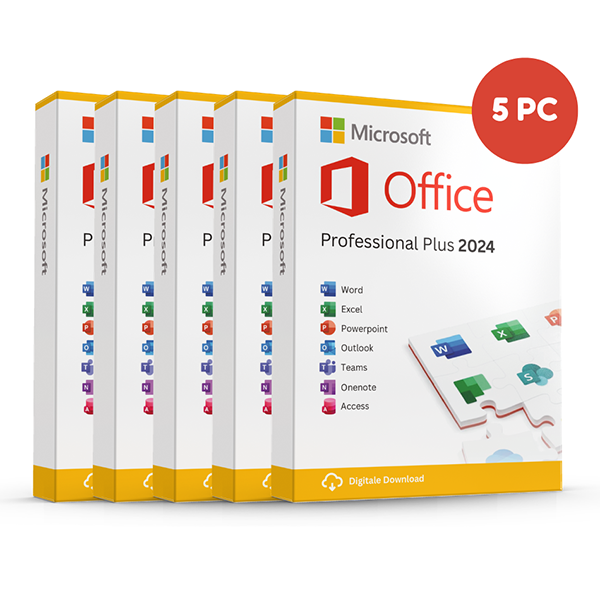
Office Professional Plus 2024 — 5 PCs
Perpetual · 5 PCs · Windows
Five-device pack — best value per PC.
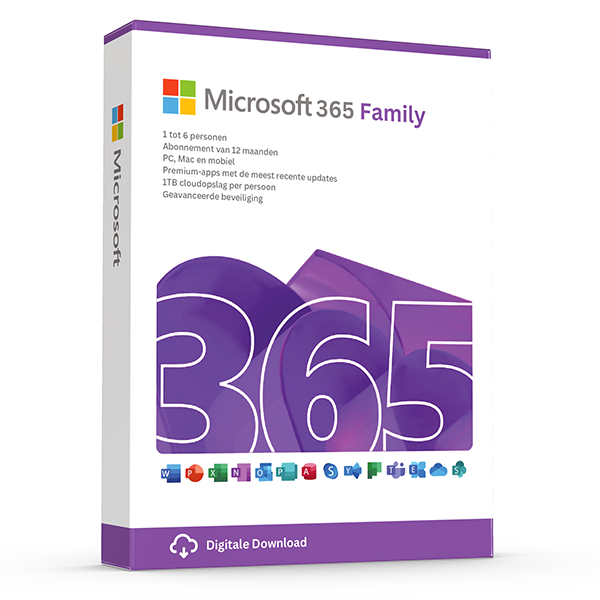
Microsoft 365 Family — 6 users · 30 devices
6 users · 1 year · 30 devices
Premium Office for up to 6 people with 1 TB OneDrive each.
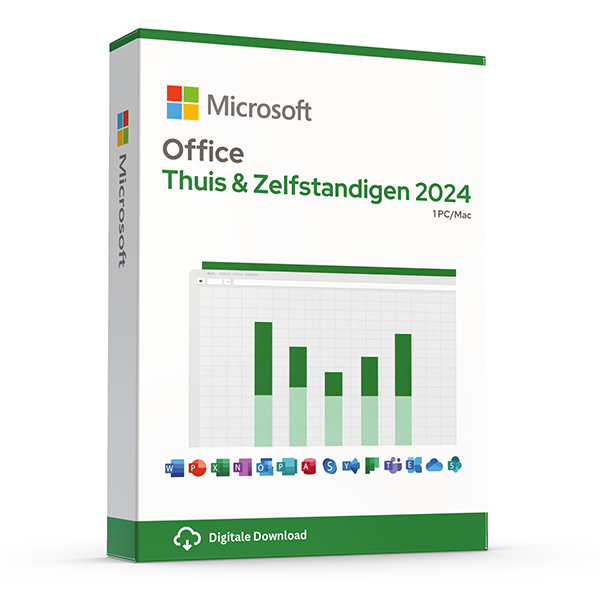
Office Home & Business 2024 — Mac & Windows
Perpetual · 1 device · Mac or PC
Word, Excel, PowerPoint and Outlook for Mac or PC.
Related guides
- Office 2024 vs Microsoft 365 — which is better?
Head-to-head comparison of Office 2024 (one-time purchase) and Microsoft 365 (subscription) — total cost of ownership, cloud storage, multi-device support and feature differences.
- Office 2024 vs Office 2021
Three years of feature backports separate Office 2024 from Office 2021. Here's what's actually new and whether the price gap justifies the jump.
- Best Office for students in 2026
Free Microsoft 365 from your university, perpetual Office 2024 Home & Student, or LibreOffice — the right pick by budget and degree.
All guides
- Windows Server licensing — the plain-English guide
Cores, CALs, Standard vs Datacenter, virtualization rights — Windows Server licensing demystified with real-world examples.
- SQL Server — Server+CAL vs Per-Core
Decide between SQL Server's two licensing models with a clear break-even calculation and worked examples.
- OEM vs Retail Windows keys
OEM Windows keys are cheap but tied to one motherboard. Retail keys are transferable. Here's exactly what changes and which you should buy.
- How to activate Windows 11
Step-by-step guide to activating Windows 11 with a retail product key — fresh install, upgrade from Windows 10, troubleshooting.
- How to install Office 2024
Complete step-by-step guide to installing Office 2024 from your product key, including the Office Deployment Tool route for Pro Plus.
- Office 2024 vs Microsoft 365 — which is better?
Head-to-head comparison of Office 2024 (one-time purchase) and Microsoft 365 (subscription) — total cost of ownership, cloud storage, multi-device support and feature differences.
- Windows 10 vs Windows 11 — upgrade decision guide
Windows 10 hit end-of-support in October 2025. Here's whether to upgrade in-place, buy a Windows 11 key, or stay on 10 with ESU.
- Windows 11 Home vs Pro — the honest comparison
BitLocker, Hyper-V, Remote Desktop, domain join — the seven Pro-only features that decide whether you should pay the upgrade.
- Office 2024 vs Office 2021
Three years of feature backports separate Office 2024 from Office 2021. Here's what's actually new and whether the price gap justifies the jump.
- Microsoft 365 Family vs Personal
M365 Personal covers one user. Family covers six and includes 6 TB of pooled OneDrive. The math, the catches and which you should buy.
- SQL Server Standard vs Enterprise
Enterprise costs roughly 4× Standard. The features that justify the gap are narrow but important. Decide with our cheat sheet.
- Best Office for students in 2026
Free Microsoft 365 from your university, perpetual Office 2024 Home & Student, or LibreOffice — the right pick by budget and degree.
- Transfer your Windows license to a new PC
Move your retail Windows 10 or 11 key to a new computer in 10 minutes — deactivate the old PC, link to your Microsoft account, reactivate on the new hardware.
- Fix activation error 0x80072F8F
Error 0x80072F8F means Windows can't reach Microsoft's activation servers over TLS. Here's exactly how to fix the root cause in 5 minutes.
- Office Deployment Tool walkthrough
Use the Office Deployment Tool (ODT) to install Office 2024 with the exact apps, language and update channel you need. Full XML reference inside.
- Windows 11 TPM bypass: the real risks
You can install Windows 11 on unsupported hardware by bypassing TPM 2.0 and Secure Boot — here are the real risks Microsoft warns about.
- Choose a Microsoft 365 Business plan
Microsoft sells four Business plans. Here's the decision tree, real per-user prices and the security cliff between Standard and Premium.
- Back up your Windows product key
Recover your Windows 10/11 product key from the registry, BIOS or Microsoft account — and save a copy somewhere safer than the sticker on the laptop.
- Uninstall old Office cleanly before Office 2024
Office 2016, 2019, 2021 and Microsoft 365 can leave activation conflicts when you install Office 2024. Here's the clean-uninstall procedure that always works.
- Upgrade to Windows Server 2025
Supported in-place upgrade paths to Windows Server 2025, the version-skip rules, downtime expectations and rollback options.
- Set up Outlook 2024 with IMAP
Add a Gmail, iCloud or generic IMAP account to Outlook 2024 in under 5 minutes — including the app-password workaround Google and Apple now require.
- Enable BitLocker on Windows 11 Pro
Turn on BitLocker drive encryption without losing your data — pre-flight checks, the TPM-only vs PIN modes, and recovery-key best practices.
- Activate Office without internet
No internet on the target PC? Activate Office 2024 (or any perpetual Office) by phone using the Microsoft activation IVR. Step-by-step.
- Windows 10 Extended Security Updates
Windows 10 reached end-of-support in October 2025. Extended Security Updates buys 1–3 more years of patches. Here's the price, the rules and the alternatives.
- Should you buy Visio 2024 or subscribe to Visio?
Compare Visio Standard and Professional 2024 with Visio Plan 1 and Plan 2, including desktop apps, collaboration, licensing and practical buying checks.
- Should you choose Project 2024 or a Microsoft Planner plan?
Compare Project 2024 with Microsoft Planner subscriptions, understand Project Online's retirement, and choose the right scheduling tools for your team.
- How does Office 2024 for Mac differ from Office 2024 for Windows?
Compare Office 2024 for Mac and Windows by app, feature and licence type, then check platform compatibility before buying an emailed Microsoft product key.
- How can you distinguish genuine Microsoft resale licences from scams?
Learn how to assess Microsoft key sellers, EU resale rights, activation evidence and refund terms, with practical checks before and after your purchase.