Guía de compra
· 6 min de lectura· Actualizada el 2026-06-01Transfiera su licencia de Windows a un nuevo PC
Mueva su clave Retail de Windows 10 u 11 a un nuevo ordenador en 10 minutos: desactive el PC antiguo, vincúlelo a su cuenta Microsoft y vuelva a activar en el nuevo hardware.
- Windows 11
- Activación
- Licencias
Paso 1 — Confirme que tiene una licencia Retail
Abra el Símbolo del sistema como administrador en el PC antiguo y ejecute: slmgr /dli. Busque el canal: RETAIL significa transferible, OEM significa vinculada a la placa base original.
Si compró su clave de Windows en LicenseVault, es Retail — todas nuestras claves lo son.
Paso 2 — Vincule el PC antiguo a una cuenta Microsoft
Vaya a Configuración → Cuentas → Su información → Iniciar sesión con una cuenta Microsoft. Esto vincula la licencia digital a su cuenta para que los servidores de Microsoft reconozcan la transferencia.
Paso 3 — Desactive el PC antiguo
Ejecute slmgr /upk para desinstalar la clave de producto y luego slmgr /cpky para eliminarla del registro. El PC antiguo volverá a Windows sin activar — sigue funcionando, pero con marca de agua y personalización desactivada.
Paso 4 — Instale Windows en el nuevo PC
Descargue la Media Creation Tool desde microsoft.com/software-download, cree un instalador USB e instale Windows. Cuando se le pida la clave, haga clic en «No tengo clave de producto» para instalar primero y activar después.
Inicie sesión con la misma cuenta Microsoft
Durante el OOBE, use la cuenta que estaba vinculada al PC antiguo. La licencia digital sigue a la cuenta.
Abra el solucionador de problemas de activación
Configuración → Sistema → Activación → Solucionar problemas → «He cambiado hardware en este dispositivo recientemente».
Seleccione el PC antiguo y haga clic en Activar
El solucionador muestra los dispositivos vinculados a su cuenta. Seleccione el antiguo, confirme que es el dispositivo que está reemplazando y Windows se activa de inmediato.
Si la activación falla
La mayoría de los fallos se resuelven introduciendo la clave de producto original manualmente en Configuración → Activación → Cambiar clave de producto. Si aun así falla con el error 0x803F7001, póngase en contacto con LicenseVault — todas las claves que vendemos tienen reemplazo de por vida.
Preguntas frecuentes
- ¿Puedo transferir una clave de Windows 10 a un PC con Windows 11?
- Sí. Una licencia Retail genuina de Windows 10 le da derecho a una actualización gratuita a Windows 11 en el nuevo hardware, siempre que cumpla los requisitos de Windows 11.
- ¿Es necesario mantener el PC antiguo encendido?
- No. Una vez que la licencia digital está vinculada a su cuenta Microsoft, el PC antiguo puede borrarse o desecharse.
Licencias recomendadas
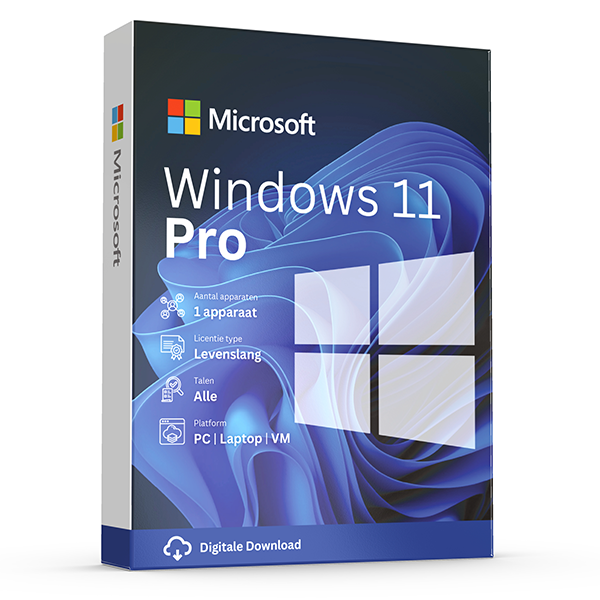
Windows 11 Pro
Retail · 1 PC · Lifetime
Professional edition with BitLocker, Hyper-V and Remote Desktop.
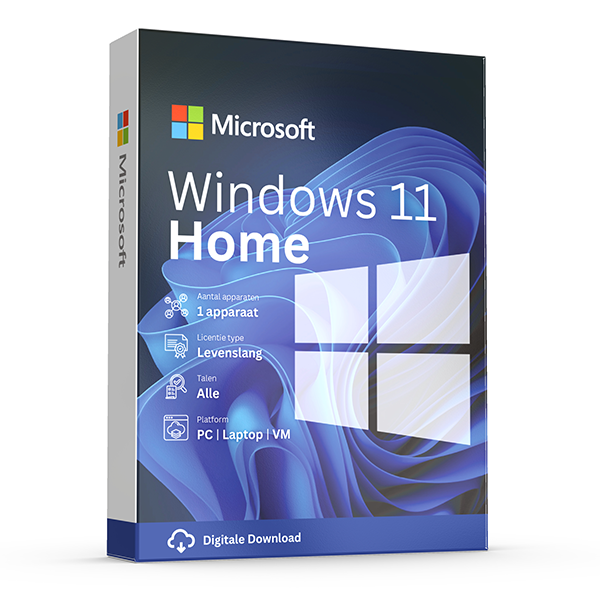
Windows 11 Home
Retail · 1 PC · Lifetime
For everyday personal computing.
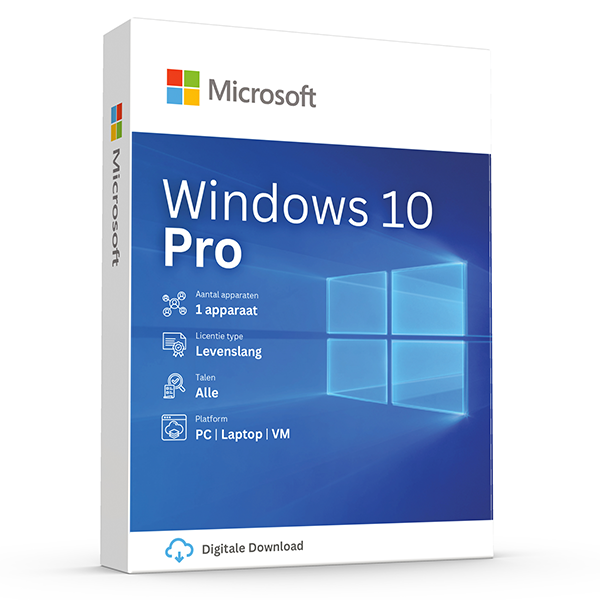
Windows 10 Pro
Retail · 1 PC · Lifetime
Mature, stable platform for legacy hardware.
Guías relacionadas
- OEM vs Retail Windows keys
OEM Windows keys are cheap but tied to one motherboard. Retail keys are transferable. Here's exactly what changes and which you should buy.
- How to activate Windows 11
Step-by-step guide to activating Windows 11 with a retail product key — fresh install, upgrade from Windows 10, troubleshooting.
Todas las guías
- Which Office version should you buy?
Office 2021, 2024 or Microsoft 365? A practical guide to picking the right Office edition by use case, hardware and budget.
- Windows Server licensing — the plain-English guide
Cores, CALs, Standard vs Datacenter, virtualization rights — Windows Server licensing demystified with real-world examples.
- SQL Server — Server+CAL vs Per-Core
Decide between SQL Server's two licensing models with a clear break-even calculation and worked examples.
- OEM vs Retail Windows keys
OEM Windows keys are cheap but tied to one motherboard. Retail keys are transferable. Here's exactly what changes and which you should buy.
- How to activate Windows 11
Step-by-step guide to activating Windows 11 with a retail product key — fresh install, upgrade from Windows 10, troubleshooting.
- How to install Office 2024
Complete step-by-step guide to installing Office 2024 from your product key, including the Office Deployment Tool route for Pro Plus.
- Office 2024 vs Microsoft 365 — which is better?
Head-to-head comparison of Office 2024 (one-time purchase) and Microsoft 365 (subscription) — total cost of ownership, cloud storage, multi-device support and feature differences.
- Windows 10 vs Windows 11 — upgrade decision guide
Windows 10 hit end-of-support in October 2025. Here's whether to upgrade in-place, buy a Windows 11 key, or stay on 10 with ESU.
- Windows 11 Home vs Pro — the honest comparison
BitLocker, Hyper-V, Remote Desktop, domain join — the seven Pro-only features that decide whether you should pay the upgrade.
- Office 2024 vs Office 2021
Three years of feature backports separate Office 2024 from Office 2021. Here's what's actually new and whether the price gap justifies the jump.
- Microsoft 365 Family vs Personal
M365 Personal covers one user. Family covers six and includes 6 TB of pooled OneDrive. The math, the catches and which you should buy.
- SQL Server Standard vs Enterprise
Enterprise costs roughly 4× Standard. The features that justify the gap are narrow but important. Decide with our cheat sheet.
- Best Office for students in 2026
Free Microsoft 365 from your university, perpetual Office 2024 Home & Student, or LibreOffice — the right pick by budget and degree.
- Fix activation error 0x80072F8F
Error 0x80072F8F means Windows can't reach Microsoft's activation servers over TLS. Here's exactly how to fix the root cause in 5 minutes.
- Office Deployment Tool walkthrough
Use the Office Deployment Tool (ODT) to install Office 2024 with the exact apps, language and update channel you need. Full XML reference inside.
- Windows 11 TPM bypass: the real risks
You can install Windows 11 on unsupported hardware by bypassing TPM 2.0 and Secure Boot — here are the real risks Microsoft warns about.
- Choose a Microsoft 365 Business plan
Microsoft sells four Business plans. Here's the decision tree, real per-user prices and the security cliff between Standard and Premium.
- Back up your Windows product key
Recover your Windows 10/11 product key from the registry, BIOS or Microsoft account — and save a copy somewhere safer than the sticker on the laptop.
- Uninstall old Office cleanly before Office 2024
Office 2016, 2019, 2021 and Microsoft 365 can leave activation conflicts when you install Office 2024. Here's the clean-uninstall procedure that always works.
- Upgrade to Windows Server 2025
Supported in-place upgrade paths to Windows Server 2025, the version-skip rules, downtime expectations and rollback options.
- Set up Outlook 2024 with IMAP
Add a Gmail, iCloud or generic IMAP account to Outlook 2024 in under 5 minutes — including the app-password workaround Google and Apple now require.
- Enable BitLocker on Windows 11 Pro
Turn on BitLocker drive encryption without losing your data — pre-flight checks, the TPM-only vs PIN modes, and recovery-key best practices.
- Activate Office without internet
No internet on the target PC? Activate Office 2024 (or any perpetual Office) by phone using the Microsoft activation IVR. Step-by-step.
- Windows 10 Extended Security Updates
Windows 10 reached end-of-support in October 2025. Extended Security Updates buys 1–3 more years of patches. Here's the price, the rules and the alternatives.